Smart setup with AI
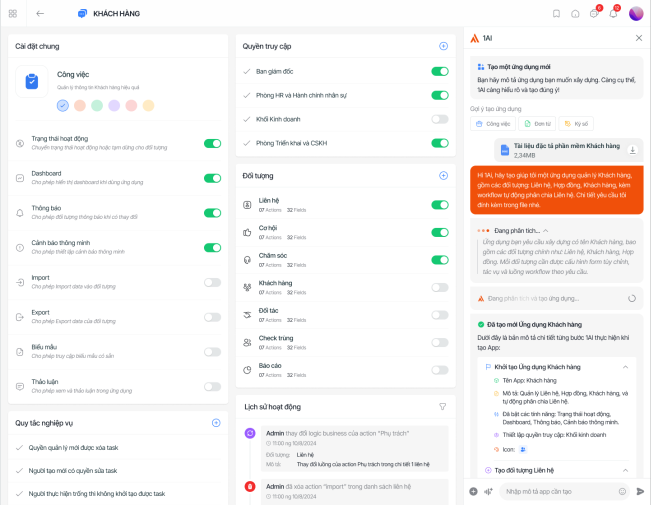
Chat with the AI assistant directly within the toolset to automatically initialize, configure and review logic components, significantly shortening configuration time and reducing the risk of errors


The No-code platform allows businesses to customize applications and workflows with intuitive drag-and-drop, shorten deployment time, optimize costs, scale flexibly and reduce IT dependency

Every business operates differently, while software is usually constrained by templates. With No-code, the system can be designed and adjusted flexibly to match reality

Staff understand the business but depend on IT for changes. No-code opens the possibility for the implementers themselves to participate in designing and adjusting the system

Business changes constantly, but modifying or expanding traditional software usually takes a lot of time. No-code allows instant modifications, keeping pace with the market

Vendor dependency makes it difficult for businesses to customize and expand in the long term. No-code brings proactive control over system development and management
Supports users in developing applications and workflows that closely follow operational thinking, ensuring flexible deployment while maintaining control across the entire system
Quick initialization
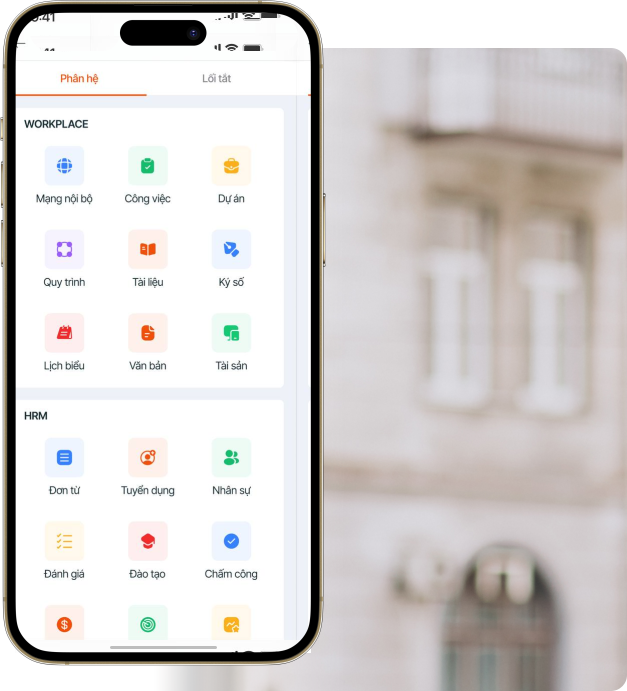
With just a few setup steps and AI assistance, the system allows creating new applications, objects and data fields for each business function, without technical intervention

Quickly create applications, objects and data structures per business function
AI assists in suggesting appropriate logic and components during setup
Suitable for users without a programming background
Template applications
Provides a ready-made library of applications, workflows and forms to help businesses install quickly and continue customizing and expanding to match actual operations

Pre-designed library of applications and workflows
Allows quick installation and immediate use
Easily edit to fit each business model
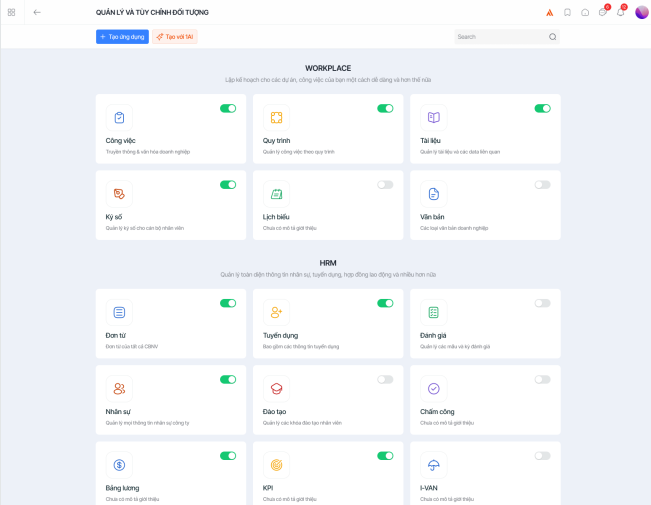
Flexible customization
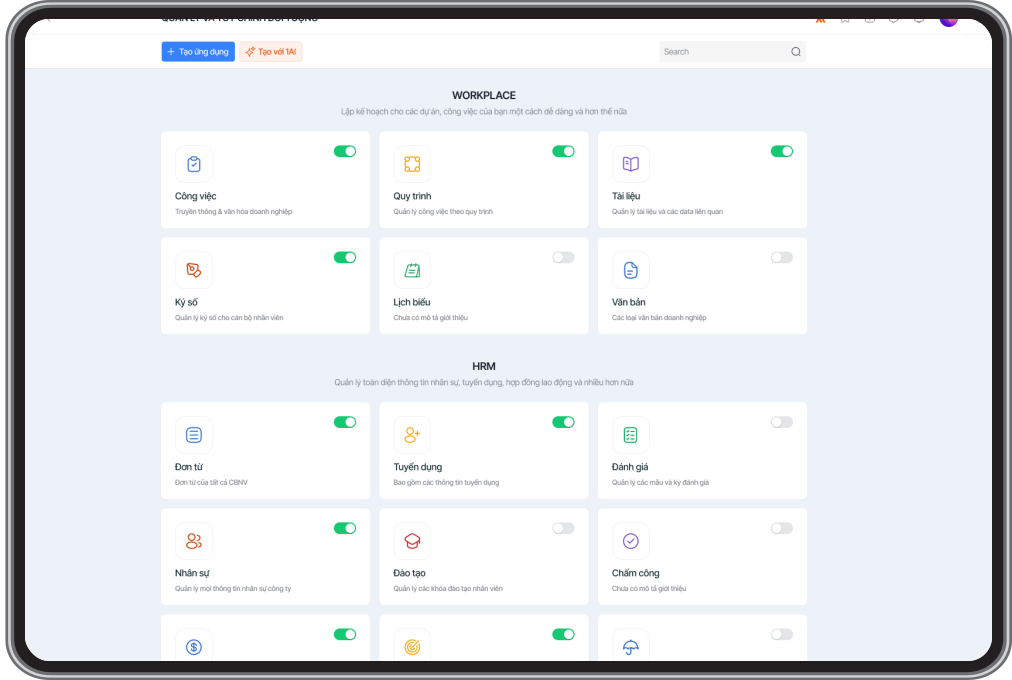
Flexible drag-and-drop interface allows creating and configuring applications, objects, data fields, tasks, dashboards and reports exactly to operational needs

Drag and drop to design applications and user interfaces
Customize dashboards and reports per role
Flexibly adjust when workflows or data change
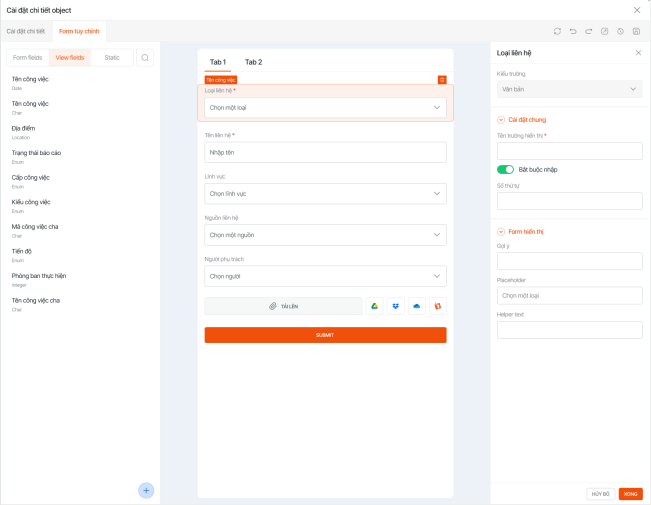
Workflow Builder
Design business processing flows using logic components, enabling automation of complex workflows while keeping a friendly, easy-to-use interface

Set up conditions, actions and processing steps
Support triggers, scheduled tasks and API connections
Automate cross-department workflows
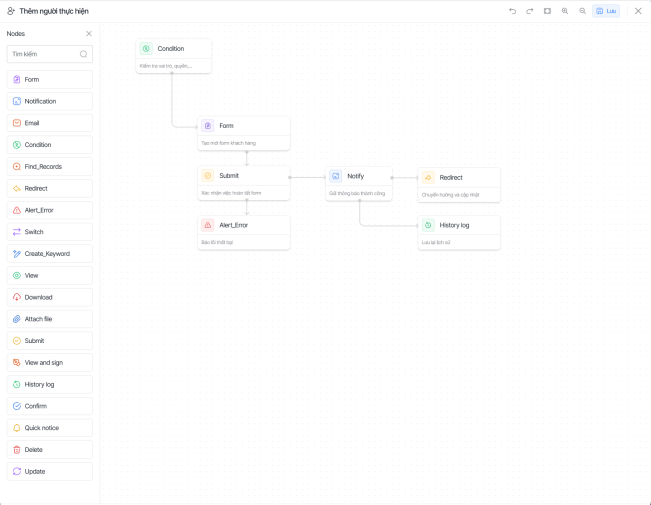
Access management
Set up detailed permissions by application, object, data field and task, meeting security and governance requirements at enterprise scale

Assign permissions by role, department and management level
Detailed access control down to each data item
Suitable for large and complex organizational models
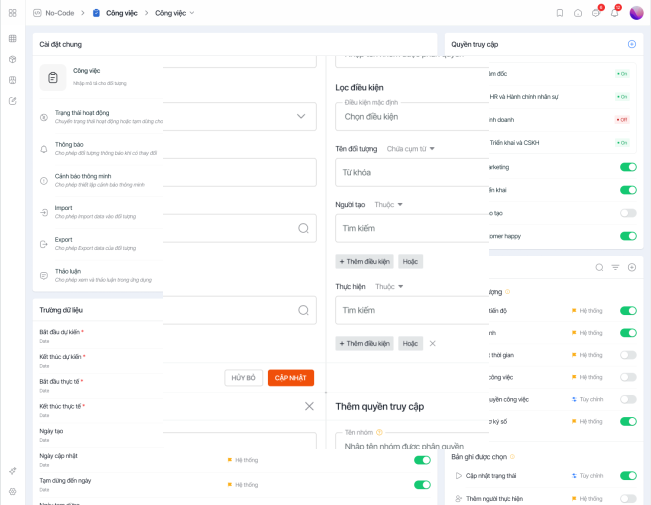
Empower and meet the needs of every role in the organization - from IT, management to employees
Proactively build and operate a management system suited to the business model, optimizing work performance without depending on a technical team
Monitor, coordinate and make decisions based on fully connected data, along with forms, dashboards and reports customized to management needs
Reduce application development backlog, centralized system administration, strict permission and security control, ensuring stable scalability
Proactively build and optimize daily work processes, flexibly change forms and workflows in just a few minutes

Chat with the AI assistant directly within the toolset to automatically initialize, configure and review logic components, significantly shortening configuration time and reducing the risk of errors

Applications can be published quickly with user documentation, automatically supporting multiple languages and devices, saving over 80% of deployment time and reducing IT staffing costs

Allow connecting, extending and handling complex business logic through API, while maintaining a user-friendly configuration experience, helping businesses develop and scale flexibly