


 13/05/2026
  191 views
On the morning of May 8, 2021, a training session on “Introduction and Training on Work Process Management and Material Management in Projects” features was hosted by 1Office.
The training session was held with the participation of Mr. Le Viet Thang, CEO and Founder of 1Office. This was an opportunity for businesses currently and prospectively partnering with 1Office to get a more comprehensive overview of the business management solution system, along with the new features: Work Process Management and Material Management in Projects.
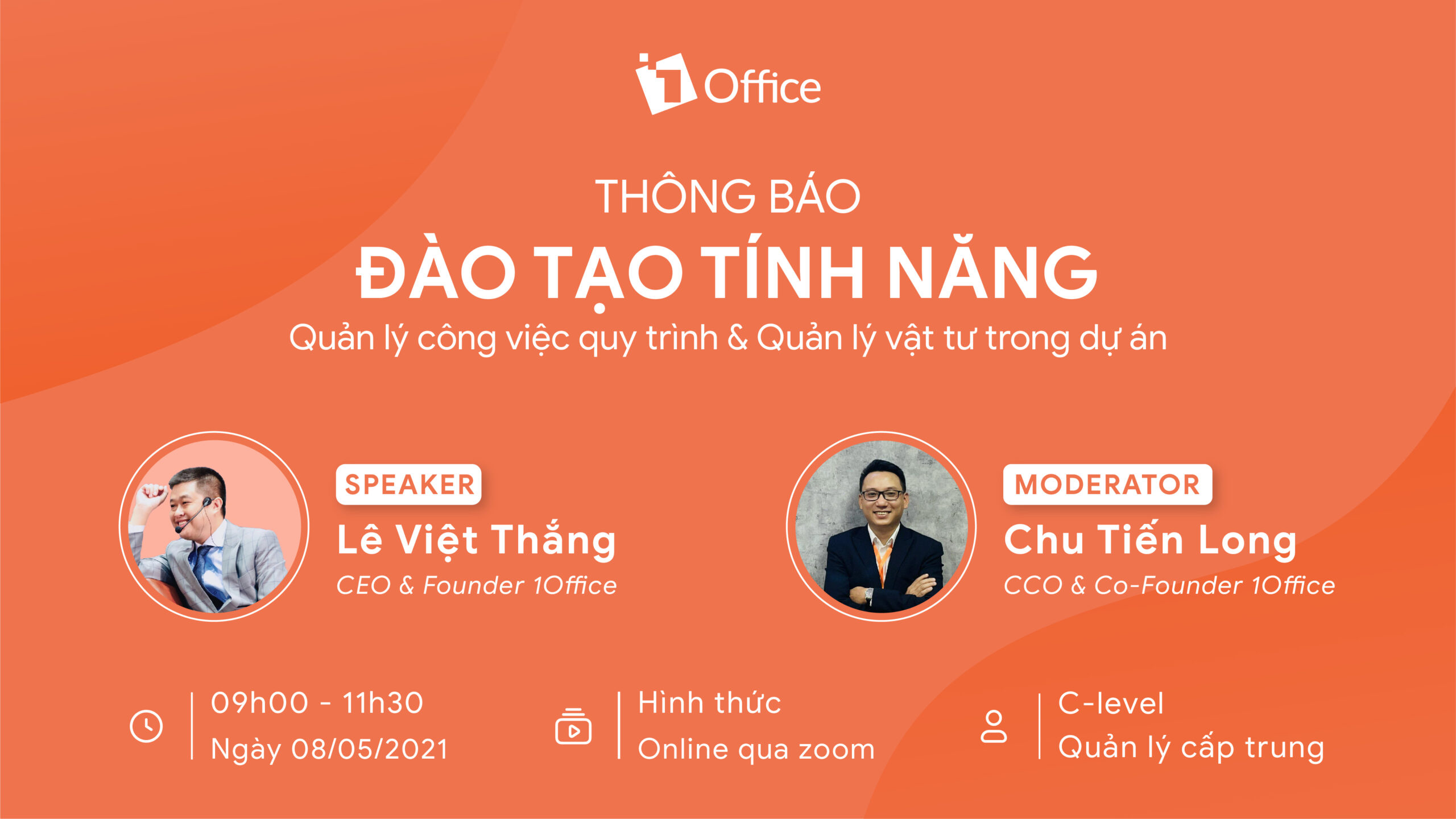
At the training session, Mr. Le Viet Thang shared about Material Management in Projects:
In the context of another Covid-19 outbreak, Mr. Le Viet Thang quickly shared with businesses using 1Office’s software about the Work Process and Material Management in Projects feature. The essence of project management involves 4 elements: People, Tasks, Money, and Goods.
A customer might have to use 2-3 different software applications at the same time. Below is the typical material management process in any company. For example: You have a project A and need to buy 100 light bulbs. The department head creates an Excel file (material request) and sends it to the company’s purchasing department. This department consolidates all project requests and creates purchase orders based on the timeline of each project. After the purchase, two scenarios can occur: First, the purchased goods must be entered into the warehouse; second, the purchasing parties deliver the materials directly to the project site.
Thus, the team using Excel has no alerts and no dashboard to check the status of their materials, such as whether they have arrived, or to track inventory levels and consumption during the import/export process. This is very cumbersome because it involves managing various pieces of information, complex procedures, statistical reports, and project cost calculations all at once.
To address all these difficulties faced by businesses, 1Office now provides a material management solution to significantly reduce time, streamline processes, and minimize manual operations.
How does 1Office do it?
When you have a project, you create a purchase request within that project, which is sent directly to the purchasing department. The materials are item codes that have already been entered into the warehouse; if you want to add a new item, you must create it in the warehouse first. In 1Office’s solution, you can add a description of the goods to help the purchasing department better understand the product, as well as specify the expected delivery time and the required quantity.
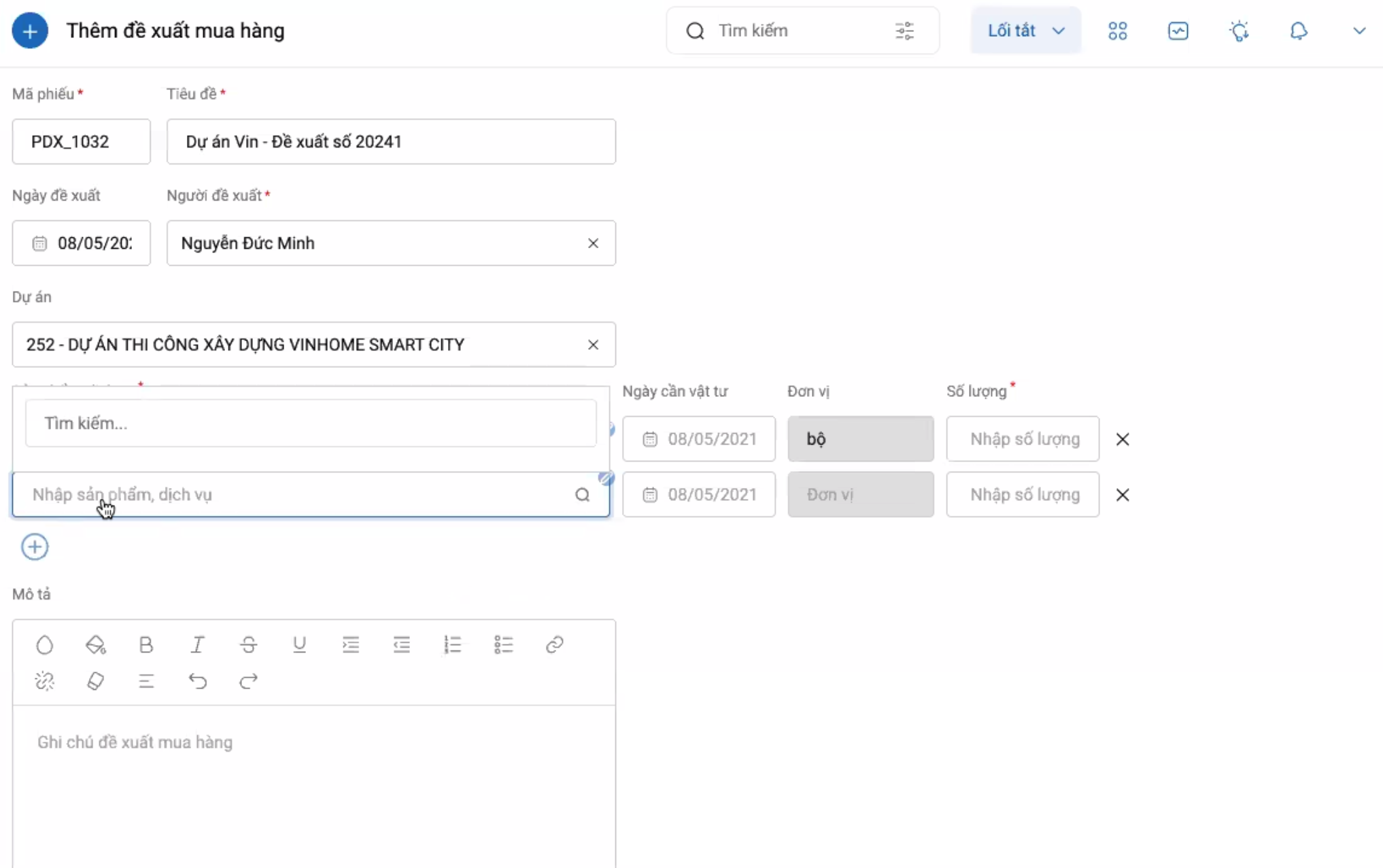
Creating a material purchase order
However, a situation might arise where multiple products can be bought from one supplier, but one item is an odd one out and cannot be purchased from that same supplier. Therefore, within a single request form in 1Office’s solution, you can now create multiple different purchase orders. It’s entirely possible to create purchase orders for different products from various suppliers. This is a many-to-many (N-N) relationship.
After the purchase is complete, the goods can either be entered directly into the warehouse or transferred directly to the construction site. Thus, this feature provides a simpler way to record either action.
<span style="font-weight:
In each form, you can create multiple keywords. These keywords can be exported within the forms, allowing you to digitally sign within the form itself. The form has two functions: reporting and statistical analysis of work results based on the pre-filled form, and allowing the export of keywords into a file for digital signing on the system.
The previously created sales process has a Create Contract step for the customer, meaning the process is related to the Contract object. The sales staff had to go to the contract section to create one, then return to the process section. This made the process very tedious for users, who wondered why they couldn’t just create the contract and move to the next step immediately?
Now, 1Office has thoroughly improved this pain point. At the create contract step, you can create the contract directly within the process. After creating it, simply click the Submit button to automatically move to the next step. This means that objects within the ecosystem can be integrated into the process, allowing you to define a sales process, inventory management, etc., all on a single system.
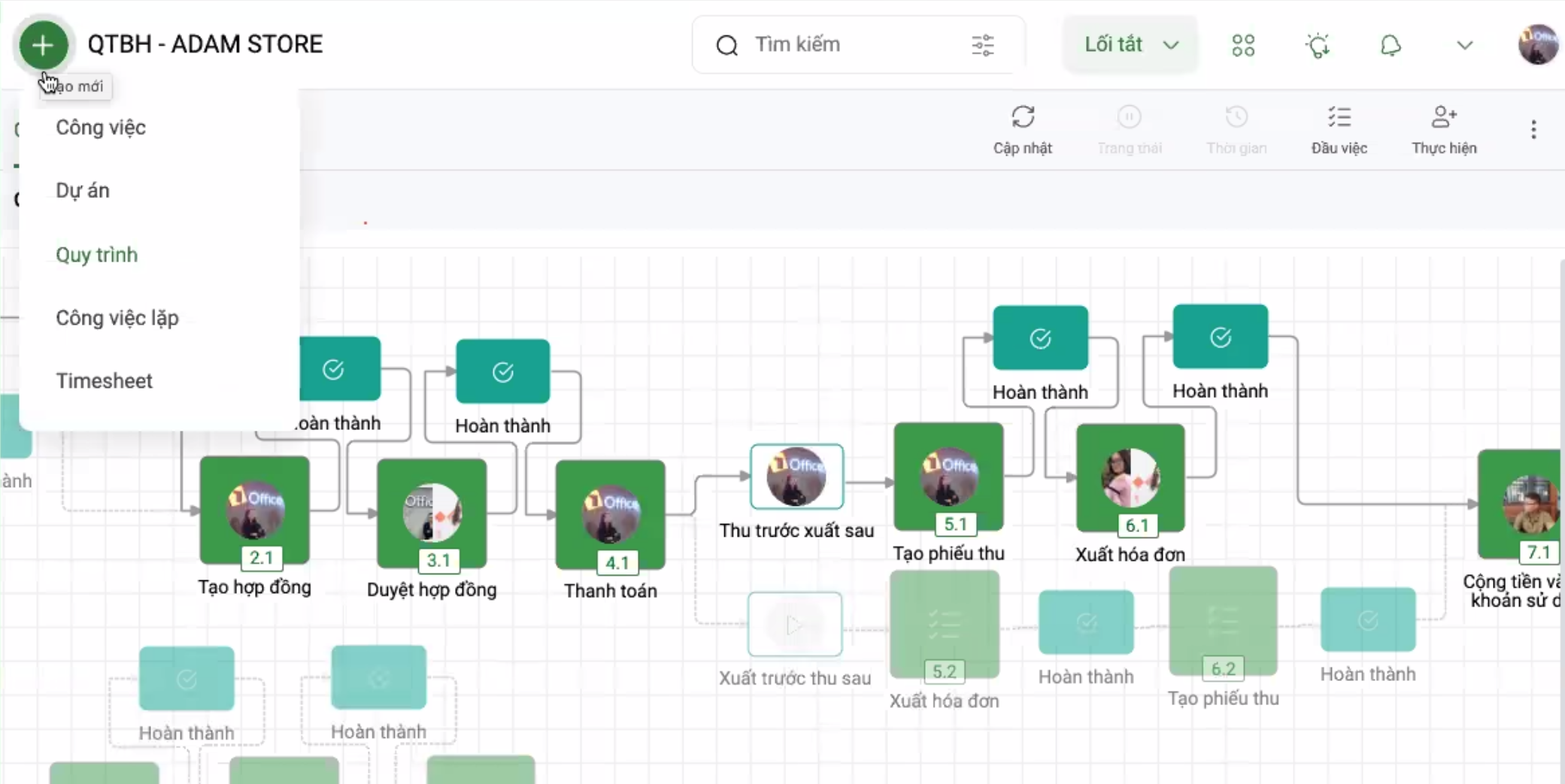
The process allows all objects to be created on a single screen.
Thus, the Workflow Management feature in projects adds two new features that bring high work efficiency: Form Creation and Ecosystem Linking.
The training session “Introduction and Training on Workflow Management and Material Management in Projects” has answered the remaining questions of businesses currently undergoing digital transformation with the 1Office solution.
1Office develops alongside businesses throughout their digital transformation journey.
















