


 11/05/2026
  325 views
A database is a crucial foundation for storing and utilizing data, but not everyone clearly understands this concept and its common models. If you want to understand what a database is in a more approachable way, this article will help you get started quickly.
Mục lục
- 1. What is a Database?
- 2. The Role of Implementing Databases in a Business
- 3. Key Components of a Database
- 4. Classification of Popular Database Types Today
- 5. Applications of databases in daily life
- 6. Existing limitations of databases in businesses
- 7. Which Database Management Solution Should Small and Medium-Sized Enterprises Choose?
1. What is a Database?
A database is an organized collection of information and data stored and managed on computer systems or other storage devices like hard drives, memory cards, USBs, CDs, etc. The data within a database can include text, numbers, images, and other information, stored in file formats and accessible through a Database Management System (DBMS).
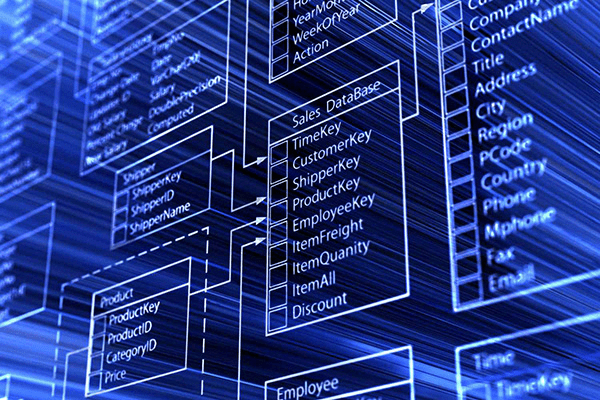
Databases play a very important role in the work of data analysts. They help users quickly and easily access data systems, while also connecting and managing information effectively. Thanks to databases, users can easily retrieve useful data and information.
Databases have been around since the 1960s, initially in the form of integrated data stores. One of the earliest examples of an information management system was the system developed by IBM. Over time, databases have evolved from simple navigational systems to more complex models, supporting a wide range of modern applications and services.
2. The Role of Implementing Databases in a Business
Ensuring Data Safety and Security
In the digital age, data is considered a valuable asset for businesses. However, protecting data from security threats is becoming increasingly difficult. A foundational database helps ensure data safety and security by providing secure storage methods, protecting data from loss, unauthorized access, or theft. Common security methods include data encryption, setting access permissions, and using file formats like .xml or .csv to protect data.
Storing and Managing Information
One of the biggest benefits of using a database is the ability to store and manage information systematically. Data is organized in a specific structure, making it easy for users to search, sort, and use the data. This is especially important for businesses that need to manage large and complex volumes of data.

Supporting Decision-Making and Business Management
A database is not just a data storage tool; it also plays a crucial role in supporting decision-making and business management. Databases also help generate reports, charts, etc., providing managers with accurate and timely information to help them make decisions based on real data.
3. Key Components of a Database
A database consists of several important parts, each playing a specific role in ensuring the system operates smoothly.
Hardware
Hardware includes physical devices such as computers, storage devices, input/output (I/O) devices, and network devices. These devices form the foundation for running database management software and storing data. For example, a computer can be the hardware that houses your database, where data is stored and retrieved as needed.
Software
Database software is a collection of programs that help control, manage, and interact with the database. This software can include the operating system, network software, and especially the DBMS (Database Management System), which allows users to access, update, and manage data easily and efficiently.

Data
Data is the core component of any database. This includes the information, figures, or documents stored in the database. Data can come in various types such as text, numbers, images, audio, etc., and needs to be organized and arranged to be useful and easy to manage.
Data Management Procedures
Data management procedures are a set of instructions on how the database operates, helping users understand and use the database effectively. These procedures ensure that data is entered, stored, and processed according to established standards, thereby ensuring data consistency and reliability.
Database Query Language – SQL
SQL (Structured Query Language) is the most popular database query language today. SQL allows users to write commands to retrieve, update, and delete data in a database. Simply put, it is the primary language for users to interact with a database, helping to perform data management tasks efficiently and quickly.

4. Classification of Popular Database Types Today
Classifying databases by purpose of use
- Graph Database
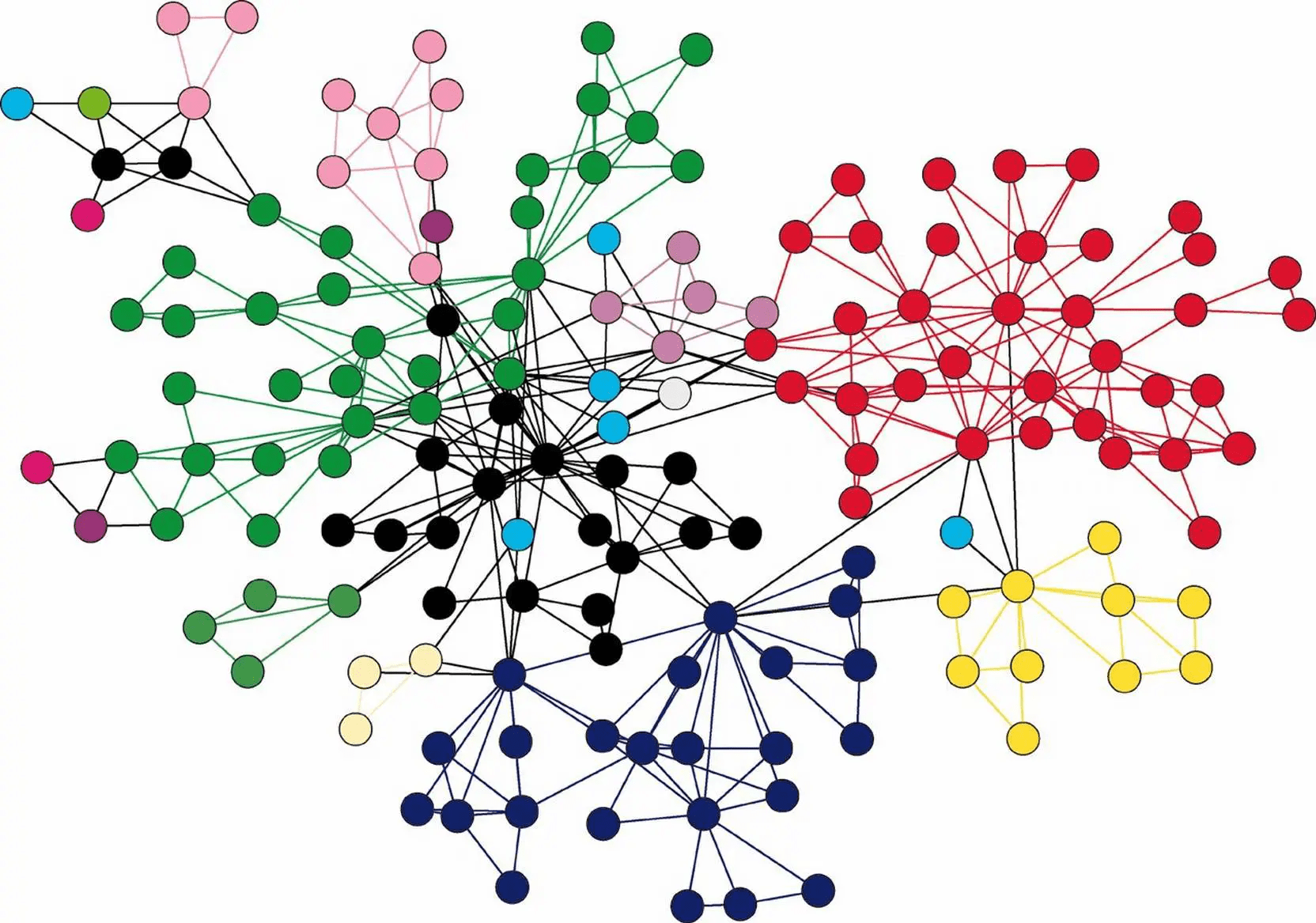
A Graph Database is a type of database that uses graphs and graph theory to store and query complex relationships between objects. This type of database is particularly useful in applications that require processing data with complex relationships, such as social networks, recommendation systems, and network management.
- Distributed Database
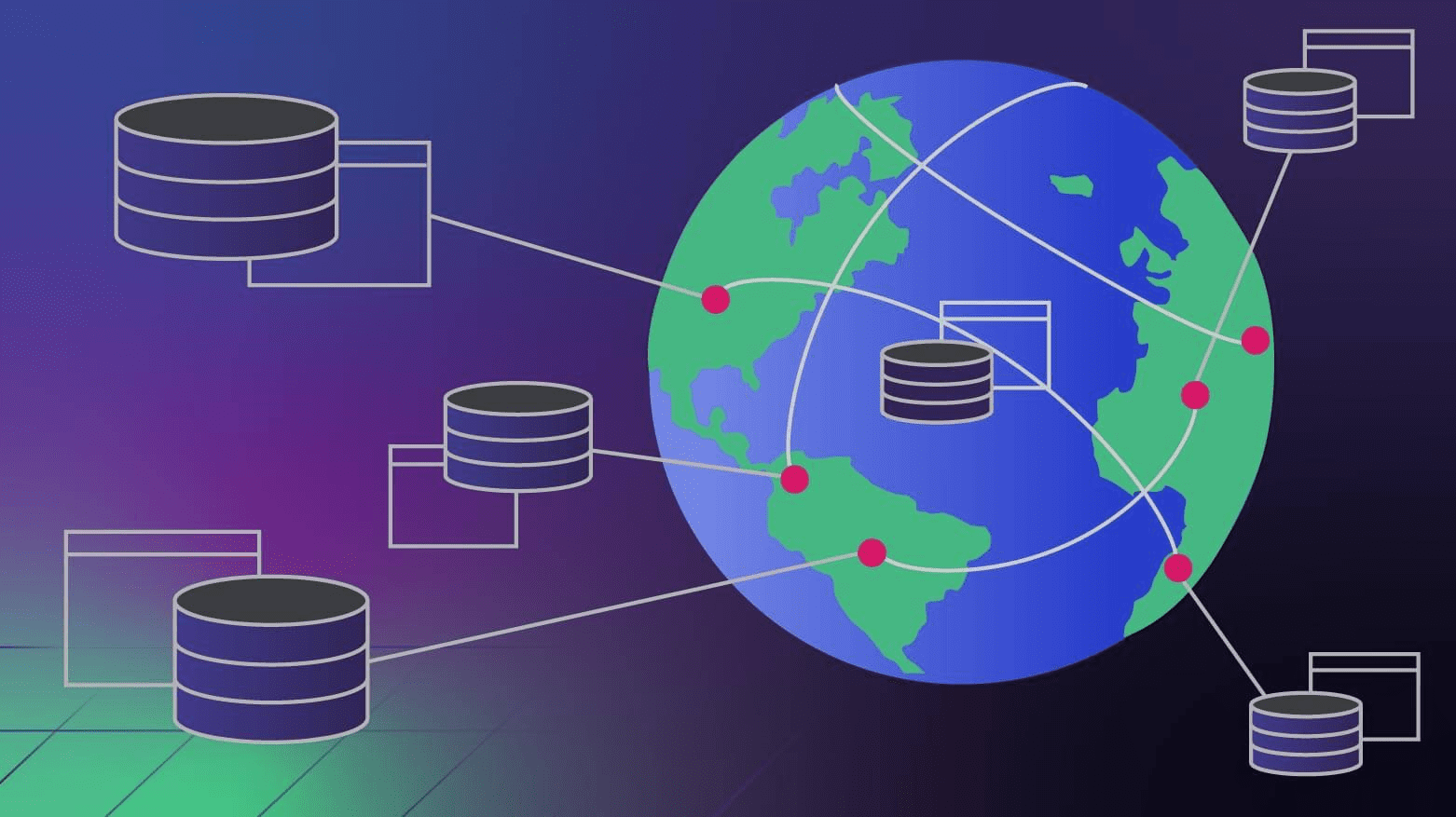
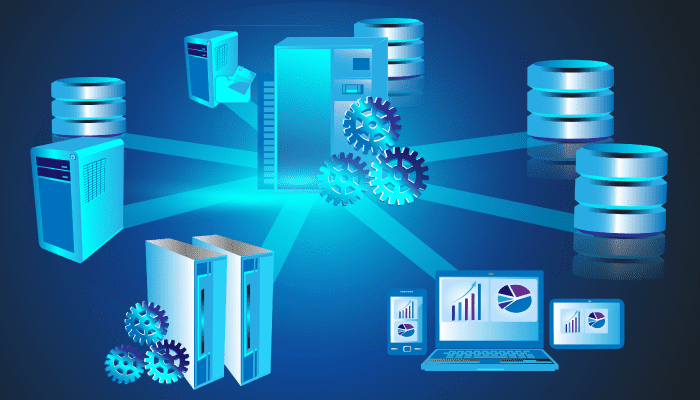
A distributed database is a type of database where data is stored across multiple different computers, which can be in the same location or on different networks. This type of database helps improve data accessibility and availability while minimizing the risk of data loss due to an incident at a single location.
Classifying databases by type
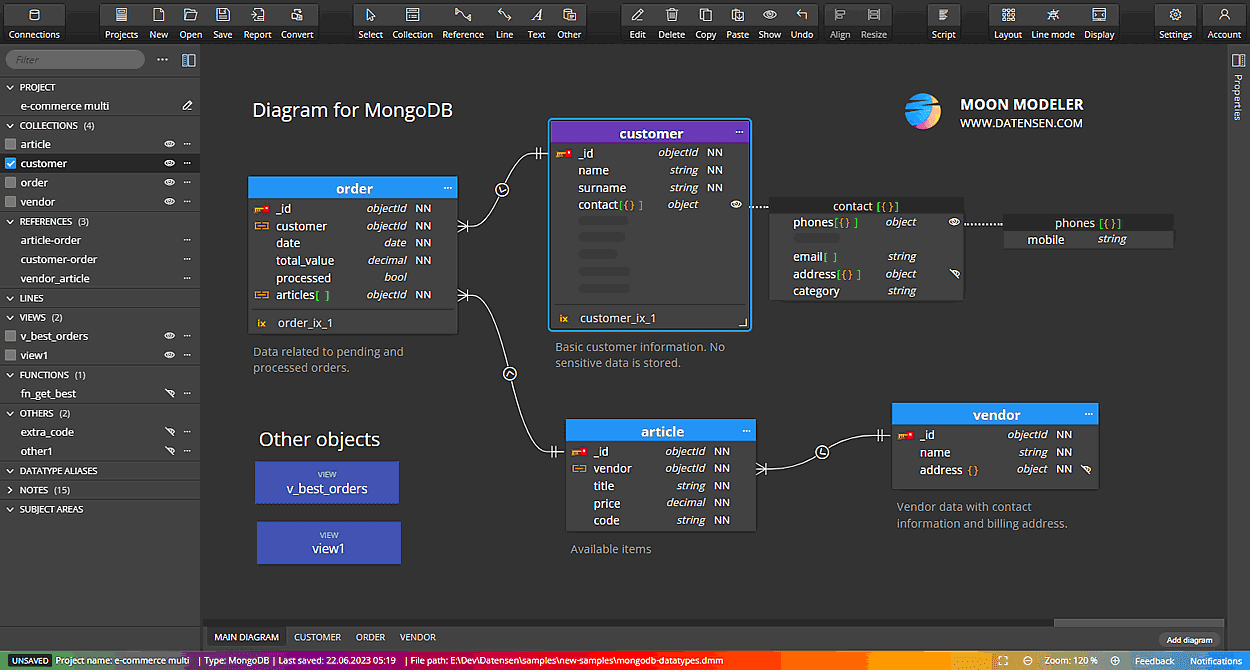
- Relational Database
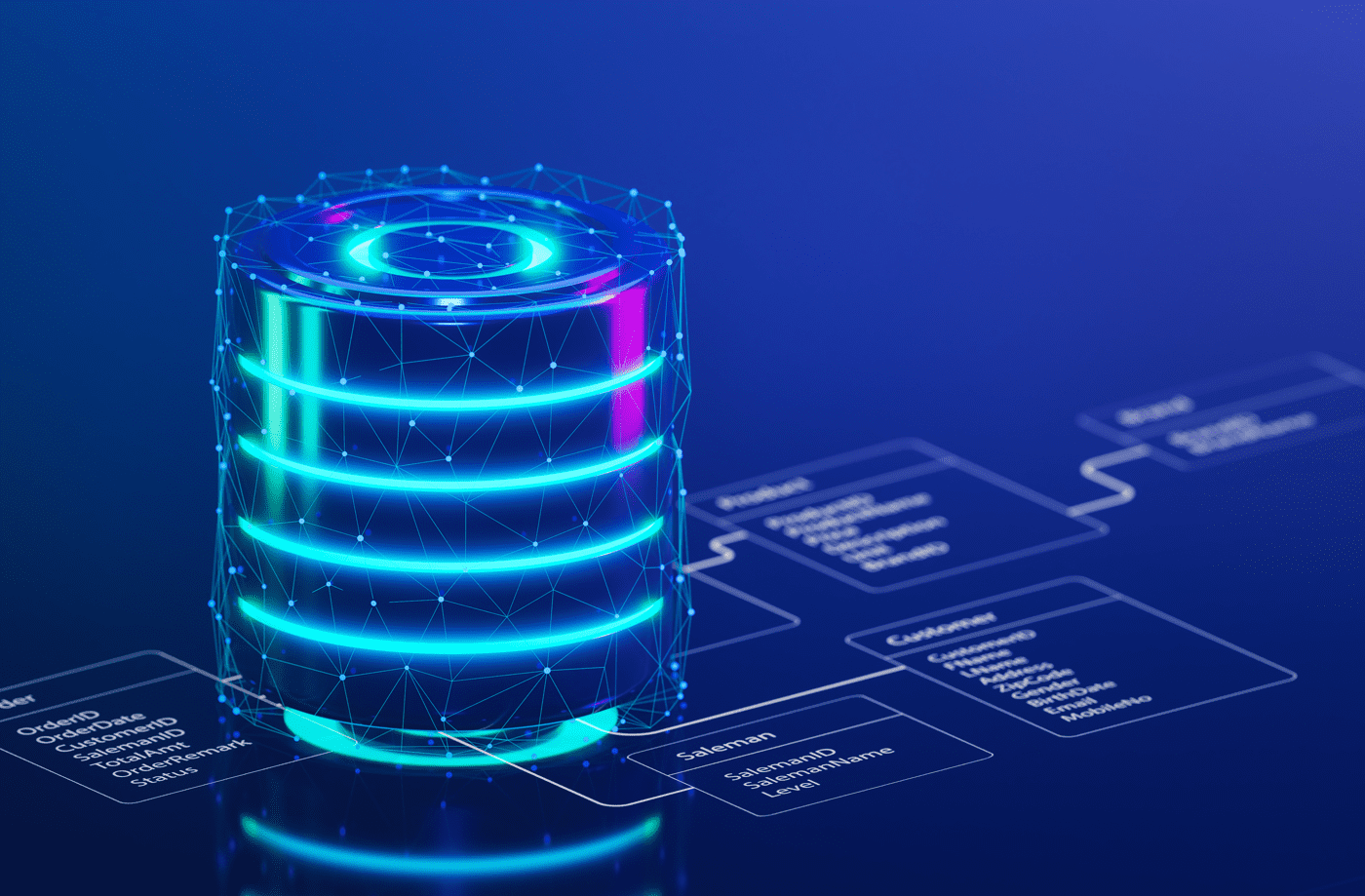
Data in a relational database is organized in tables, with rows and columns for easy management and querying. Some typical relational database management systems include: MySQL, Oracle, and MS SQL Server…
- NoSQL Database
A NoSQL Database is a non-relational database that allows for the storage and processing of unstructured and semi-structured data. This type of database is suitable for applications that require processing large and complex data, such as distributed systems, big data, and large-scale web applications. NoSQL Databases are often used in applications that demand high scalability and high processing performance.
5. Applications of databases in daily life
Databases play an important role in many different areas of life. Here are some typical applications of databases:
Personal information management
Databases are used to manage and store personal information such as medical records, employee records, academic records, financial information, and more. Using a database helps ensure safety, security, and efficiency in managing and accessing personal information.
E-commerce
In e-commerce, databases are used to store product information, shopping carts, orders, and customer purchase histories. Using a database helps manage online sales activities conveniently and securely, ensuring the integrity and confidentiality of customer information.
Banking and finance
In the banking and finance sector, databases are used to manage financial transactions, customer accounts, and currency-related information. Databases help financial institutions maintain an effective management system, ensuring transparency and security in financial transactions.
Supply chain and warehouse management
Databases are used in supply chain and warehouse management to track and manage inventory, purchase orders, and shipping activities. Databases help improve accuracy and efficiency in supply chain management, thereby reducing costs and optimizing business processes.
Healthcare and education sectors
In the healthcare sector, databases are used to manage medical records, treatment histories, and other patient-related information. In the education sector, databases are used to manage student records, course information, and academic results. Using a database helps improve the quality of healthcare and education services while minimizing errors and saving time.

Scientific research and entertainment
Databases also play an important role in scientific research and entertainment. Researchers use databases to store and analyze data from experiments, surveys, and studies.
In the entertainment industry, databases are used to manage information about movies, music, and more, thereby providing users with a better experience.
6. Existing limitations of databases in businesses
Although databases offer many benefits to businesses and organizations, they also have some limitations as follows:
Scalability
As a business grows and the volume of data increases, the database needs to be scaled to meet storage and processing demands. However, scaling a database is not always easy, especially with legacy systems or relational databases.
High Costs
Building, implementing, and maintaining a database system can be expensive. Costs include hardware, software, and personnel to manage and maintain the system. For small businesses, this cost can be a significant barrier, especially when compared to other data storage solutions.
Requires In-Depth Management Knowledge
To manage a database system effectively, administrators need in-depth knowledge of databases, database programming, and related technologies. This requires investment in training and human resource development, especially in small and medium-sized enterprises.
Security Risks and Data Duplication
One of the biggest risks with databases is security and data duplication. If not managed carefully, data in the database can be stolen, breached, or lost. Additionally, duplicate data can cause confusion and reduce data management efficiency.
7. Which Database Management Solution Should Small and Medium-Sized Enterprises Choose?
When it comes to data management, it is difficult to determine which database software is most suitable for small and medium-sized enterprises. One notable solution is 1CRM – a solution from 1Office that integrates many powerful features such as CRM and supply chain management, with a user-friendly and easy-to-use interface.
Based on practical experience, 1Office is committed to partnering with businesses to maximize data potential, assess feasibility based on previous digital transformation processes, and establish effective strategies. The outstanding features of 1CRM include:
- Digitize and classify data by status and source, while providing customer care reminders and measuring conversion rates.
- Store customer information, preventing data loss.
- Classify the level and potential of data to boost sales activities.
- Digitize and store customer data centrally, preventing loss and ensuring consistency among employees.
- Track and evaluate the effectiveness of marketing campaigns by easily managing results and costs.
- Manage quotes, contracts, and orders with customers.
- Track and manage product catalogs and inventory.
We hope this article has helped you understand what a database is and how it supports effective data storage and management. If you find this article valuable and need more information or have further questions, do not hesitate to contact 1Office immediately for prompt support!
















