


 13/05/2026
  156 views
Dear Valued Customers,
1Office would like to sincerely thank you for your trust and for using our services over the past time.
With the desire to improve product quality and provide you with a better experience, we are constantly researching and developing new features. In this upgrade, 1Office is updating the “Signing Option” in the “Submit and Sign” node of the workflow and the “Create Digital Signature Profile” function in the digital signature module.
Estimated upgrade time: 17:00 on December 20, 2021
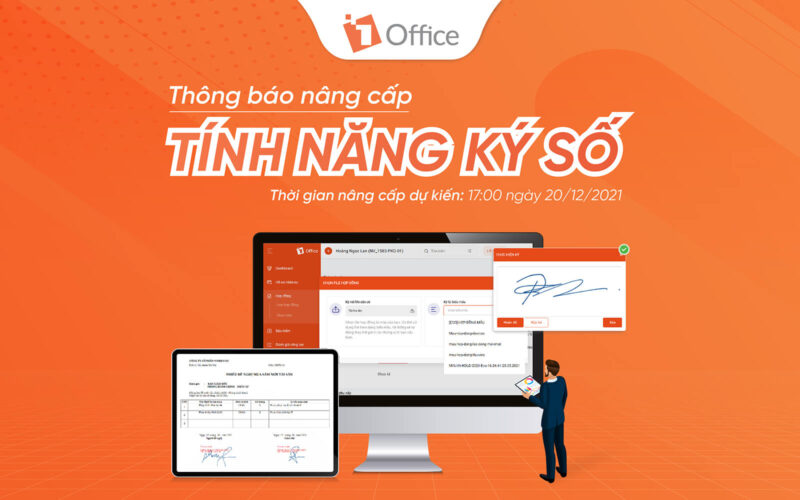
The update includes:
1. “Submit and Sign” node in the workflow
- The “Submit and Sign” node allows entering a list of signers directly in the configuration popup.
- When entering the list of signers, the Workflow Template automatically creates corresponding signing nodes for the list.
- Allows choosing between Sequential Signing or Free Signing.
– Sequential Signing: The signing nodes are connected sequentially.
– Free Signing: The signing nodes can be arranged arbitrarily, with other tasks interspersed.
- When the workflow reaches a digital signature node, the performer at that node will receive a notification.
2. Create a digital signature profile in the “Digital Signature” module
- You can enter the list of signers directly in the create signature profile popup.
- There are 2 options: Sign in order or Free signing.
– Sign in order: After the previous person signs, the next signer will receive a notification and be able to sign.
– Free signing: Not in any specific order; any signer can sign first.
- When a list of signers is entered, the configuration will only allow selecting signers from the entered list.
For any necessary support, please contact our hotline: 19003313.
We sincerely thank you!
Sincerely,
1Office Software Development Department.
















