


 13/05/2026
  192 views
To improve product quality and provide our customers with a better experience, 1Office upgraded the work module with several new features on July 31st.
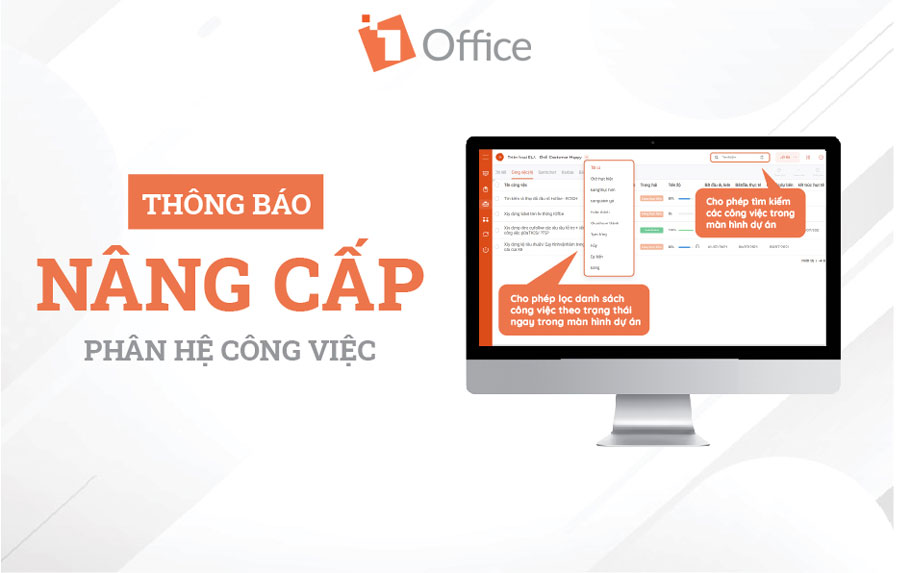
Work Module Upgrade Details
In the project management feature, we have added the following utilities:
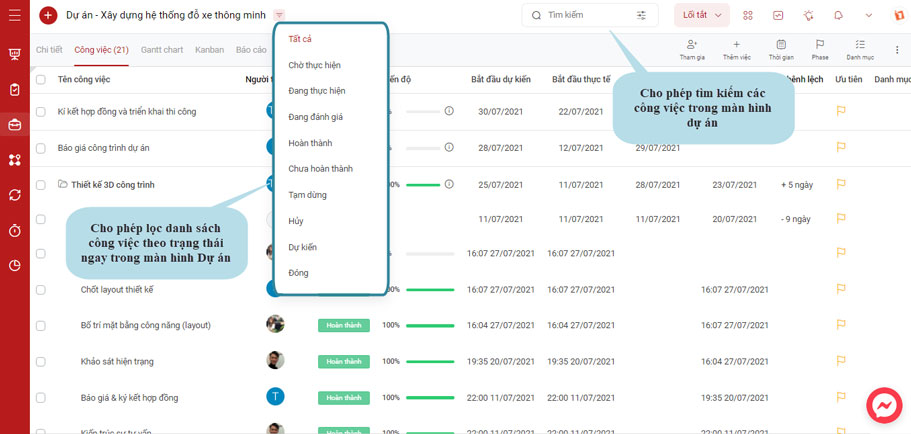
- Allows filtering the task list by statuses such as To-do, In Progress, Completed, etc., directly on the Project screen.
- Allows searching for tasks on the project screen.
- On the project’s task list screen, the Status taskbar is no longer displayed (to avoid confusion with the Task status).
In the task management feature, you can now update or edit some basic information as follows:
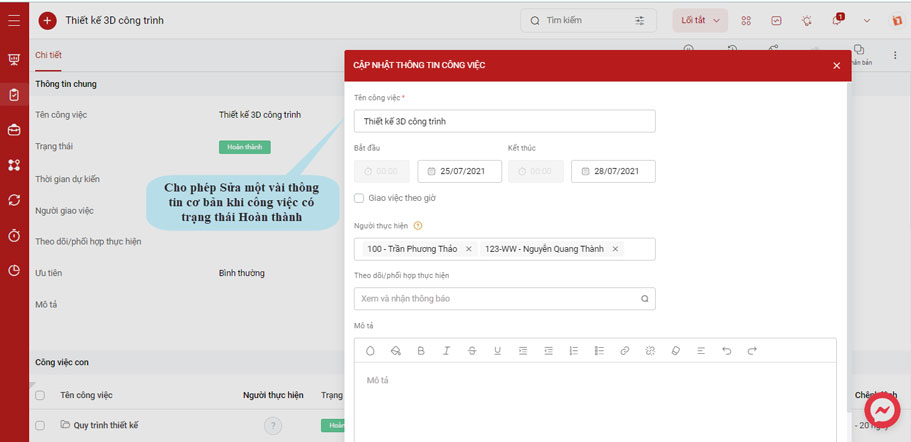
- Allows updating the estimated time while a workflow task is in progress.
- Allows editing basic information such as task name, estimated time, assignee, etc., when a task’s status is Completed, Under Review, or Canceled.
- Only managers have permission to edit/update tasks.
In the recurring tasks section, the following changes have been made:
- Allows setting up recurring tasks under a parent task.
- The system will automatically stop the recurrence and notify the creator if an error occurs during the process.
In addition, 1Office has also updated some other basic features:
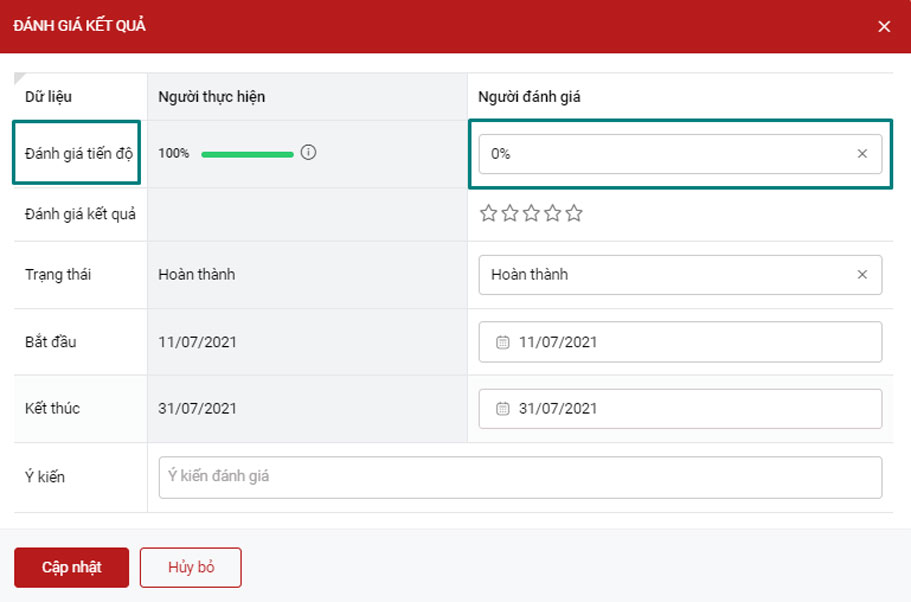
- Added a new task evaluation result type: Progress evaluation (0% to 100%).

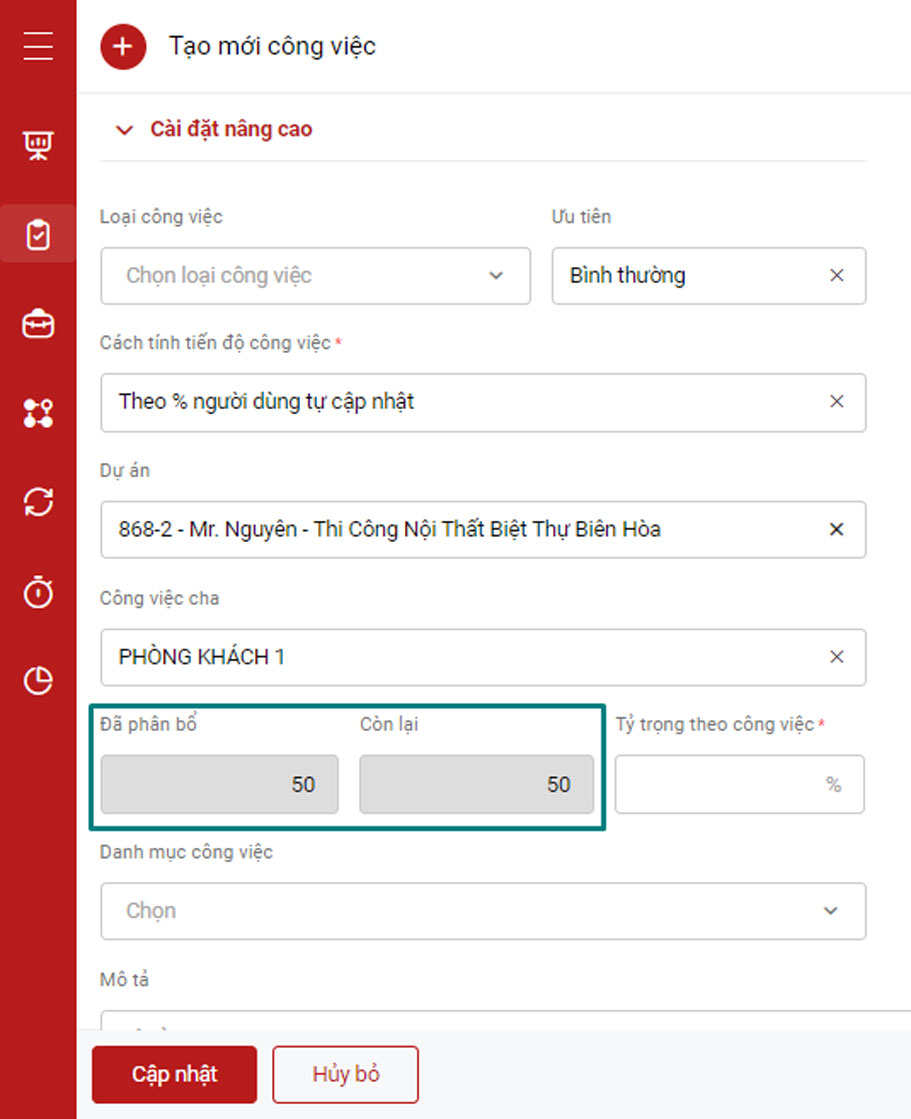
- Added fields for tasks with weight input: Allocated, Remaining.

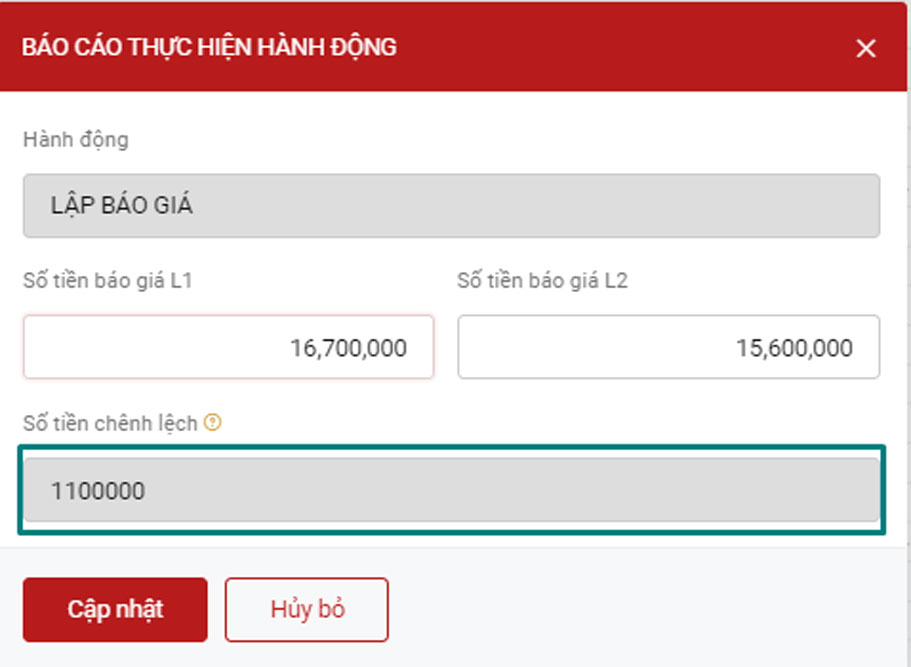
- When reporting on custom fields in tasks: The formula field will be disabled and uneditable; The formula field will automatically populate its value when users input data into related fields.

- Added a “Create Asset” object so customers can create new assets directly in the workflow after the approval step.
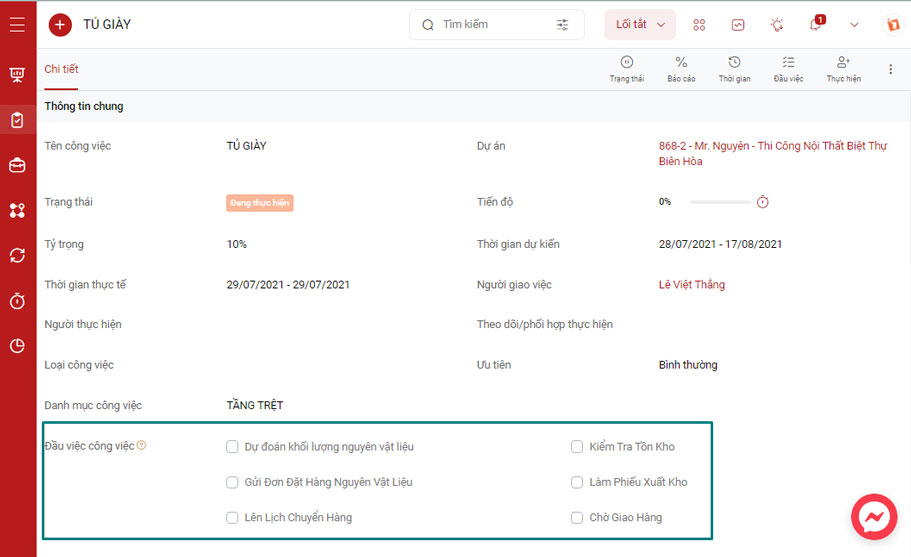
- In task/project details, To-dos are now divided into multiple columns.

- Changed the “How to calculate task result” field to: “How to calculate task progress”.
A few notes:
The feature update process is performed periodically and will not affect any customer data. The system will resume normal operations after the update period. We kindly ask that you take note of the update time to avoid any interruption to your business operations.
For any necessary support, please contact us via the hotline: 0886 101010.
Or you can contact us directly via:
Thank you for your understanding!
















