


 11/05/2026
  353 views
In the modern workplace, not only employees but also managers often face many challenges related to note-taking. Common problems include fragmented note-taking, spending a lot of time searching for information, and difficulty synchronizing data across different devices. To address these obstacles, many note-taking software applications have been launched with a variety of features. In this article, 1Office will introduce you to the current note-taking software and provide guidance on choosing the most suitable one to meet practical needs.
Mục lục
1. Classifying Note-Taking Software by Device
The note-taking software market is very diverse. Currently, note-taking software is divided into three main groups based on the supported platforms and devices, with each group having unique characteristics to suit different needs:
Note-Taking Software for Desktops (Windows/macOS)
Desktop note-taking software typically features a spacious interface, making it easy for users to manage long and complex notes.
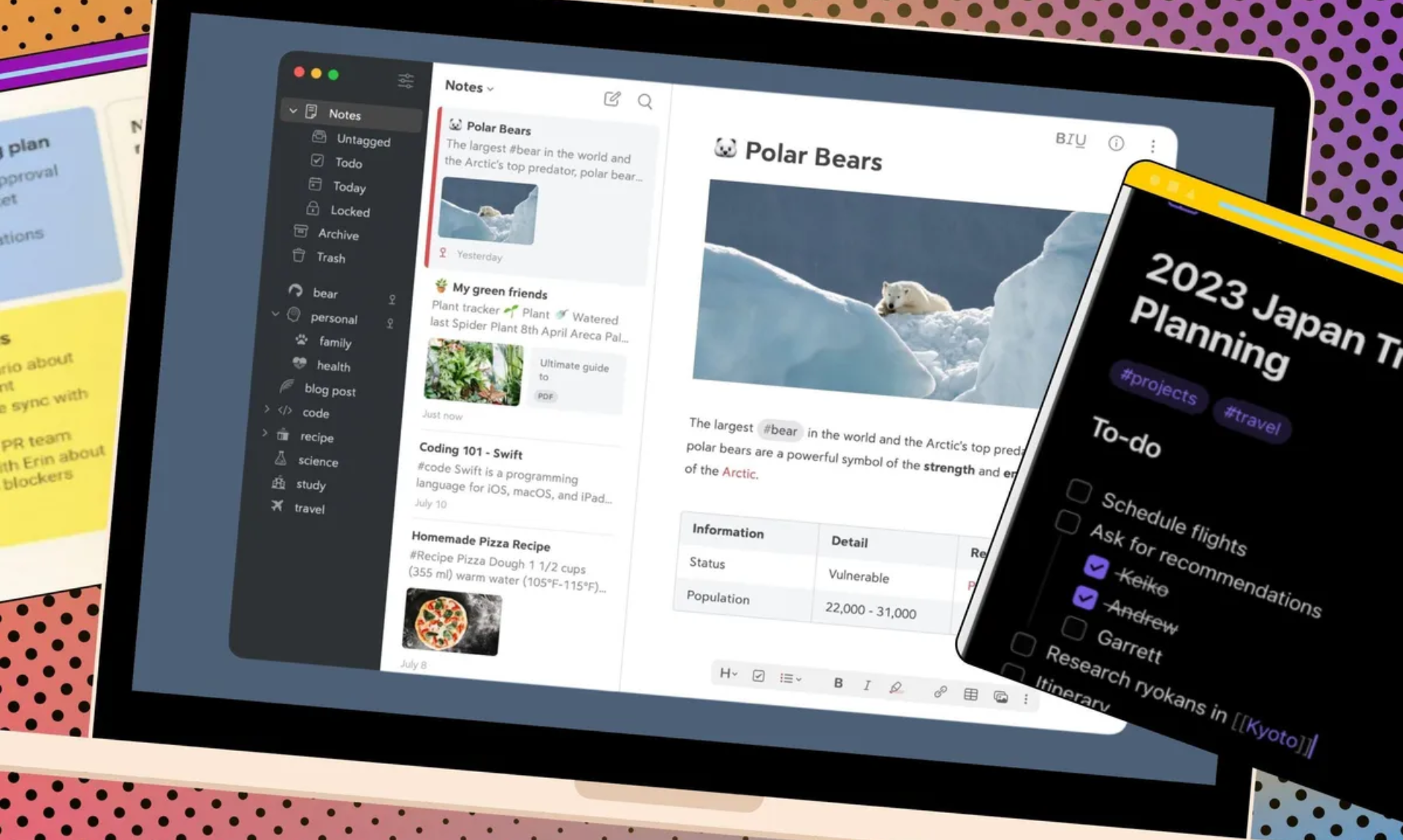
Note-taking software on a computer screen
Common features of desktop note-taking software:
- Optimized for editing long texts
- Compatible with one or more operating systems
- Usually does not have a standalone mobile app version
- High and stable performance when working on a PC
Examples: Simple Sticky Notes, Notepad (Windows), or TextEdit (on macOS).
Note-Taking Apps Optimized for Mobile and Tablets (Android/iOS)
For mobile device users, note-taking software is designed with a user-friendly interface, optimized for small screens and touch interactions. This group of apps often integrates convenient features like voice notes and automatic saving.
Features:
- “Compact” interface, friendly for touch screens
- Multimedia support: voice recording, image insertion…
- Easy cloud synchronization in some applications
- Small screens can make it difficult to edit long or complex notes
Examples: Samsung Notes, ColorNote,…
Cross-Platform Note-Taking Software – Syncs Across All Devices
This group of software is designed to synchronize note data across various devices and platforms, including Windows, macOS, Android, iOS, and even web versions that require no installation. Additionally, cross-platform software supports note sharing and effective team collaboration, making it highly suitable for business environments and workgroups.
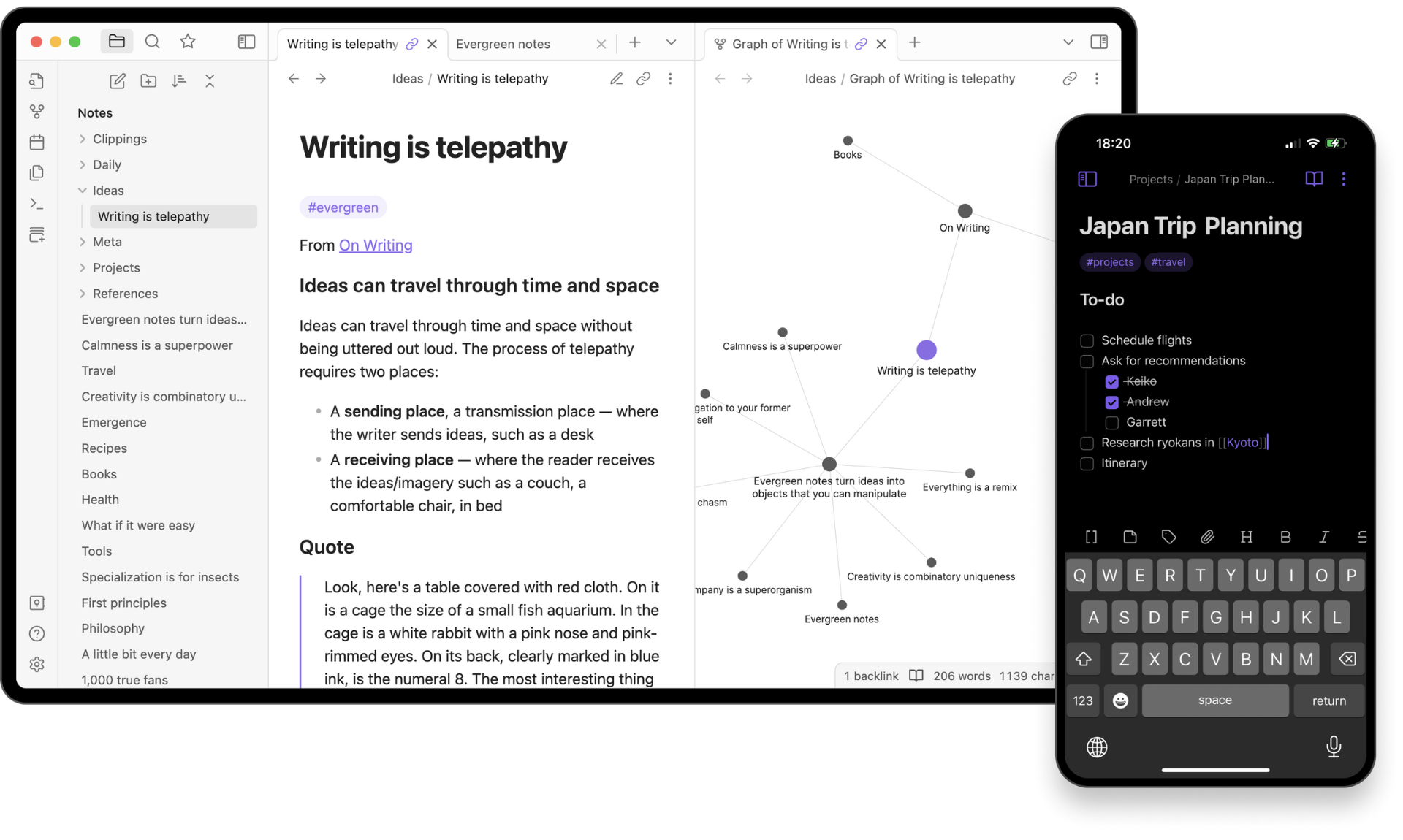
Advanced note-taking software is considered a knowledge system
Highlights:
- Use on any device/platform
- Real-time synchronization
- Some software allows for collaboration
- Maximum note-taking flexibility
- Centralizes information, minimizes fragmentation
- Requires a constant internet connection to ensure information synchronization
Examples: Notion, Obsidian, Zoho Notebook
2. The 10 Most Used Note-Taking Software Applications Today
Below is a list of 10 popular note-taking software applications, highly rated by managers for their features and user experience:
Notion
Notion is an “all-in-one” note-taking platform, favored for its flexible customization and suitability for both individual users and teams. Its blocks help users organize information clearly, build wiki systems, manage projects, create personal plans, and take study notes.
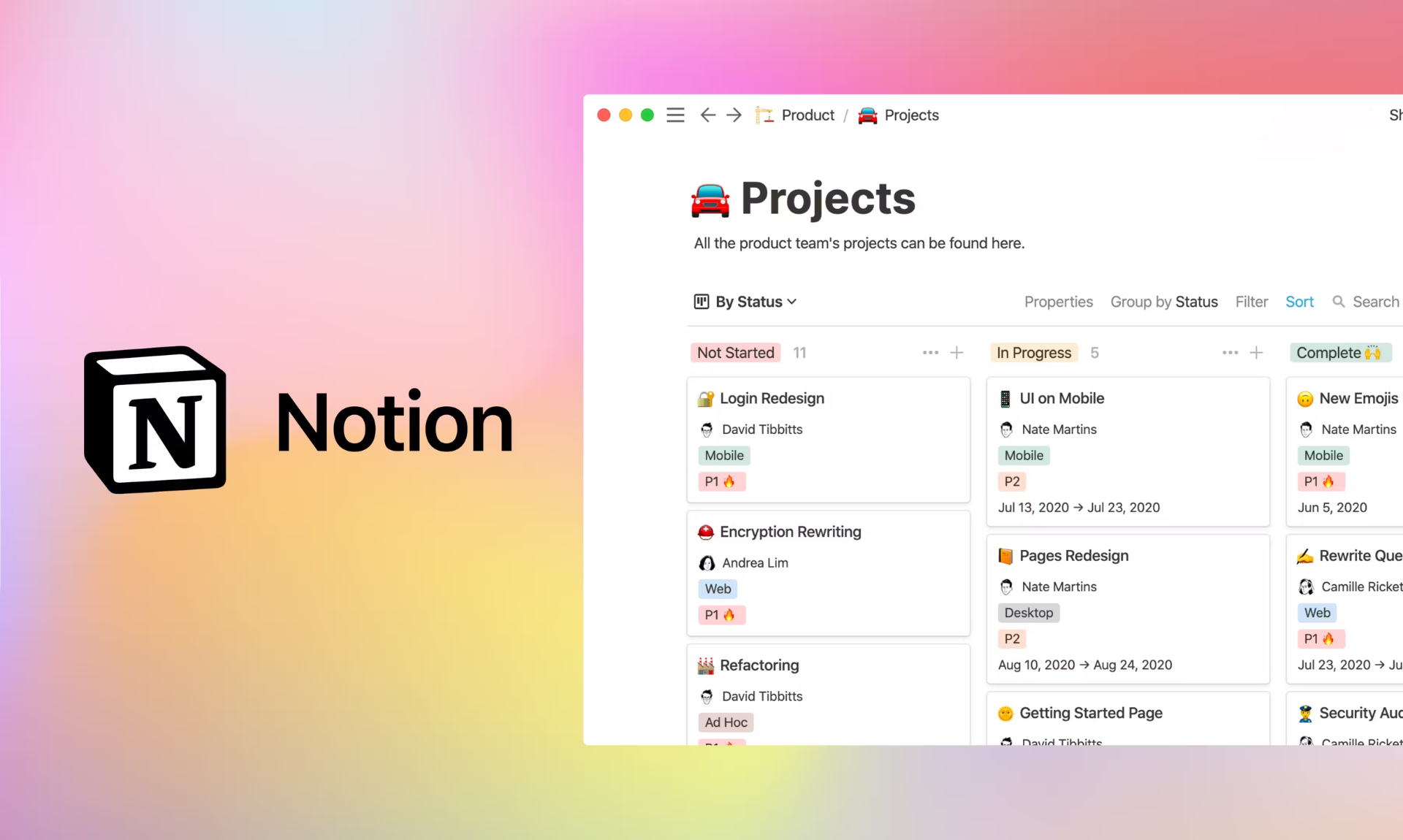
The Notion app can be used on multiple devices
Notion is particularly strong in its ability to create databases, link notes with backlinks, and integrate calendars, checklists, and spreadsheets, and now it even has Notion AI to assist with writing content, summarizing, and suggesting ideas. This is a suitable tool for those with high demands for organizing and presenting complex content.
>>>Learn more: What is Notion and 8 features to use for project management
ColorNote
ColorNote is a very popular note-taking app on Android devices, known for its intuitive, simple, and user-friendly interface. The app allows users to create both plain text notes and checklists (to-do lists), making it easy to organize and manage daily tasks.
Key features:
- ColorNote allows syncing note data to the cloud
- Time-based and location-based reminder features help managers avoid missing important tasks
Simple Sticky Notes
Simple Sticky Notes can be called a “digital sticky note,” as its interface is identical to a pad of sticky notes with various colors and sizes. The app simulates the experience of sticking notes directly on the screen. Its simple, easy-to-use interface helps users quickly create and manage short notes without interrupting their work.
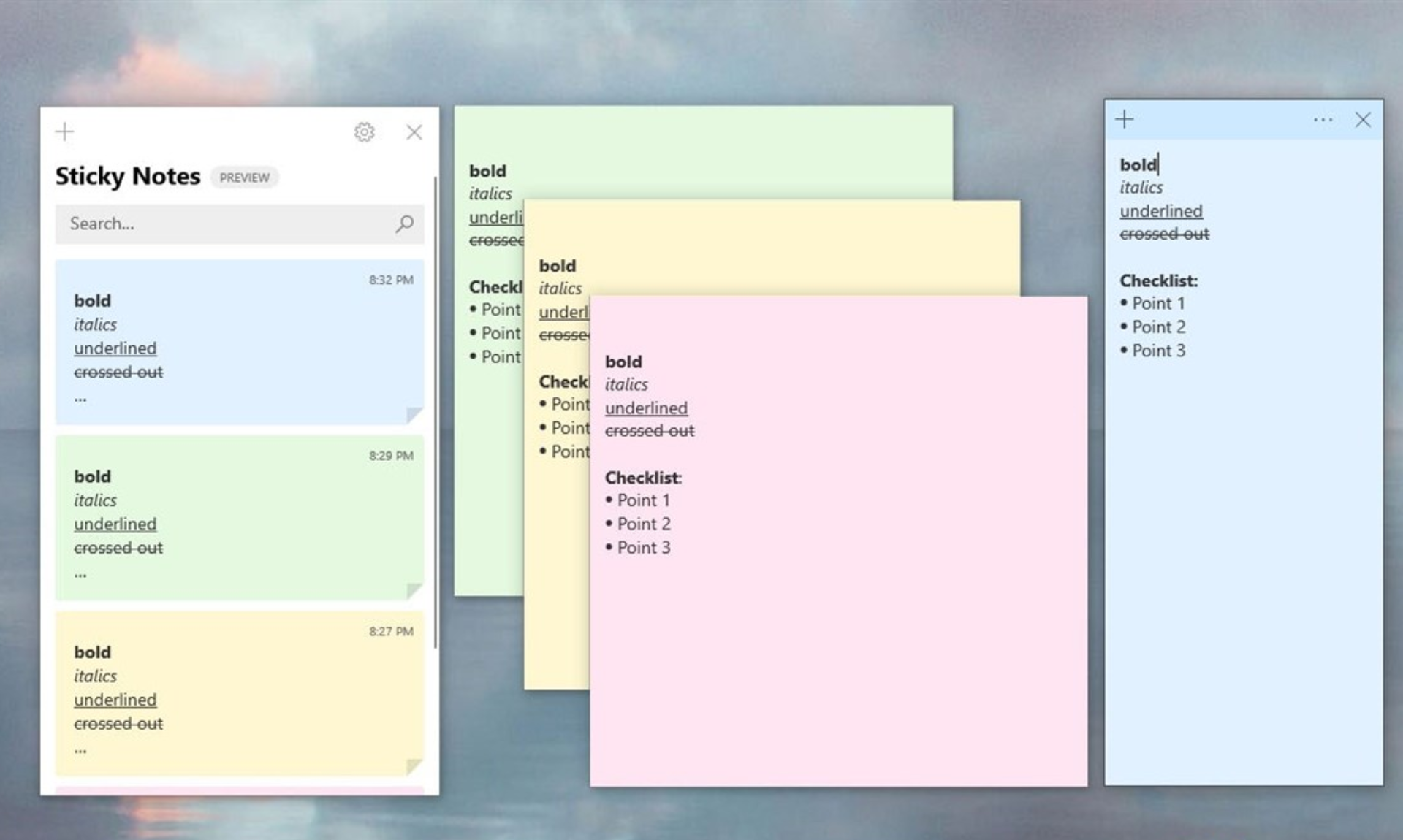
Simple Sticky Note interface on Windows
Simple Sticky Notes is suitable for those who need to take quick notes and set reminders directly on their desktop without having to open and wait for an application to launch. The app helps increase personal efficiency by keeping notes always visible on the screen, making them easy to edit and delete when needed.
Notepad
Familiar to all of us, Notepad is the long-standing default note-taking program on Windows. It is extremely lightweight, simple, and launches super fast. Notepad is popular for its ability to quickly and easily create “.txt” files.
In particular, developers often use Notepad because the application can save characters as code snippets. Developers can insert HTML tags into the file, turning a “note” into a static website.
Apple Notes
Apple Notes is the default note-taking software on Apple devices like the iPhone, iPad, and MacBook. It stands out for its extremely smooth syncing via iCloud and deep integration with the Apple ecosystem.
Users can create quick notes with Siri, add images, scan documents, share notes in real-time, and protect notes with Face ID. For Apple users, this is an indispensable tool due to its high stability, security, and convenience.
Google Keep
As an application in the Google Workspace ecosystem, Google Keep’s card-based interface helps users take notes quickly without complex operations.
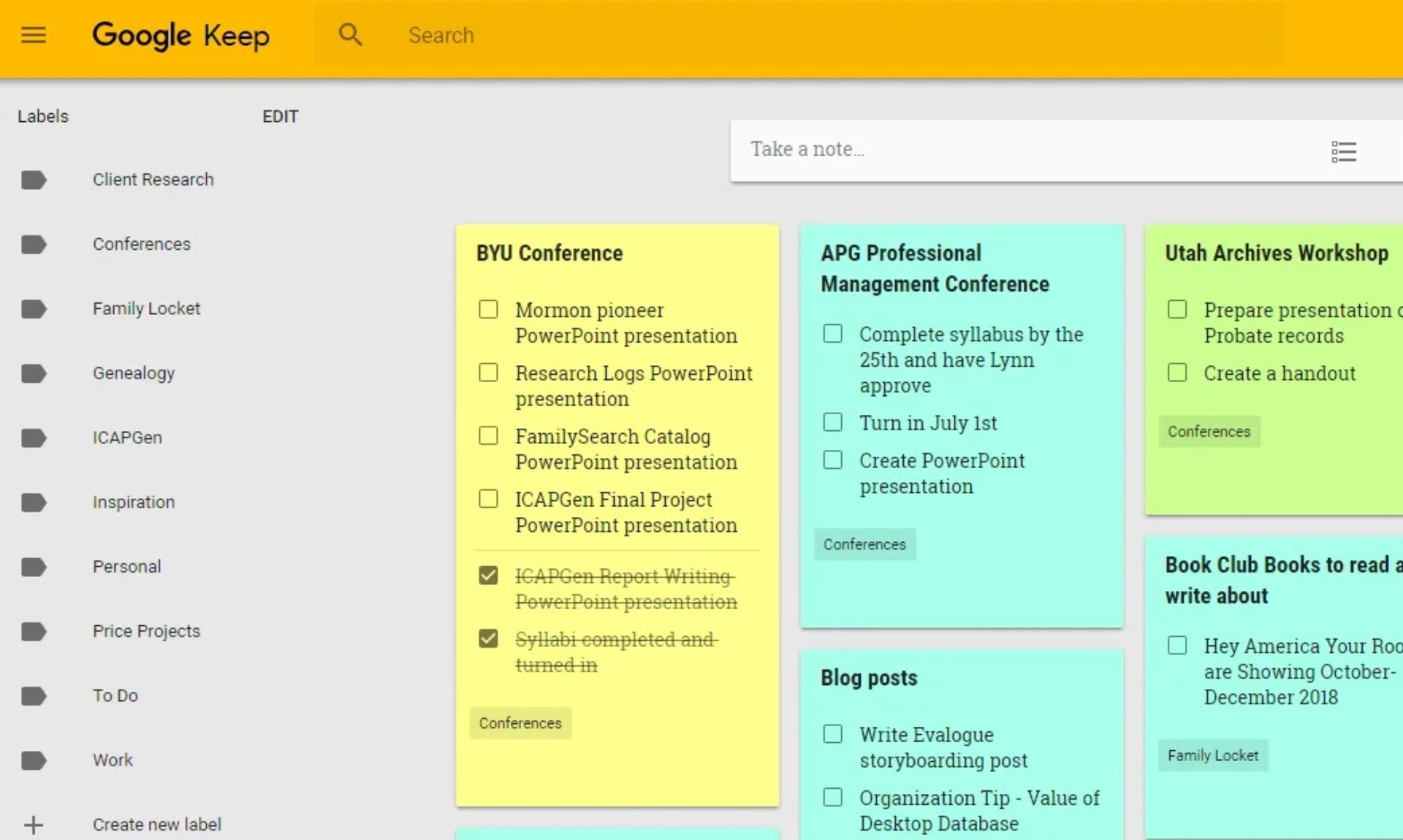
Google Keep interface
Although simple, Keep supports time- or location-based reminders, color-coding, note sharing, and instant syncing across all devices.
Microsoft OneNote
As part of the Microsoft 365 suite, OneNote is a popular note-taking application in educational and office environments thanks to its ability to sync and seamlessly integrate with tools like Word, Outlook, and Teams.
In OneNote, users can create notes and divide them into separate tabs. Features like drawing, voice recording, tagging, and quick sharing make note-taking more visual, which is especially useful in group meetings or online classes.
Evernote
Evernote has been one of the most trusted note-taking apps for many years. It supports creating multimedia notes, saving web pages, attaching files, and organizing notes with tags or notebooks.
Although a paid subscription is required to use all advanced features, Evernote still attracts users with its powerful search capabilities, document scanning from images, and voice note support.
Obsidian
Obsidian is a note-taking software for users who need to manage their personal knowledge. Obsidian organizes notes using links and network graphs.
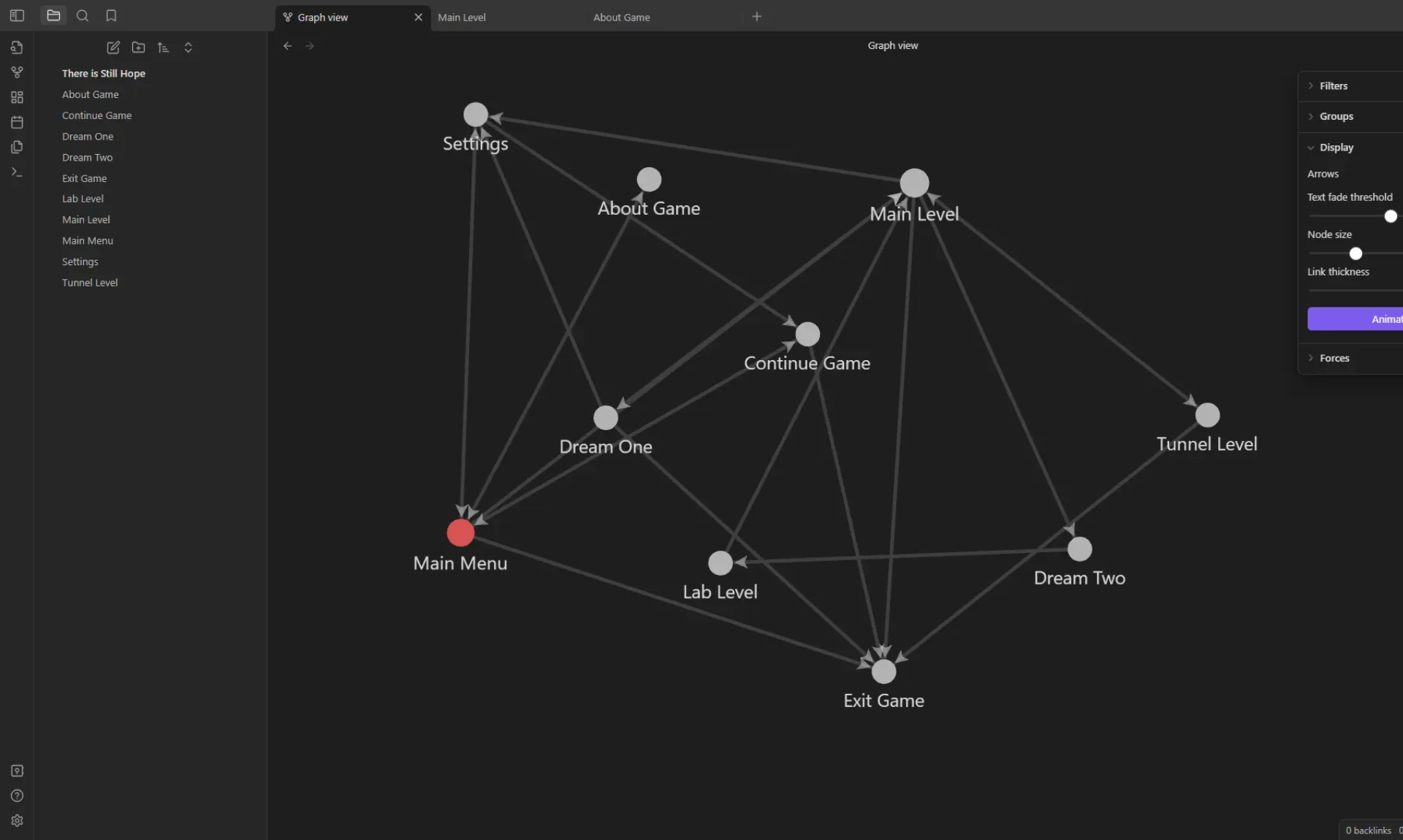
Obsidian interface
Users can write notes in Markdown, create backlinks between ideas, and build a logical knowledge system over time. By default, Obsidian does not store data in the cloud, making it very suitable for those who require high security.
Bear
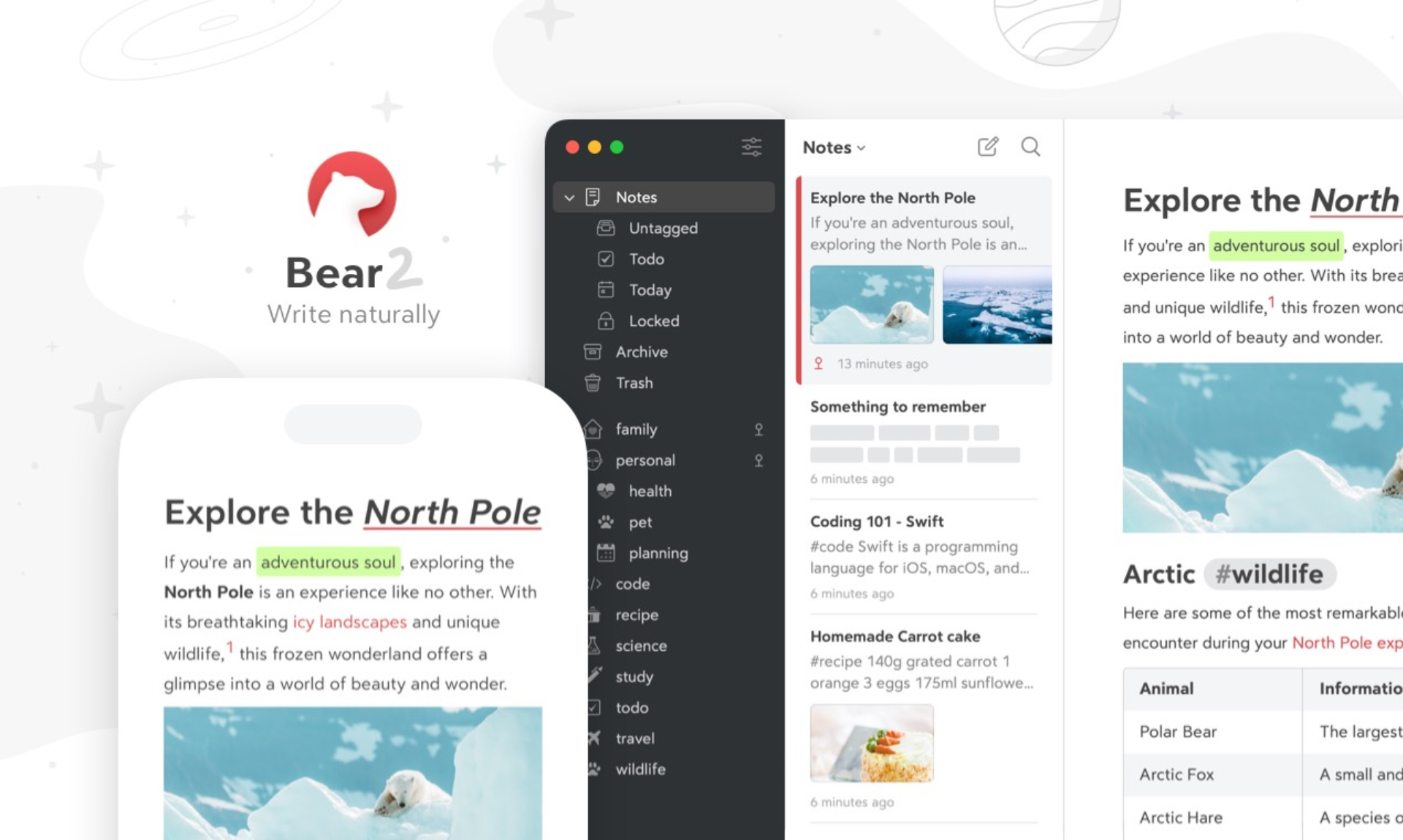
Bear note-taking app
Bear is a note-taking app exclusively for Apple users, with a minimalist interface, a great writing experience, and support for text markup. Features like flexible tagging, iCloud sync, and support for exporting to PDF, HTML, DOCX, etc., make Bear a favorite choice among content creators.
3. Criteria for choosing note-taking software
To choose suitable and effective note-taking software, you need to carefully consider the important criteria below:
- Determine the purpose of use: You need to be clear whether you need the software for quick notes, personal task management, building an internal knowledge base, or team collaboration, as each purpose will influence the choice of appropriate features and interface.
- User-friendly interface and user experience: The software must have an easy-to-view interface and simple operations, avoiding eye strain during long-term use, helping you work more effectively every day.
- Essential supporting features: Prioritize features such as data synchronization, diverse file attachments, checklists, classification tags, and AI support to enhance note management efficiency.
- Multi-device synchronization and access: The software should allow you to access and work flexibly on various devices, including through browser extensions.
- Ability to organize and classify notes: It should have tools for tagging, grouping by project, linking notes, and quick search to easily manage and retrieve information.
- Software usage cost: Consider between free and paid software based on your need for advanced features and your budget.
- Security and privacy level: Protect sensitive data with encryption, have a clear privacy policy, and strict access permissions, along with secure data backup capabilities.
4. AI integration in note-taking software is becoming a trend
Previously, a simple note-taking application was enough for users to jot down their to-do lists. However, the situation has changed. As people have to handle more tasks and manage tons of data, they realize that just taking notes is not enough. What they really need is a comprehensive tool that helps organize information effectively and extract it quickly.
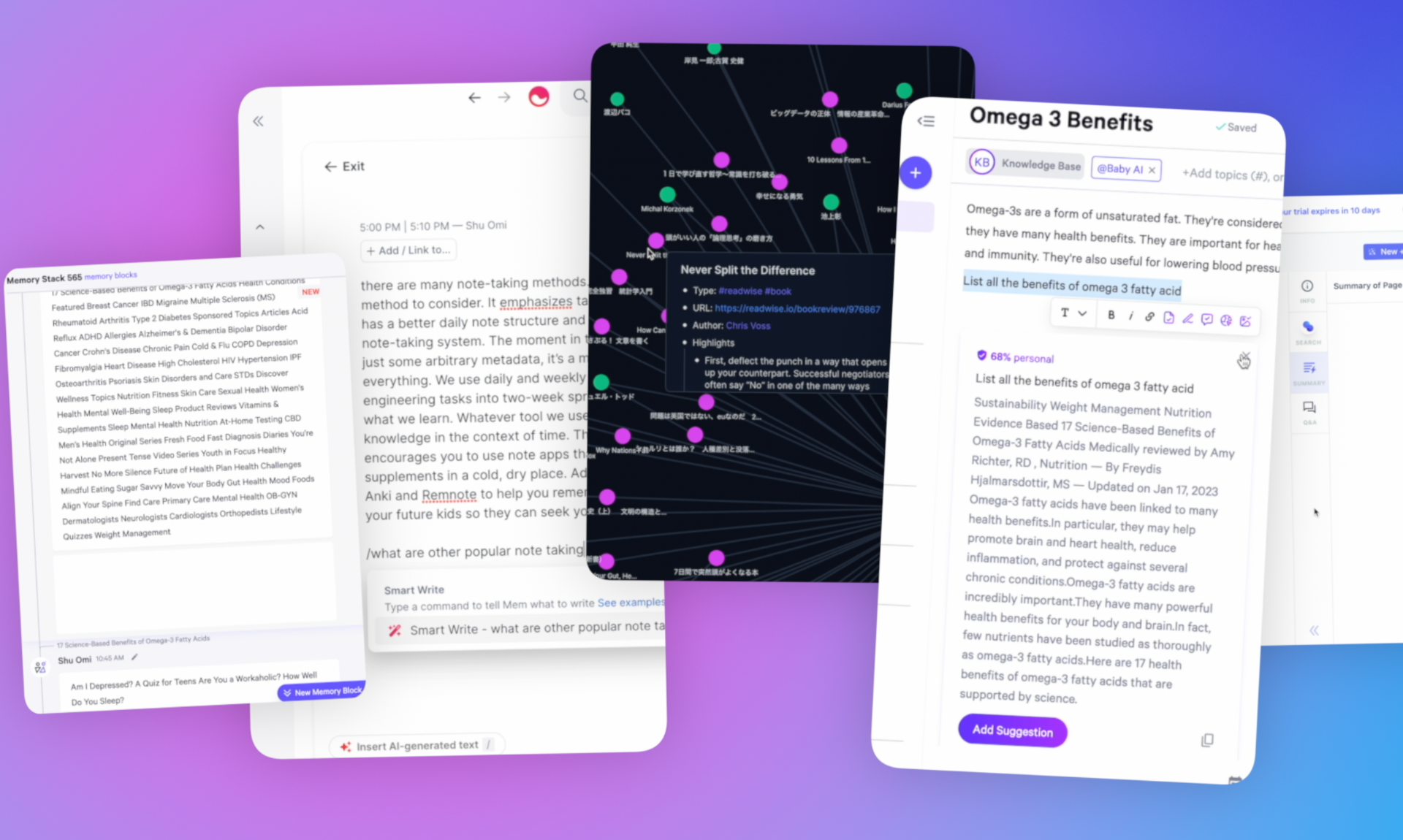
AI in note-taking software
In recent years, the development of artificial intelligence (AI) technology has significantly changed the overall picture of software feature design. Software and applications are no longer just information storage tools but have been equipped with smart AI features to automate many tasks. As a result, users experience higher efficiency and smoother workflows.
The integration of AI has made a clear difference in how people interact with their notes, thereby providing a more effective working experience.
AI will be a “game-changer” in the work environment
Common AI technologies in note-taking software today include:
- Speech-to-Text: Helps quickly convert speech to text, saving time on note-taking and supporting flexible input while on the move, driving, or in intense meetings.
- Automatic content summarization: AI analyzes long notes and automatically extracts key points, helping users easily grasp important information.
- Smart content organization: AI suggests tags and automatically classifies notes based on content, supporting scientific data search and arrangement.
- Drafting support: Some software provides an AI text assistant feature that can suggest words, correct errors, or create content from scratch.
What’s groundbreaking about AI in the 1Office Platform?
1Office is a powerful platform that leverages the power of artificial intelligence to enhance not only the note-taking experience but also to optimize information management within a business. Unlike many other software that primarily focus on personal notes, 1Office integrates AI seamlessly throughout its comprehensive management ecosystem.
This unique approach provides users with a more effective working experience. By combining advanced technology with effective management methods, 1Office changes the way teams collaborate and organize their information.
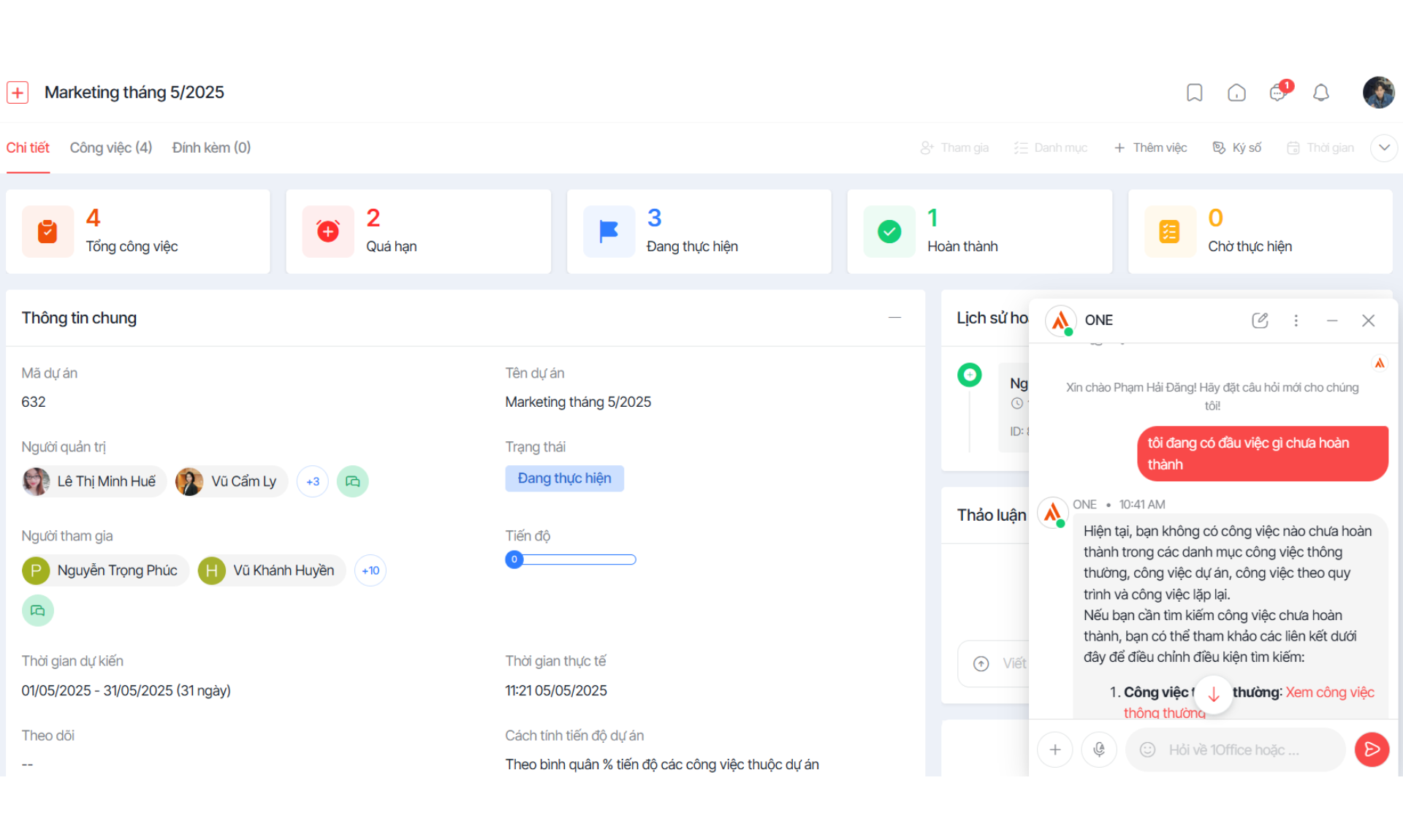
The 1Office platform integrates the power of AI
Register for a free Demo account to try 1Office’s features!
With the goal of providing customers with AI Agents that perform basic business tasks, 1Office has developed an AI assistant with the following features:
- AI-powered Workflow
- Business data analysis
- Document recognition & information extraction in various formats
- Information filtering and relevant suggestions
- Create payrolls with complex formulas and high detail
- Automatically create tasks from meeting notes
1Office has just suggested popular note-taking software based on your needs and usage level. Choosing the right note-taking software not only helps you remember better but also enhances your daily work efficiency. We hope the list above will help you find the most suitable solution for yourself or your organization.
















