


 13/05/2026
  97 views
Once you’ve figured out why your sales process is inefficient, you’ll have a clear idea of the customer relationship management features you need. A large enterprise can easily opt for an end-to-end solution, but a startup or a growing business must weigh functionality against budget. This is where a business must determine its priorities. Many CRM solutions expand and upgrade their feature sets to meet the growing needs of businesses.
Mục lục
Essential CRM Features for Small Businesses
Even if you have a small sales team, you should start in the right place. This means you need to organize customer data, have a clear sales process, know the details of your deals, and automate basic tasks. This will help you achieve accurate sales forecasts and close more deals. Here are the essential elements in CRM software:
- Contact Management: Organize your customer data; the most basic step is to put it into a centralized database. Typically, a basic plan starts with limits on the number of records and users, and basic filtering.
- Sales Pipeline: CRM is all about visibility into your deals. Among the basic functions of CRM software, the sales pipeline helps you see the value of deals, where they are in the sales stage, and who is in charge of handling which deal.
- Deals: Allows you to enter data such as value, contacts, status, and the person in charge.
- Automation: Some basic automation features you need include tools to track customer interactions, schedule email follow-ups, log representative activities, and sync records.
- Alerts and Notifications: You will also need the ability to set up rules for alerts, such as for follow-up calls or emails, appointment notifications, and tasks to be performed.
- Basic Integrations: At a minimum, the CRM software should allow you to attach files, sync with popular email clients like Gmail and Outlook, import/export standard file formats, and access popular social networks for brand mentions and public business profiles.
See more: 3 Features to Help Businesses Succeed in Digital Transformation
Useful CRM Features for Large Businesses
If you are a large business, you will need more complex features, which means you need premium service packages. In general, advanced CRM plans offer more sophisticated tools along with higher data limits and broader user access. For example:
- Contact Management: Smart search, automation including instant data field entry, linking to related data, real-time updates, and customer segmentation.
- Sales Pipeline: Advanced features like closing probability, customization, and multiple pipelines.
- Email Templates: Unique templates for various types of sales pitches.
- Document Management: An integrated file manager to centralize sales documents for easy classification, sharing, and access.
- Call Center: Integrated telephony allows you to make calls directly from the CRM interface.
- Reporting: Custom reports, more graphical options for data visualization, sales forecasting
- Analytics: More powerful tools to slice and dice your data
- Integrated Marketing Features: Lead nurturing, predictive lead scoring, web forms, landing pages, and campaign integration.
See more: A Professional Sales Process Determines a Business’s Success
Key Takeaways
You need to ensure the CRM software’s feature set matches the scale of your sales operations. This usually means startups and small businesses subscribe to a basic plan and only move up to higher-tier plans as their scale and requirements grow. However, no matter how small your sales team is, it’s best to start with the basic features to optimize the benefits of CRM software. For large-scale operations, enterprise-level CRM solutions are the best choice.
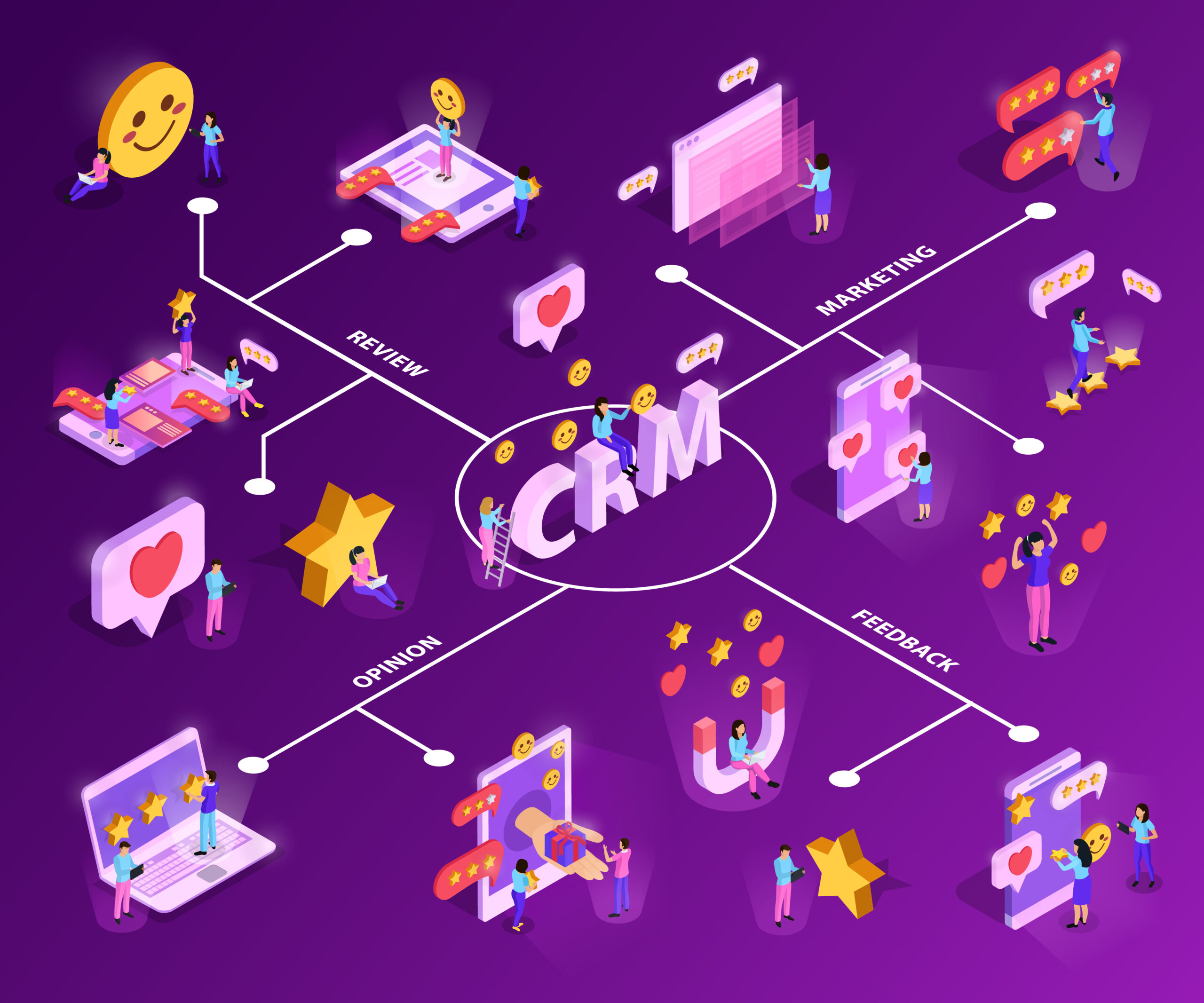
Ensure the CRM software’s feature set is suitable for the scale of operations
The secret to effective sales management and customer care
Understanding the challenges businesses face during the digital transformation era, 1Office provides a comprehensive management solution to optimize customer relationship management activities.
The CRM feature set helps support the management of business operations within the enterprise. The CRM feature helps managers operate, evaluate, and monitor Marketing campaigns.
The software can automatically connect and retrieve data from Facebook, Google, etc., to build specific Marketing campaign scenarios.
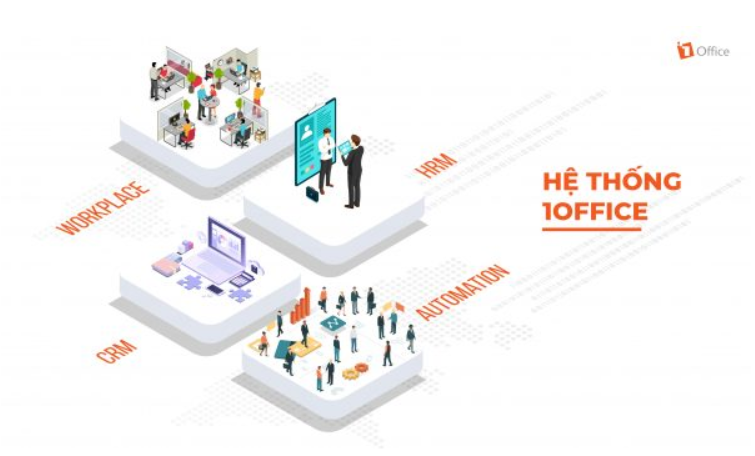
1Office – The comprehensive business management solution
In addition, managers can easily access & use the Marketing resource system to meet business needs, helping to control profits, measure Marketing campaigns, and evaluate the detailed results of each campaign.
Furthermore, 1Office can also provide automated and professional customer care. The software can help businesses build multi-channel automated care scenarios. 1Office will segment customers according to each scenario and send reminders when customer care is scheduled.
If you are facing difficulties with sales management and customer care, please Register for a trial to receive a consultation. 1Office will help you resolve your challenges quickly!
See more:
















