


5 Steps to Build an Effective Document Management Process for Businesses


Is your business facing difficulties in managing dozens of records? Do your employees spend too much time searching for old records, or does your business even face information loss due to manual storage? If your business still operates with a traditional records management process, the aforementioned risks can occur at any time. To manage documents effectively, refer to the 5 steps to build the best records storage process below.
Mục lục
I. Overview of the records management process
1. What is a records and document management process?
According to the definition by the International Organization for Standardization (ISO), a Record is defined as “information created, received, and maintained as evidence by an organization or individual to fulfill legal obligations.”
Typically, the records and document management process will include tasks such as:
- Identifying what type of information should be considered a record.
- Determining the retention period for each type of record to meet the legal and business requirements the company must adhere to.
- Researching and implementing technological solutions and organizational business processes to ensure the company complies with the obligations of the employee records management process and other operational and business-related records.
- Performing record-related tasks: Disposing of expired records or preserving records related to external events such as litigation.
2. Principles in the records storage process
- Categorize records:
Classify which content within the business can become a record and describe how that content will be transferred to the records management application.
- Develop a specific plan:
For each type of record in the business, determine where it is stored, the applicable policies, the retention period, how it is disposed of, and who is responsible for managing it.
- Enforcement policy:
Define the rules that the organization must follow to ensure the security of the company’s documents.
See more: The most professional process for designing and building HR management software for businesses
II. Why must businesses build a standard records management process?
All organizational processes should be standardized. Having a standardized business records storage process will help the business operate more smoothly, improve labor productivity, and prevent the loss or omission of any information or data, specifically:
1. Ensure smooth operational processes
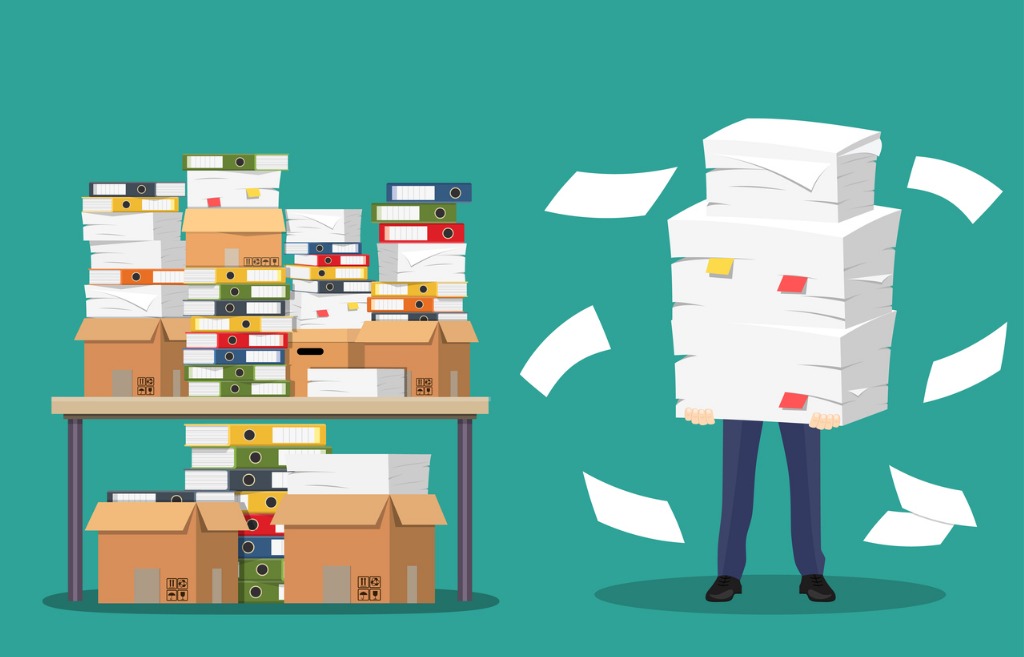
By establishing the necessary policies, processes, and procedures to maintain a records management system, you will help your business control quality and focus on records storage. Such standardized systems help you achieve better results while also giving you a clearer understanding of your business operations.
2. Ensure records are stored carefully to avoid risks
Managing records of your business’s purchase and sale transactions helps keep things organized. These transactions, whether buying or selling, will likely be accompanied by contracts or specifications.
For example: If you have various records from shipping or arrival that correspond to the contracted product, you will have a basis to address any issues that may arise later.
| >> Read more: 6 Latest 2023 Work Handover Templates for Every Situation |
III. Building an Effective Automated Record Storage Process for Businesses
Each business will have different methods for managing records and documents. However, to standardize this process most effectively, businesses can refer to the 5-step business record management process below:
Step 1: Establish a Document Retention Schedule
Establishing a record retention period involves implementing a responsible record retention policy. The record retention schedule will specify the time, from an operational and legal perspective, for classifying obsolete records.
When determining the retention period for records, pay attention to the following:
- Conduct an inventory of all physical and electronic records.
- Establish a standardized record classification system.
- Conduct research on all federal, state, and local requirements.
By setting a record retention schedule, your organization will benefit from managing information assets, controlling storage costs, improving record retrieval, and eliminating legal risks.
Step 2: Policies and Procedures
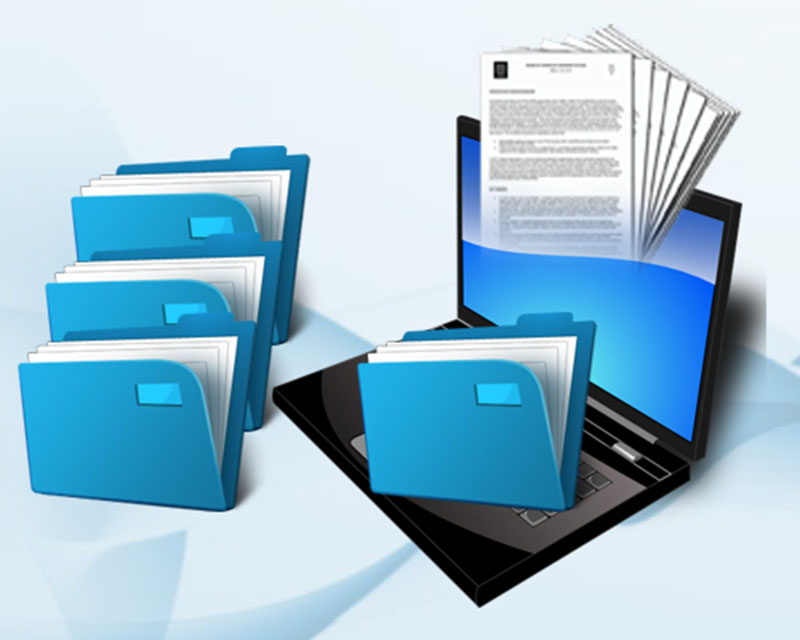
Policies and procedures set the standard for a compliant records management system. They should cover the management of all records and media types, including email. Your company may have separate policies for record retention, active files, inactive files, email, and other areas of information management.
Business record management policies and regulations must be clearly communicated and consistently applied throughout the entire organization. Synchronization and consistency are the main drivers for creating the foundation for a successful records management practice.
Step 3: Accessibility, Indexing, and Storage
Indexing parameters including date, subject, creator, and record location are essential for timely and effective information retrieval. Depending on the type of information—whether electronic or physical—the storage location may differ. Electronic records can be stored and retrieved from an online records management system, also known as a DMS.
Step 4: Compliance Audit
Criteria should be established to evaluate the records management process, including:
- The retention schedule complies with updated laws and regulations.
- Indexing accuracy and document accessibility.
- Training and communication between employees and departments.
- Record protection and preservation.
- Timely and consistent destruction of inactive files.
A thorough audit of records management procedures will ensure that historical records are maintained and regularly destroyed in a compliant and well-enforced manner throughout your organization.
Step 5: Dispose of Unnecessary Records
Once you have organized your files and established a suitable retention policy, it’s time to dispose of documents that are no longer necessary for the business. Organizations can run into trouble by retaining documents for too long, as this requires specific management resources for the company.
When considering the disposal of unnecessary records, businesses should pay attention to the following issues:
- Determine the appropriate program for your media or paper records.
- Ensure each specific record item is accessible to employees.
- Provide a certificate of destruction for documents with a chain of custody.
| Read more: 7 Document Management Software Every Office Worker Should Know |
IV. Standardize Document Storage Management with 1Office Software
1Office is known as a software designed to serve the overall management process of a business. With a customer base of over 5,000+ businesses and more than 450,000 users, managing records with 1Office has never been a difficult task.
<iframe title="
The Document Management module is developed by 1Office with powerful features to help businesses manage all information and data on a single software platform. With this feature, the company’s documents will be processed by category, divided into specific purposes with 4 main modules: Workplace, CRM, HRM, Advance.
- Workplace: Stores information for the entire business; internal documents used during projects and processes are always stored on the software’s Cloud.
- CRM: Stores customer information, customer data is always updated automatically, and the company’s receipts and expenditures are also fully stored on the system,…
- HRM: Stores all information related to personnel: Personal profiles, labor contracts,…
We hope the information from 1Office in this article has been helpful for your business. If you have any further questions, please contact us for a free consultation. Best regards!
For more details, please contact us at:
Hotline: 083 483 8888
Fanpage: https://www.facebook.com/1officevn/
Youtube: https://www.youtube.com/channel/UCeTIRNqxaTwk0_kcTw6SxmA




