


 11/05/2026
  531 views
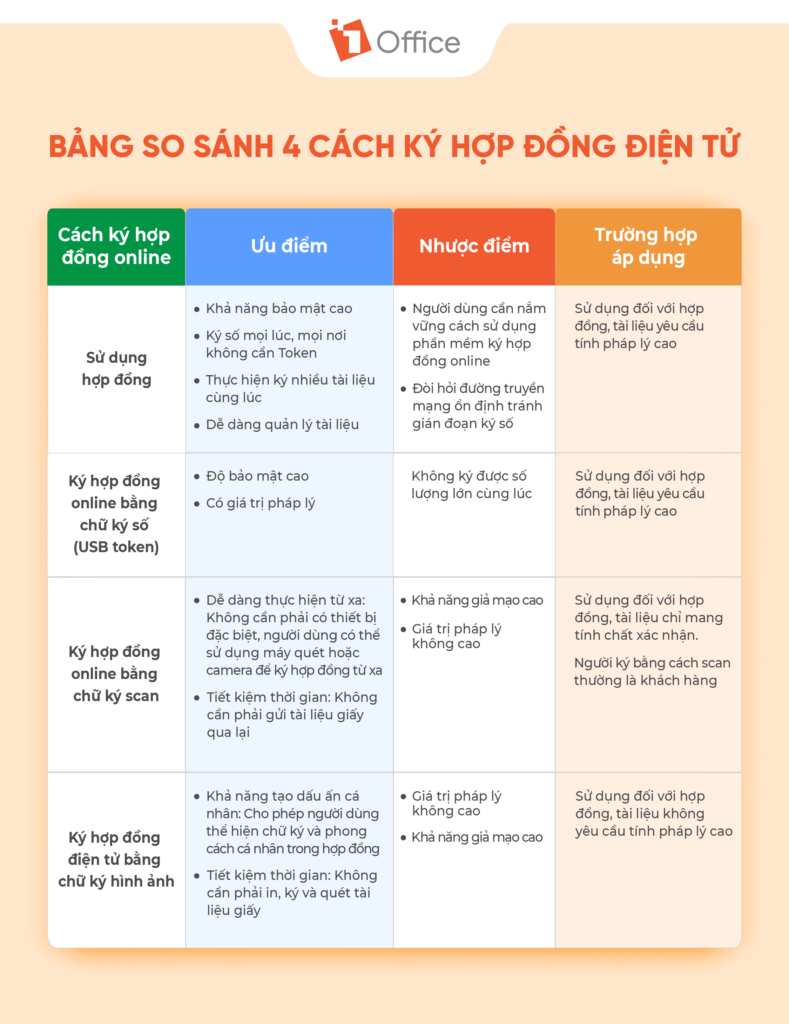
Signing contracts is no longer a cumbersome procedure of printing and waiting for each person to sign by hand. Now, you can complete a contract in just 1 minute – remotely, securely, legally, and with automatic storage. In this article, 1Office will guide your business through 4 ways to sign electronic contracts quickly, with full legal validity, and easy implementation with the 1Office software solution..
Mục lục
- Method 1: Signing contracts with 1SIGN on the 1Office software
- Method 2: Signing electronic contracts with a USB token digital signature
- Method 3: Signing an electronic contract with a scanned signature
- Method 4: Signing an electronic contract with an image signature
- Frequently asked questions about signing contracts online
- Frequently Asked Questions about how to sign electronic contracts
Method 1: Signing contracts with 1SIGN on the 1Office software
Step 1: Log in
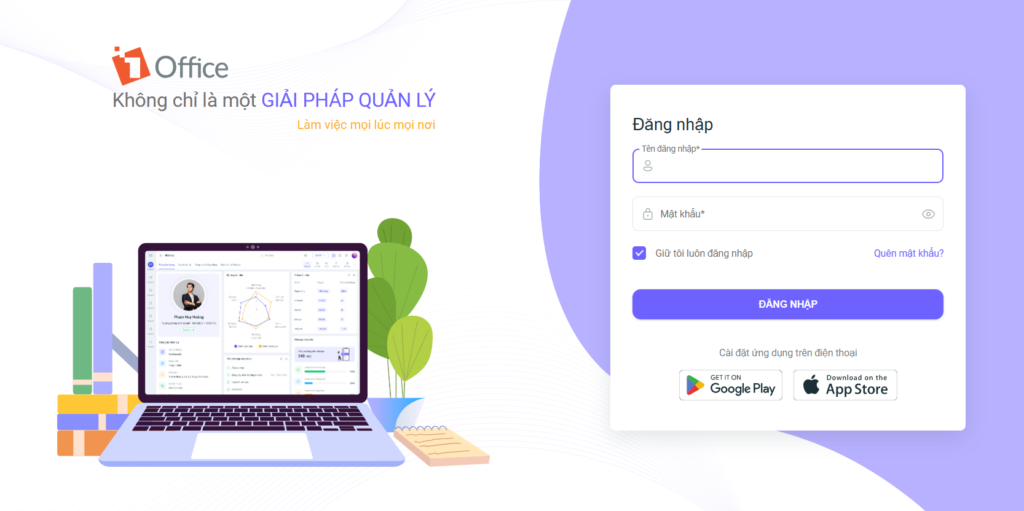
- First, you need to log in to your 1Office account. If you don’t have one, please contact your company’s HR department or the 1Office Customer Support team immediately.
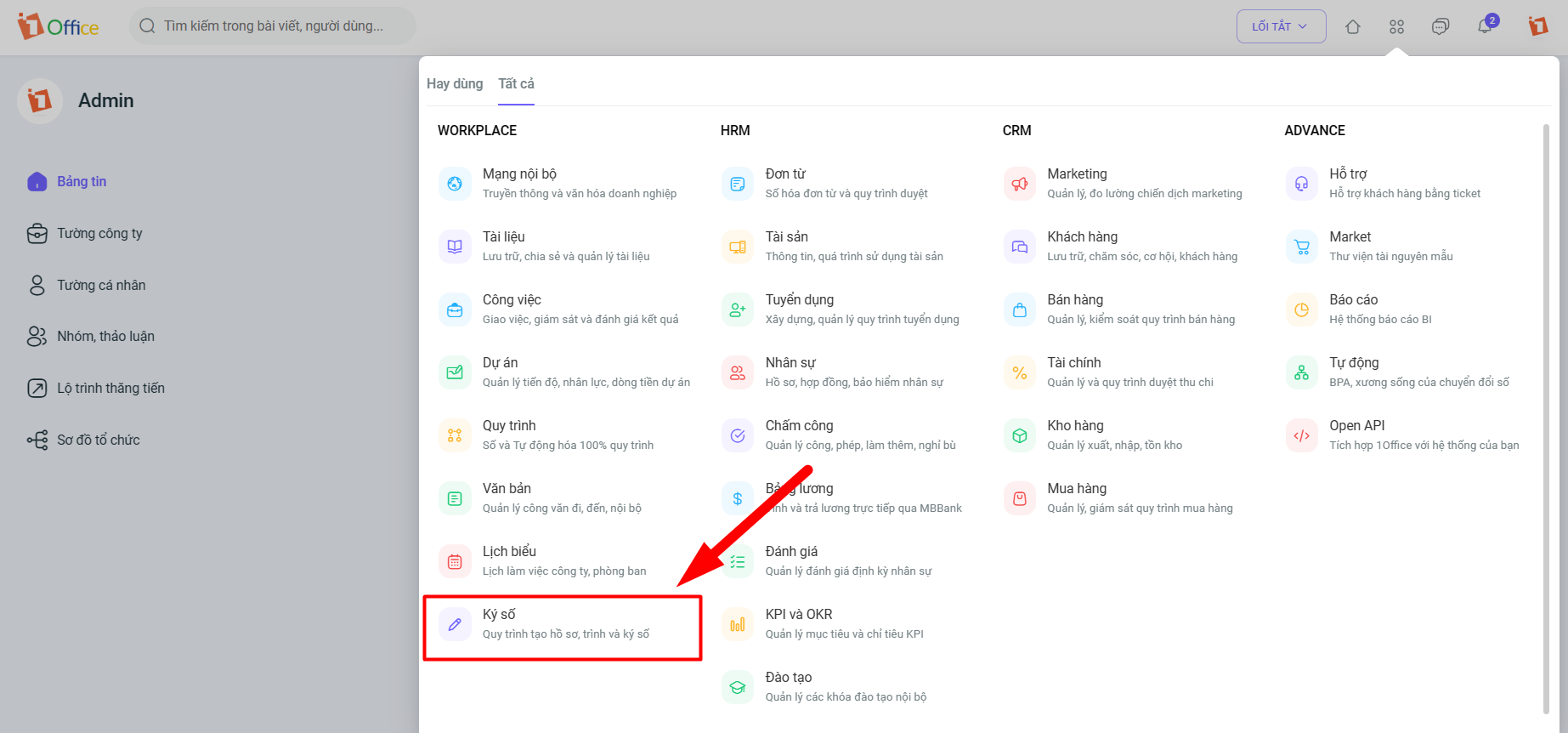
- After logging in, you will be directed to the main screen. In the 1Work/Workplace module, select the digital signature feature.
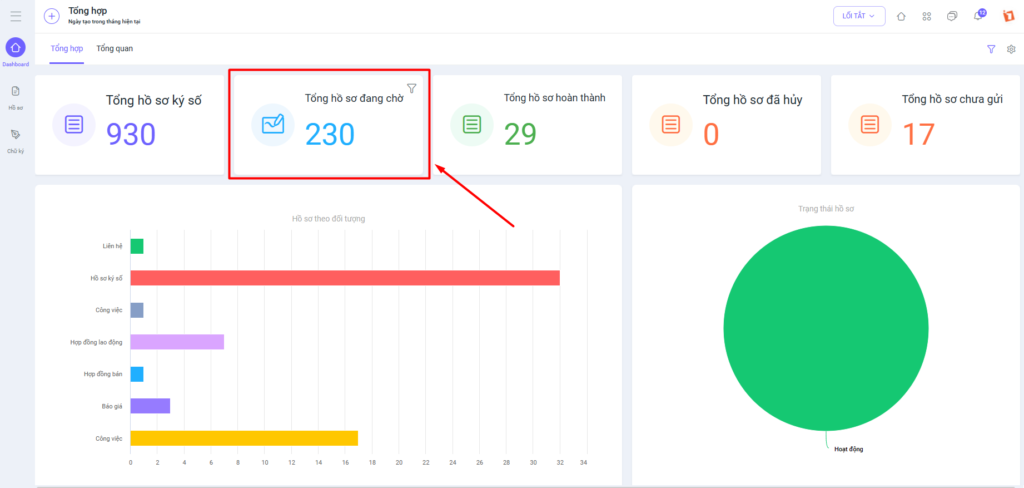
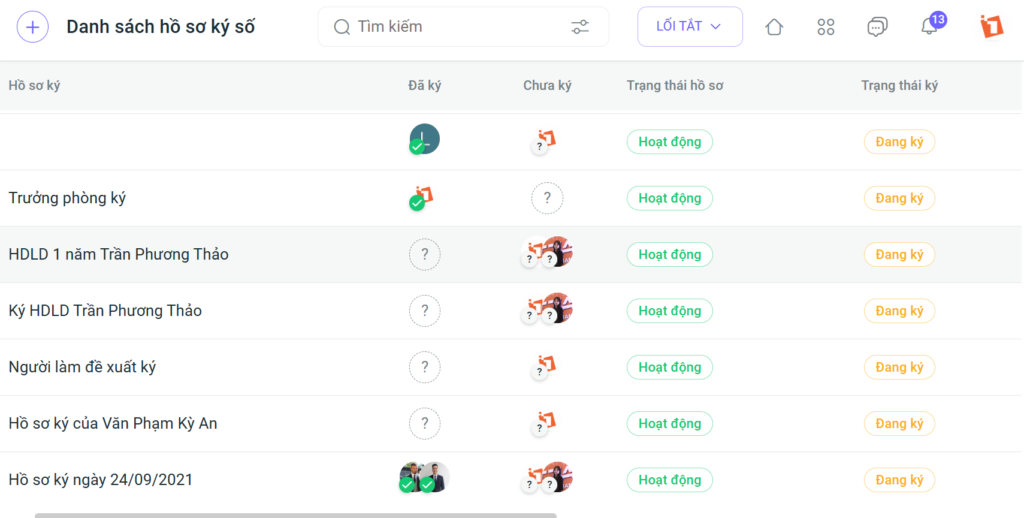
Step 2: Access online documents and contracts pending signature
On the “Dashboard” interface, click on “Total documents pending signature” or access the “Documents” tab in the left menu bar.
Step 3: Select the electronic contract to be signed
Click on the file, document, or contract you want to sign and proceed to sign the document.
Step 4: Sign the contract
In this step, you can choose the signature position by clicking and holding the signature and dragging it to the desired location. You can also select the page to sign on in the page column on the right.
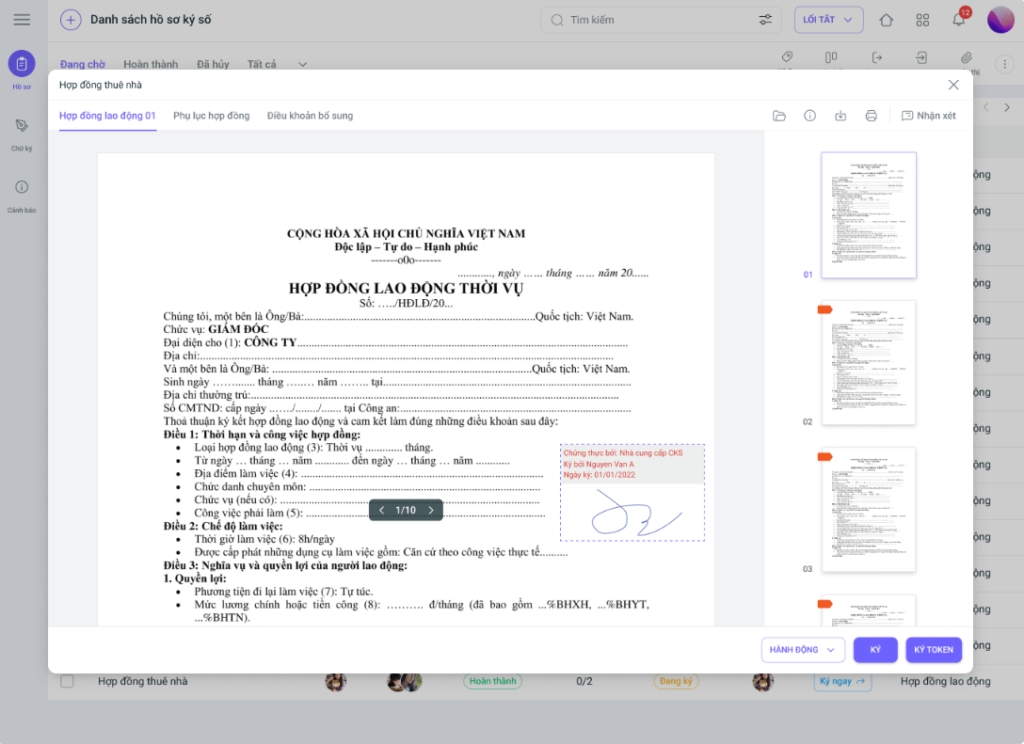
On the 1Office software, you can choose from various methods of signing electronic contracts. If you register for a digital signature through 1Office, you just need to select the signing position and click the “Sign” button. If you already have a Token digital signature (USB Token), you can choose to sign using this method without needing any third-party software.
Get a free consultation for the 1SIGN digital signature package!
Method 2: Signing electronic contracts with a USB token digital signature
A Token digital signature, also known as a USB Token, is a device that stores encrypted data characters and secures the information of a business, organization, or individual. The special feature and greatest advantage of signing electronic contracts with a USB Token is that each entity (business, organization, or individual) will have a unique, non-repeating PIN.
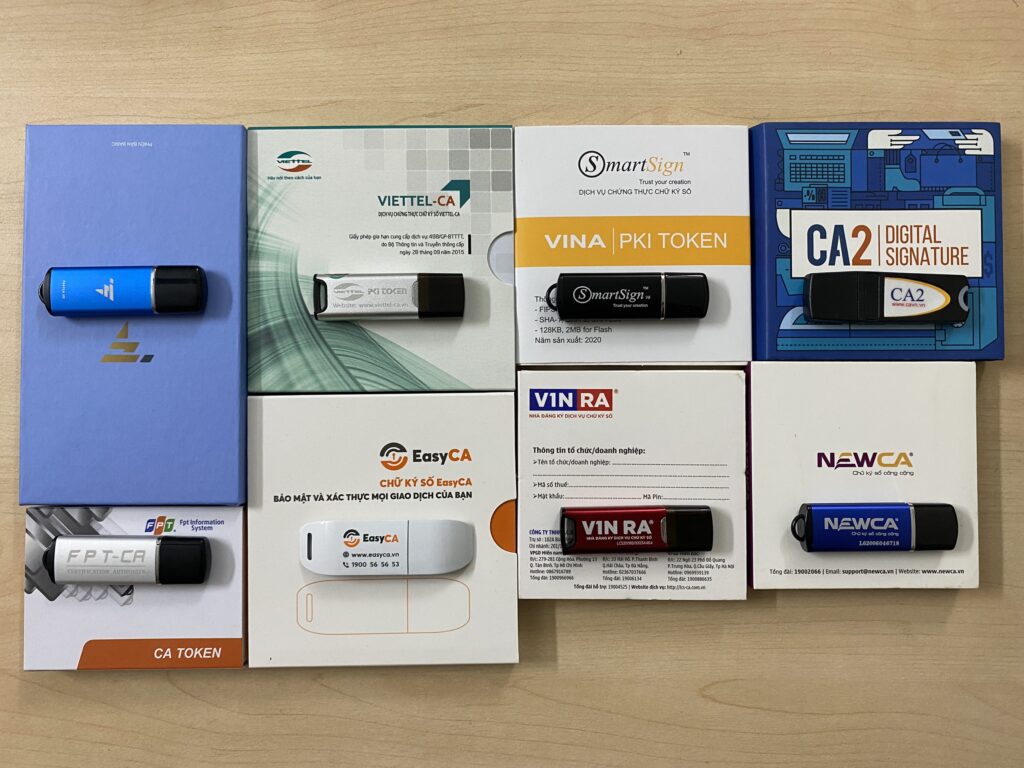
To sign an electronic contract using a USB Token, follow these steps:
Step 1: Prepare the USB Token and log in
- Connect the USB Token containing the digital signature to your computer system and install the software.
- Proceed to log in to your personal account.
Step 2: Download and install Acrobat Reader DC software
- Access the download link for Acrobat Reader DC at: https://get.adobe.com/reader/
- Uncheck the “Install McAfee Security Scan Plus” box to avoid downloading additional software to your computer.
- Choose a location to save the Acrobat Reader DC software and select Save. After the download is complete, run the .exe file to begin the installation process.
Step 3: Sign the contract with a USB Token digital signature
- Access the contract file or document in PDF format.
- On the toolbar, select Tools and click Open under Certificates.
- Click Digitally Sign to proceed with signing.
- Select the area to sign by drawing a box.
- Select Continue and click “Sign” to sign.
- Select Save to save the signed file.
- Enter your password/PIN and click Login to complete the digital signing of the file.
Note:
- Ensure your USB token is functional and has sufficient storage space.
- Keep your USB Token’s PIN absolutely secure (anyone with the PIN can use the signature).
- Keep a copy of the signed document or file in a safe place.
Method 3: Signing an electronic contract with a scanned signature
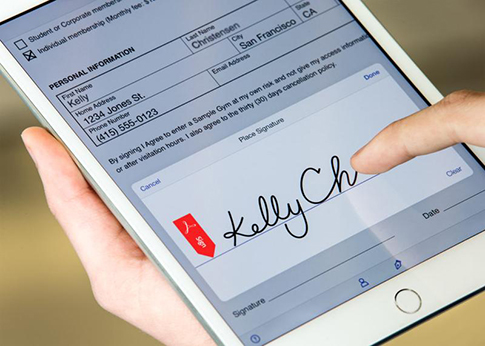
Signing electronic contracts with a scanned signature is often used in cases where the contract does not have high legal requirements. In reality, a scanned signature is an image of a signature, and Vietnamese law does not have specific regulations on whether this type of signature is considered an electronic signature. However, if the transaction meets the conditions for a valid transaction, the validity of the document or transaction signed with a scanned signature cannot be ruled out.
Step 1: Scan your handwritten signature
- Sign your name by hand on a white piece of paper.
- Scan the signature using a phone (by taking a photo) or a dedicated scanner
- Save the scanned file as an image (.png, .jpg, .jpeg, etc.) or a PDF file.
Step 2: Remove the signature’s background
To use the signature image on any document, you need to remove its background to avoid the signature having a different background color from the document.
One of the easiest ways to remove the background is to use online background removal tools like remove.bg
Step 3: Insert the scanned signature into the contract
Insert the signature into the contract. When used to conclude any type of transaction or sign any contract, the scanned signature will have a value similar to a handwritten signature and is also permitted for commercial transactions.
Note:
- Ensure your scanned signature image is sharp and legible.
- Save the scanned signature in a common file format, such as PDF or JPG.
- Absolutely avoid editing the signature after it has been inserted into the document.
Method 4: Signing an electronic contract with an image signature
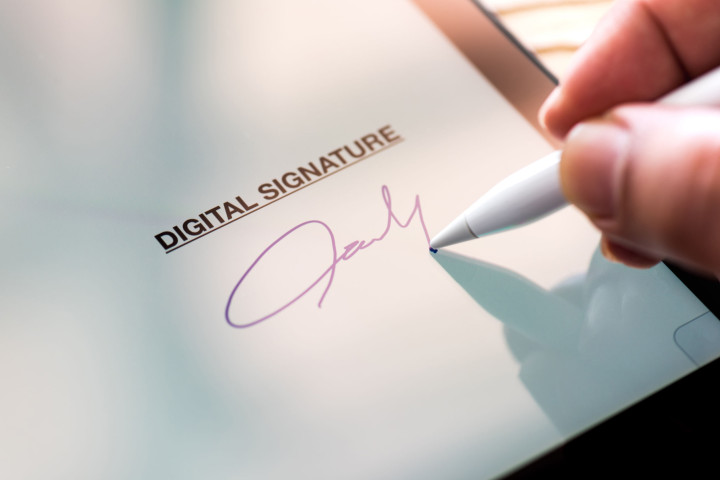
An image signature is a picture of your signature taken with a phone or camera. Signing an electronic contract with an image signature is similar to using a scanned signature in the first step, and image signatures are also only used in cases where the contract does not require high legal validity.
To sign an electronic contract with an image signature, you need to perform the following steps:
Step 1: Take a photo of the signature
- Sign your name by hand on a white piece of paper
- Take a photo of the signature with a phone or camera
- Remove the background as in Method 3
Step 2: Insert the image signature into the contract
- Access the contract file where you need to insert the signature
- Click the Pictures button on the toolbar to insert the signature with the removed background
- Adjust the signature’s size to fit the desired position
Note:
- Ensure your scanned signature image is sharp and legible.
- Save the scanned signature in a common file format, such as PDF or JPG.
- Strictly avoid editing the signature after it has been inserted into the document.
Frequently asked questions about signing contracts online
Can electronic contracts be used for agreements?
Yes, of course, you can sign electronic contracts. According to Article 33 of the 2005 Law on Electronic Transactions, a contract signed by electronic means is a contract established through methods such as electronic documents, email, fax, or similar forms.
Do online contracts have legal validity?
Electronic contracts have the same legal validity as traditionally signed contracts. According to the 2005 Commercial Law, a contract established through electronic means has the same legal value as a contract established in writing.
When does an electronic contract become effective?
An electronic contract is effective from the moment it is signed. When an electronic contract becomes effective, it means the contract’s legal validity is confirmed, and the contracting parties must comply with the agreed-upon rights and obligations under the protection of the law.
Signing electronic contracts is an effective solution that helps businesses save time, costs, and enhance business performance. There are various methods to do this, each with its own pros and cons. Depending on the specific needs and conditions of each business, you can choose the most suitable online contract signing method.
———————–
If you are looking for a comprehensive and secure online contract signing solution, you can explore the 1SIGN feature from 1Office for signing any document/contract online. 1Office’s service provides you with features such as:
Digitize business operation processes:
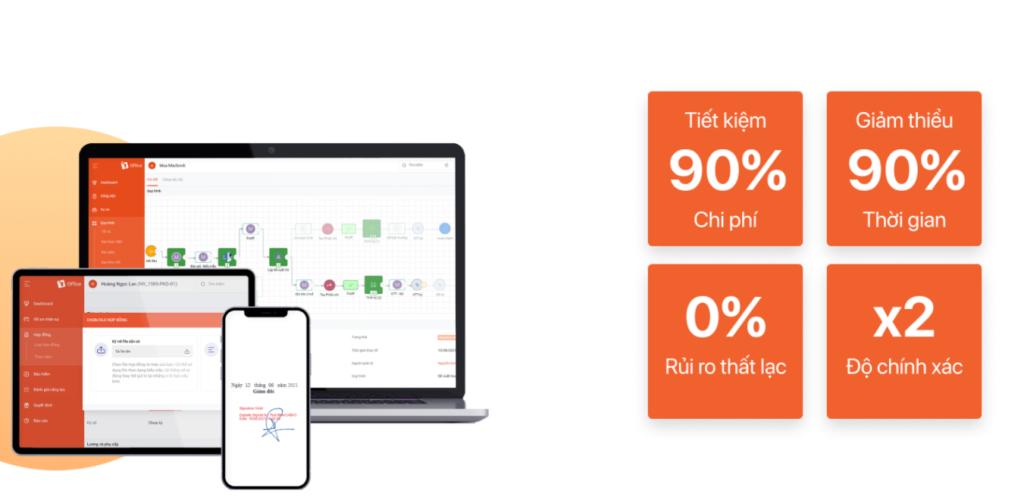
- Automate signing and submission workflows
- Simple and easy operations on a centralized management software
- Automatic notifications from approval and signing to relevant parties in the workflow
- Allows customization of forms, vouchers, and documents on the system for convenient signing
Solve 100% of security & storage challenges:
- Store all documents and records on a cloud platform
- Store documents by relevant party groups
- Easily search and manage by execution time, department, or operation
- Extract one or more documents with ease
- Minimize the risk of document dispersal, ensuring absolute information security
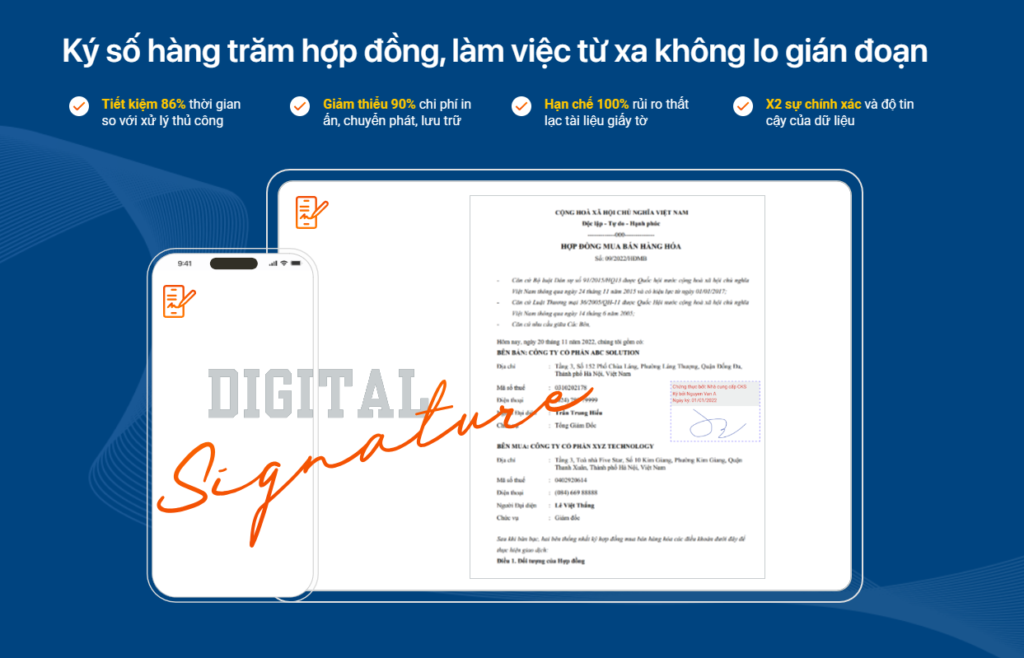
Meets all electronic signing needs such as: texts, documents, contracts, electronic transactions in Word, Excel, PDF format…
- Issue electronic invoices
- Declare/settle taxes and insurance
- Sign documents, electronic contracts
- Bank transactions
- Electronic securities trading
- Authenticate electronic public services
Get a free consultation for the 1SIGN package!
Frequently Asked Questions about how to sign electronic contracts
What is the legal difference between an image signature and a digital signature?
- Digital signature has the same legal validity as a handwritten signature and a company seal.
- An image signature (scanned) is only valid when the parties have agreed to accept this form and is typically used for internal or low-risk transactions.
How can I check if a signed electronic contract has been modified?
You can use specialized PDF reader software (like Adobe Reader) or tools from digital signature providers to check its integrity. If the content is changed by even a single character, the system will warn that the signature is no longer valid.
Can I sign an electronic contract on a mobile phone?
Yes. With solutions like 1SIGN by 1Office, users can perform remote digital signing right on the mobile app via a cloud-based digital signature (Cloud CA) without needing hardware devices like a USB Token.
Is signing electronic contracts cheaper than signing traditional paper contracts?
Yes. Businesses save about 80-90% of the cost by completely eliminating fees for printing, express delivery, storage, and personnel for managing physical documents.
Can electronic contracts be used as evidence in court?
Yes. According to the Law on Electronic Transactions, an electronic contract is considered evidence if it ensures integrity, is accessible for reference, and is signed with a valid digital signature by the relevant parties.
















