


 12/05/2026
  387 views
In a market heating up with the fierce race in digital management, Customer Relationship Management (CRM) software has become the top choice for businesses to optimize customer management, marketing, and conversion advertising. Salesforce is one of the pioneering CRM software providers offering solutions to optimize sales and marketing activities and is among the top CRM software in the world. In this article, let’s join 1Office to learn about what Salesforce is and the Top 10 outstanding features of this software.
Mục lục
- 1. What is Salesforce?
- 2. Why should businesses use Salesforce software?
- 3. Top 10 superior features of the leading CRM software – Salesforce
- 3.1. Interaction and Information Sharing (Chatter Module)
- 3.2. Customer and Contact Information Management
- 3.3. Tracking Customer Journeys and Sales Opportunities
- 3.4. Information Library for Document Storage
- 3.5. Partner and Supplier Relationship Management
- 3.6. Analysis, Reporting, and Business Results Forecasting
- 3.7. Set Up and Manage Workflows
- 3.8. Integration with Email and Google Applications
- 3.9. Manage Marketing Campaigns and Budget Allocation
- 3.10. Optimized for Mobile and Desktop
- 4. Current Service Packages of Salesforce Software
- 5. Criteria for evaluating a suitable CRM software
- 6. Conclusion
1. What is Salesforce?
Salesforce is a Customer Relationship Management (CRM) software provided as a cloud computing service. This software helps businesses manage all customer information (such as contact details, purchase history, interactions, etc.), sales processes, marketing, and customer service.
It is one of the most powerful and flexible Customer Relationship Management (CRM) systems. Founded in 1999, Salesforce has become one of the leading technology companies, offering advanced CRM solutions for organizations and businesses.
1Office CRM – the customer relationship management software trusted by over 5,000 small and medium-sized enterprises today.
2. Why should businesses use Salesforce software?
According to a Salesforce report, 39% of companies using a CRM software platform gain a higher competitive advantage by increasing leads by 44%, sales revenue by 37%, and customer retention by 45%. Therefore, this is an important tool that businesses should use:
- Enhance business operational efficiency: The software helps manage customer information effectively, supporting smarter business decisions.
- Improve customer experience: Salesforce helps businesses provide better customer service, thereby building customer loyalty.
- Increase sales revenue: Salesforce helps businesses manage the sales process more effectively, thereby increasing sales revenue.
- Boost marketing effectiveness: By tracking marketing campaigns and analyzing their effectiveness, the software helps businesses optimize campaigns to reach the right potential customers.
>> See more: Which CRM solution is suitable for small and medium-sized enterprises?
3. Top 10 superior features of the leading CRM software – Salesforce

3.1. Interaction and Information Sharing (Chatter Module)
Chatter is a feature of Salesforce software that allows employees to easily interact and share information with customers, internal departments within the business, and relevant stakeholders. Specifically, the software provides features for:
- Groups and communities: Allows employees to create groups and communities to discuss common topics.
- Posts and comments: Allows employees to share information and ideas.
- Applications: Allows employees to integrate third-party applications into Chatter.
This helps teams within the company stay informed and coordinate with each other to achieve work efficiency. At the same time, sharing and supporting information quickly also helps create a positive impression with customers and build good relationships with stakeholders.
3.2. Customer and Contact Information Management
With the Salesforce application, businesses can centrally manage and store all customer information such as email, phone number, transaction history, etc., completely and accurately.
Additionally, Salesforce also provides features that help managers classify customers based on various criteria such as geographical location, monthly income, age, etc. Thanks to this important information, businesses can analyze and build business plans and marketing strategies tailored to each target customer group.
- Customer database: Store and track customer information completely and accurately
- Data analysis and tracking: Helps businesses better understand customer needs, enhancing the effectiveness of marketing and sales campaigns.
3.3. Tracking Customer Journeys and Sales Opportunities
Salesforce helps businesses closely follow the customer’s buying journey from start to finish. It provides a set of tools to track sales stages, manage all activities, and analyze the effectiveness of those campaigns. As a result, the software provides valuable information, helping businesses better understand their customers, especially what potential customers are interested in and concerned about.

By tracking the customer journey, businesses can build appropriate strategies to increase conversion and upsell opportunities. At the same time, Salesforce also helps businesses identify sales opportunities by filtering and selecting the most promising potential customers from the company’s customer base.
3.4. Information Library for Document Storage
With the Salesforce library, finding and storing information is easier than ever. The integrated information library in Salesforce stores all documents and uses smart search features (tagging, rating, etc.) so you can quickly find the information you need. Specifically, it includes:
- Search: Helps users find the information they need quickly and easily.
- Categorization: Supports employees and departments within the business to organize information effectively.
- Sharing: Salesforce provides sharing tools to help users share information with each other.
In summary, this CRM software’s information library is used for various purposes, including: storing reference materials, training documents, workflows, and related resources.
3.5. Partner and Supplier Relationship Management
Salesforce helps businesses manage detailed supplier information and closely monitor partner activities. Specifically, it tracks each stage of collaboration and business metrics, enabling the planning of new partnership strategies for the future. This helps businesses build and maintain sustainable partner relationships, thereby boosting sales and business growth.
- Partner Relationship Management: Salesforce provides tools to store and track information and activities related to current partners.
- Partner Data Analysis: With data evaluation and analysis tools, businesses can gain a better understanding of their partner relationships.
- Enhancing Collaboration with Parties: Salesforce can be used to enhance collaboration with the business’s partners and suppliers.
3.6. Analysis, Reporting, and Business Results Forecasting
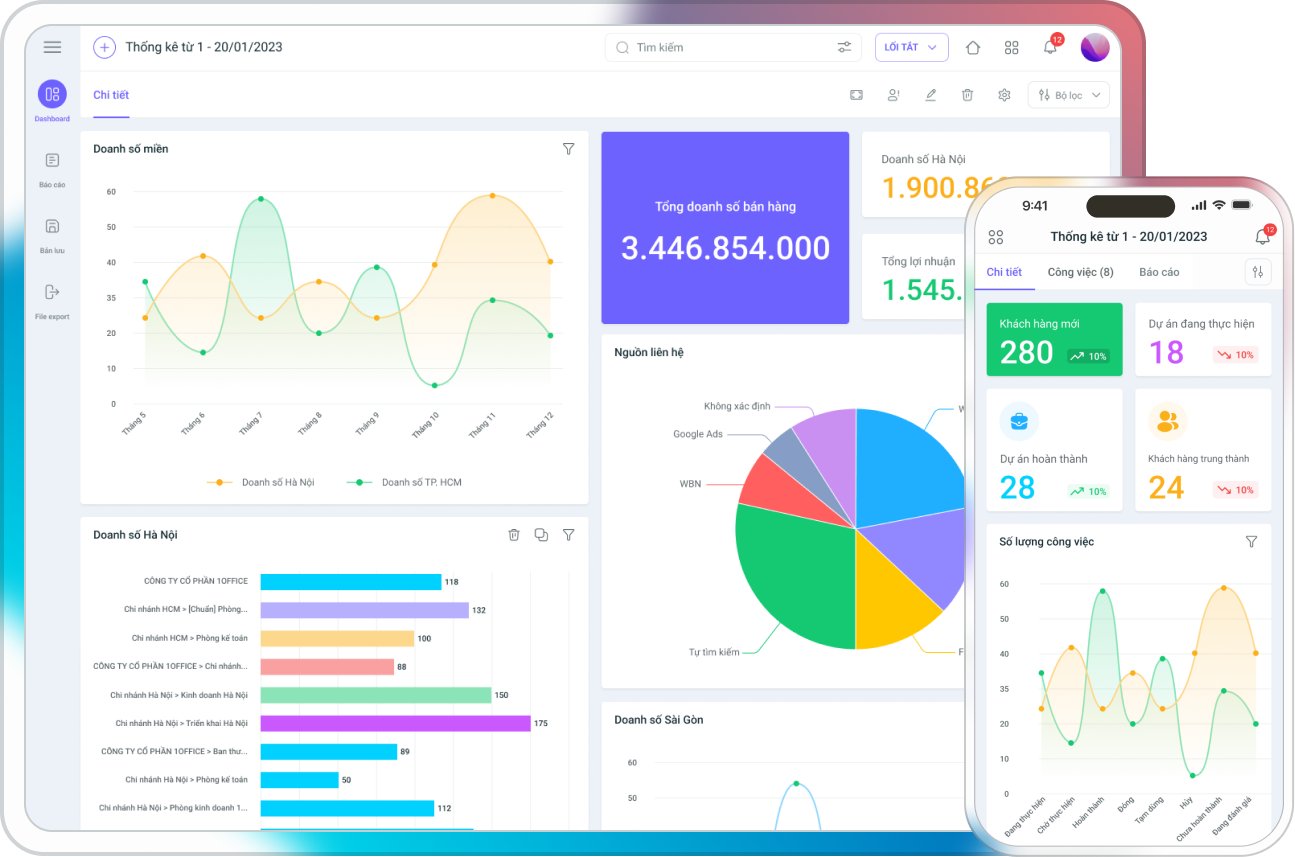
Salesforce provides powerful data analysis tools to help businesses better understand their operations. With visual business metrics presented through charts, managers can better analyze and estimate product demand and revenue, thereby making better business decisions.
- Gain a deeper understanding of customer behavior and needs.
- Evaluate the effectiveness of marketing campaigns.
- Provide tools to create business reports.
- Improve the efficiency of business processes.
3.7. Set Up and Manage Workflows
Salesforce supports a feature for creating and managing workflows, helping businesses automate tasks, improve efficiency, and minimize errors.
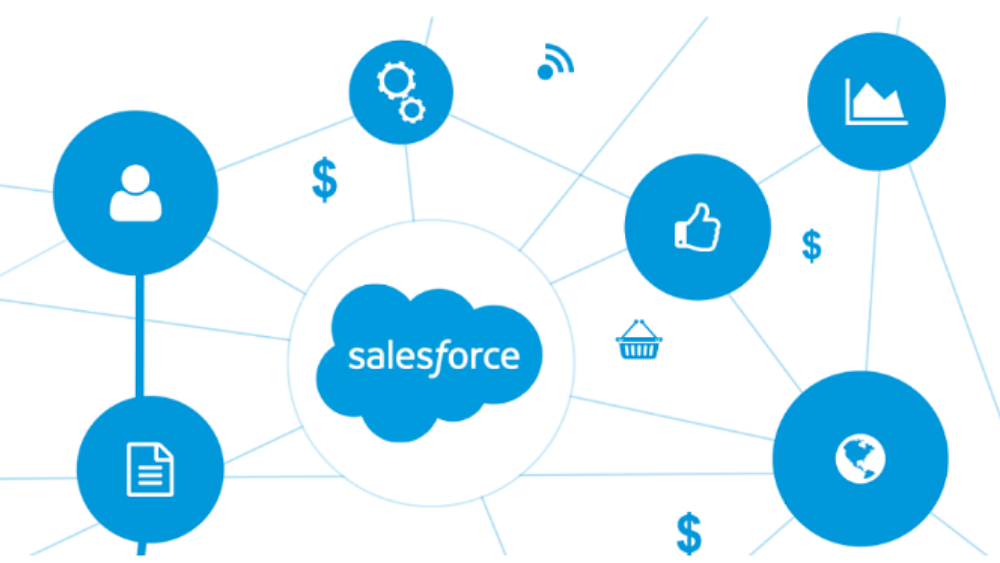
Specifically, by setting up workflows such as task assignments, due dates, and job descriptions, you can track who is doing what and the results of their work. The Salesforce software also allows users to automate sales processes and approvals.
3.8. Integration with Email and Google Applications
Integration with Email, Microsoft Office applications, and Slack software is an important feature of Salesforce that helps businesses improve work efficiency by automating tasks and integrating data from various sources.
- Gmail: Salesforce integrates with Gmail to help businesses manage email.
- Microsoft Office: Salesforce integrates with Google Drive, Google Calendar, Google Sheets, etc., to help businesses create and edit documents.
- Slack: Salesforce integrates with Slack to help businesses collaborate and communicate internally better.
3.9. Manage Marketing Campaigns and Budget Allocation
Managing Marketing Campaigns is an important feature of the Salesforce software that helps businesses create effective marketing campaigns and optimize budgets. The application sets up and manages Marketing campaigns by providing a visual campaign builder that helps businesses manage them easily.
At the same time, the Salesforce software also supports managing marketing campaigns, tracking progress, analyzing data, and reporting marketing results. Therefore, businesses should consider implementing this feature to fully leverage the benefits of Salesforce.
3.10. Optimized for Mobile and Desktop
Salesforce being designed and optimized for mobile platforms is an advantage of this software, helping employees update information and perform tasks even when they don’t have a computer available.
The software integrates with multiple versions from iOS and Android to Windows and MacOS, providing users with a friendly mobile experience, thereby enhancing customer interaction. Moreover, mobile optimization also creates a positive customer experience, strengthening their loyalty.
4. Current Service Packages of Salesforce Software

Currently, the Salesforce software offers 4 main service packages, including:
- Salesforce Essentials: This package is for small businesses just starting with CRM, including basic features like customer information management, sales process management, and customer service management.
- Salesforce Professional: This package is for small and medium-sized businesses and includes more advanced features than the Essentials package, such as sales process automation, CRM data analysis, and integration with third-party applications.
- Salesforce Enterprise: This service package is for large enterprises and includes all the features of the Professional package plus additional features like partner relationship management, asset management, and customer experience management.
- Salesforce Unlimited: This package is for large enterprises with high demands for features and scalability. It includes all the features of the Enterprise package plus additional features, such as high customization capabilities, advanced security, and 24/7 support.
In addition to the main service packages, Salesforce also offers several supplementary service packages, such as:
- Salesforce Marketing Cloud: Provides tools and services to manage marketing campaigns.
- Salesforce Sales Cloud: Provides tools and services to manage the sales process.
- Salesforce Service Cloud: Provides tools and services to manage customer service.
5. Criteria for evaluating a suitable CRM software
5.1. Is the software easy to use and install?
– Ease of use: The CRM software should have a user-friendly, easy-to-understand, and easy-to-use interface so that employees can quickly get acquainted and utilize it.
– Ease of installation: The software setup should be quick and simple, avoiding complex requirements that waste time and money.
5.2. Is the software updated regularly?
All software needs to be updated regularly to ensure stability, fix bugs, and add new features. Businesses should note that updates should come with update instructions and technical support if needed.
5.3. Are there any features that differentiate it from other CRM software?
Product features depend on the specific needs of the business, such as customer management, marketing management, sales management, and customer support. Business administrators should compare the features of CRM software on the market to consider the unique or improved features it offers.
5.4. Is the security high?
Security is an extremely important factor in choosing CRM software. Ensure that the software provides security features such as access rights management, data encryption, identity verification, and protection against cyber threats.
5.5. Is its price suitable for the business’s situation?
The price must be suitable for the business’s budget. You should consider the base cost, including installation fees, user licenses, and any annual maintenance fees. You should also compare the price with other CRM software and consider the value it provides.
>> Read more: Criteria for choosing quality CRM software for businesses
6. Conclusion
Depending on the specific needs of the business, a CRM software can provide suitable solutions for managing customer relationships, optimizing business operations, and improving organizational performance. However, before deciding to use any customer relationship management software, businesses should research and try it out to ensure it fits their specific needs.
Hopefully, through this article, you have a better understanding of what Salesforce is, its features, and the service packages this software offers. If your business has any further questions about customer relationship management in particular and overall business management in general, please contact 1Office via:
- Hotline: 083 483 8888
- Facebook: https://www.facebook.com/1officevn/
- Youtube: https://www.youtube.com/@1office-chuyendoisodn

















