


 13/05/2026
  335 views
The 4.0 revolution has almost completely changed the way businesses operate. This is also the reason for the emergence of software that helps businesses optimize work efficiency and increase competitiveness. And one of the most popular applications is e-office software. Let’s explore with 1Office how this software is used in businesses in this article!

1. General introduction to the e-office
1.1 What is e-office software?
The concept of the e-office marks the shift from the traditional management model to online management. This is also considered the premise for the process of digital transformation in business.
E-office software integrates a full range of features to serve needs such as management, information processing, tasks, internal operations, etc. The purpose of transitioning to an e-office model is to modernize traditional management methods, helping businesses save time and costs, optimize human resources, and achieve higher work efficiency.
All documents, official letters, and reports are created, processed, and stored on a single centralized online platform. Here, leaders can approve and manage work from anywhere. When working from home is necessary, any arising issues or operational processes are handled instantly, ensuring no impact on the team’s work progress.

1.2 The difference between the traditional management model and e-office software
| Traditional Management Model | Model Using E-Office Software |
| The process of creating requests, proposals, and getting them signed is cumbersome and slow due to too many approval levels. |
|
| Transmitting internal information takes up a lot of managers’ time. For large enterprises, information transmission across multiple departments and levels causes delays, reducing work efficiency.
|
|
| Data is scattered due to fragmented management, making it difficult to search for. |
|
| Manually exporting timesheet data via Excel is error-prone and time-consuming. |
|
1.3 Benefits of applying e-office software in businesses
The benefits that e-office software brings to businesses include:
- Manage work progress: Create and track tasks
- Project management: create groups of related tasks within each project, track progress, and report results in easy-to-read chart formats.
- Task reminders: automatically notify about urgent and upcoming tasks.
- Evaluate employee performance: automatically compiles statistics on how many tasks are completed on time or overdue and provides evaluations based on a corresponding scoring scale for each employee.
- Smart customer management: Automatically sends notifications for debt due dates, contract renewals, and reports on criteria for better customer care
- Effective human resource management: Remote task management software will automatically notify about upcoming salary increases, labor contract renewals, timekeeping, and online leave requests. Additionally, based on existing data, the software also helps suggest appropriate salary levels for each candidate.
2. Basic steps to build an e-office
To build an e-office for your business, you can refer to the following 5 steps:
2.1 Standardize the paperwork system and internal processing procedures
To transition from manual to digital work methods, you need time to systematize all processes, handle various types of paperwork, and manage administrative tasks for your business. Additionally, clearly defining the role of each individual in the company and standardizing every step of the workflow before implementing it on the software system is a crucial requirement for successful data digitization.
2.2 Determine the appropriate e-office model
At this stage, you need to choose an e-office software provider that suits your company’s personnel scale and type of operation. Here are a few things to keep in mind when selecting an e-office model:
- Versatility: Does the software have features that serve various departments and link them together?
- Can the software be flexibly adapted to meet the future growth of the business?
- Is the provider’s 24/7 customer support service good?
Currently, there are many software solutions on the market that support work digitization. However, few can be considered true e-office software because each one typically serves the operational needs of only a single department. As a result, businesses often have to use multiple software applications, which is very complex and inconsistent.
2.4 Staff Training
The biggest barrier to applying technology in business operations often comes from the staff. Although employees are the direct users and beneficiaries of the software, not everyone can use it proficiently and apply it effectively in their work. In many cases, even when a company invests heavily in foreign solutions with glowing recommendations, employees either cannot actually use them or use them superficially just to get by. This is all because the software has features that sound great but are too complex to apply and are not optimized for the end-user experience.
To avoid this situation, when choosing a free team task management software, you should allow some key personnel time to experience it and carefully consider their feedback. You should also opt for Vietnamese software or software that is 100% localized into Vietnamese to make it easier for employees to adopt. Additionally, dedicate time and plan thoroughly to train employees on how to get acquainted with and use the software. Remember that haste makes waste; integrating a new solution into the daily work of many people requires patience and cannot be accomplished overnight.
2.5 Measure and evaluate results
After implementing the software, you need to regularly measure its effectiveness and make adjustments that are suitable for your business.
3. 1Office – A comprehensive e-office software for the 4.0 enterprise
The e-office software 1Office provides businesses with a comprehensive digital transformation solution, helping them build a “paperless office” and optimize employee work performance.
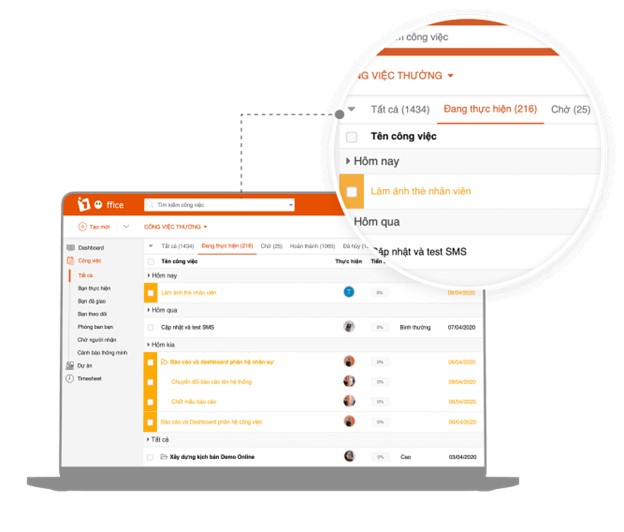
- For work management activities: 1Office provides a set of features that help managers easily plan and assign tasks to the right person and department directly on the software. The software automatically updates work result reports. This allows managers to quickly grasp and evaluate the work efficiency of each individual and department
- For workflows: 1Office is the perfect solution to digitize all processes of departments and divisions. As a result, all information about tasks, activities, and projects—from the person responsible, collaborators, implementation time, priority level, related documents, list of supplies, goods, etc.—is managed centrally. This way, all relevant departments can quickly grasp the work and progress, thereby improving work efficiency.
- For human resource management activities: The automated request feature of the task management software helps employees quickly submit requests (leave requests, overtime requests, make-up work requests, etc.); managers can also quickly approve these requests directly on the software. Not only that, 1Office also allows each employee to track their timesheet in real-time and provides individual payslips, thereby avoiding complaints related to timekeeping and payroll.
- For recruitment activities: Information about recruitment campaigns is stored centrally on the software, helping managers easily retrieve information, control the effectiveness of recruitment campaigns, and use the information for future campaigns.
Notably, the 1Office e-office software also integrates a digital signature feature directly into the workflow. Users can sign directly within a workflow task by uploading a file or signing an existing file. This not only helps businesses conduct timely transactions with customers but also efficiently resolves internal operations.
In practice, 1Office’s e-office solution can help businesses save up to 70% of processing time and 90% of printing and storage costs, while increasing employee efficiency by 35%. This helps businesses ensure smooth, continuous operations and boosts business performance. Due to these outstanding advantages, the 1Office software has won over more than 3,500 businesses with over 300,000 users and has been selected by the Ministry of Information and Communications as a pioneering platform in the national digital transformation program.
Implementing e-office software is the first step in a company’s digital transformation journey. It is considered a catalyst for enhancing a company’s competitiveness in the Industry 4.0 era.
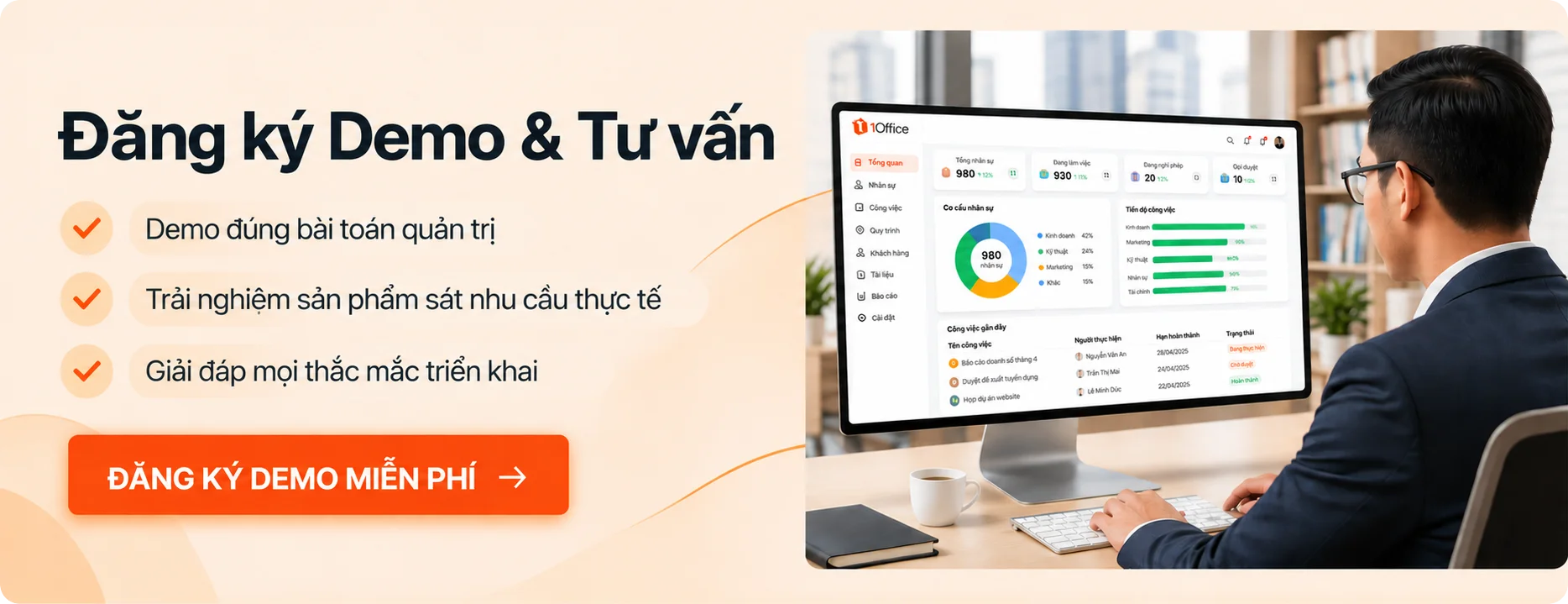
To receive a detailed consultation on the e-office software best suited for your business, please click the “Register for a trial” button below or call 0834 838888 to connect with our Digital Transformation experts for the fastest support.
For more details, please visit:
Fanpage: https://www.facebook.com/1officevn/
Youtube: https://www.youtube.com/channel/UCeTIRNqxaTwk0_kcTw6SxmA