


 12/05/2026
  258 views
Idea management is an important skill for a leader. In today’s business environment, mind maps are gradually becoming a popular and highly effective idea management tool. This article will help you explore everything about mind maps from A to Z, including top templates and effective mind mapping software for managers.
Mục lục
1. What is a mind map?
A mind map is a diagram used to visualize ideas and information. It typically starts with a central idea and branches out into sub-topics, helping to organize information logically and visually. A mind map is a useful tool for displaying information, ideas, or processes in a systematic, tightly linked, and clear manner. It is often used to describe the relationships between different elements, helping viewers easily follow, understand, and make decisions quickly.

Mind mapping is an indispensable tool for enhancing the thinking skills of managers. A manager’s thinking skills are decisive for the company’s strategies and policies. If managers do not equip themselves with an accurate thinking system, it can easily lead to errors in setting management goals for the business.
>>> See more: 4 Thinking Skills of a Manager – Qualities that Make an Excellent Leader
2. Benefits of using mind maps
Mind mapping plays an important role for business administrators, managers, and team leaders in many fields due to the following advantages:
- Presenting strategies in a branching format: Mind maps help managers illustrate business strategies, goals, and directions clearly and visually by showing the links between different strategic elements.
- Systematizing information: Mind maps help organize complex information into an easy-to-understand structure, ensuring that all members of the organization clearly understand the overall structure and goals.
- Describing relationships between jobs and tasks: Helps to visualize and clearly understand how different jobs and tasks in a project or workflow are related to each other.
- Predicting the consequences of decisions and finding the best solutions: Mind maps help managers and decision-makers gain a comprehensive and in-depth view of the potential impacts and outcomes of their decisions.
- Team and Organizational Management: Supports team management by clearly illustrating the tasks and responsibilities of each member, while also enhancing teamwork and understanding between departments.
For C-level executives and team leaders, the ability to use and create mind maps helps them manage information effectively, create powerful strategies, and optimize the organization’s workflows. A solid understanding of how to use this tool can help them make sound decisions and shape the company’s development.
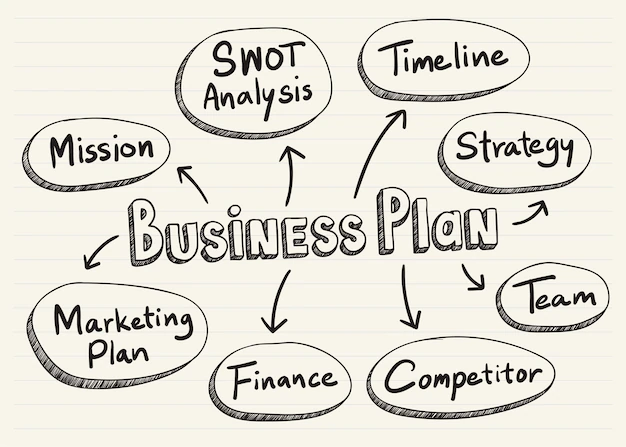
Building on the advantages of mind maps, this tool is very helpful for managers in tasks including:
- Organizing information: Bubble mind maps can help business administrators, managers, and team leaders organize information in a visual and easy-to-understand way. This can help them grasp and understand information faster, as well as easily share it with others.
- Generating ideas: Bubble mind maps can help business administrators, managers, and team leaders develop new ideas by stimulating their creative thinking. This can help them solve problems more effectively and create new, innovative strategies.
- Planning: Bubble mind maps can help business administrators, managers, and team leaders plan for projects or tasks by outlining the necessary steps. This can help them ensure that projects are executed effectively and on schedule.
- Communication: Bubble mind maps can help business administrators, managers, and team leaders communicate information more effectively. This can help them convey information clearly and understandably, while also capturing the audience’s attention.
3. Principles for Creating a Mind Map
When creating a mind map, there are several important principles to follow to ensure that the map clearly and effectively represents your ideas:
- Clearly define the main idea: The main idea is the central theme of the mind map. It is the starting point and the foundation for developing sub-ideas. Write the main idea in the center of the mind map, using capital letters and a large font size.
- Develop branches from the main idea: Branches represent sub-ideas related to the main idea. Use curved lines to connect the branches to the main idea. Branches can be organized into different levels depending on the level of detail of the information.
- Use keywords: Keywords are short, concise words or phrases that describe an idea. Use keywords to label the branches of the mind map, which helps in remembering information easily and for a long time.
- Be creative: A mind map is a tool to help you think creatively, so feel free to be creative and express your thoughts naturally. Don’t hesitate to use unique images, colors, and symbols to create a mind map that reflects your personal style.
No single mind map template can meet 100% of your requirements and purposes for immediate use. To make your mind map scientific and apply it to your work most effectively, you need to follow these notes:
- Use print letters: Using print letters will make the map clearer and easier to read.
- Use symbols and images: Using symbols and images that are meaningful to you will help you remember more effectively than using words.
- Use simple language: Convey meaning more clearly by using simple, easy-to-read language, avoiding clutter.
- The mind map is yours: Treat your mind map as your own asset. Once you understand how to create notes in a mind map, apply your own rules to make it even better. Here are some suggestions that can help you increase its effectiveness:
- Use colors to differentiate ideas: This helps you separate ideas when necessary and supports your ability to remember information.
4. Top 5 Effective & Popular Mind Maps
Bubble Map
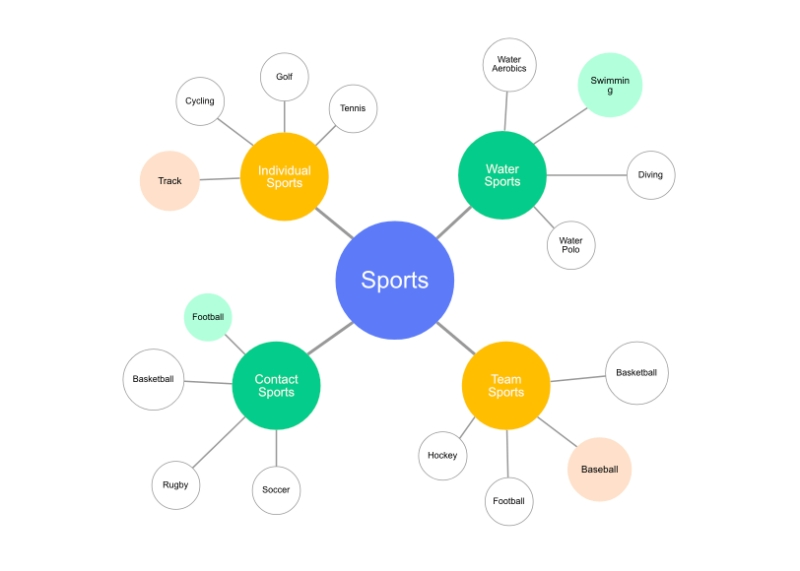
The Bubble Map is a type of mind map commonly used to organize and visualize information. It consists of a central circle and surrounding circular bubbles that expand in various directions. The central circle contains the main topic, while the other bubbles present specific ideas and actions, adding information and meaning to the main subject in the large circle.
Each branch can be divided into other sub-branches, creating a complex network of ideas. The bubble mind map helps users visualize the relationships between ideas, opinions, or tasks, helping them organize information in a structured and effective way.
Double Bubble Map
The Double Bubble Map is a useful tool for comparing and analyzing the similarities and differences between two topics or ideas. This map is designed with two central circles placed parallel to each other, each representing one aspect of the comparison.
Each central circle has surrounding bubbles that represent the corresponding similarities and differences for that topic. The similarity bubbles are usually placed in the middle, connecting the two circles, while the difference bubbles are placed on the outside of each circle.
The Double Bubble Map helps users better understand the commonalities and differences between two topics, ideas, or objects. It is often used in education to promote comparative and analytical thinking, as well as in discussions, research, or decision-making processes when faced with choices or comparative situations.
Tree Map
The Tree Map is a type of mind map designed in the shape of a tree. The top of the tree is usually the main topic or main content, while the branches below represent sub-topics or detailed information that clarifies the main topic.
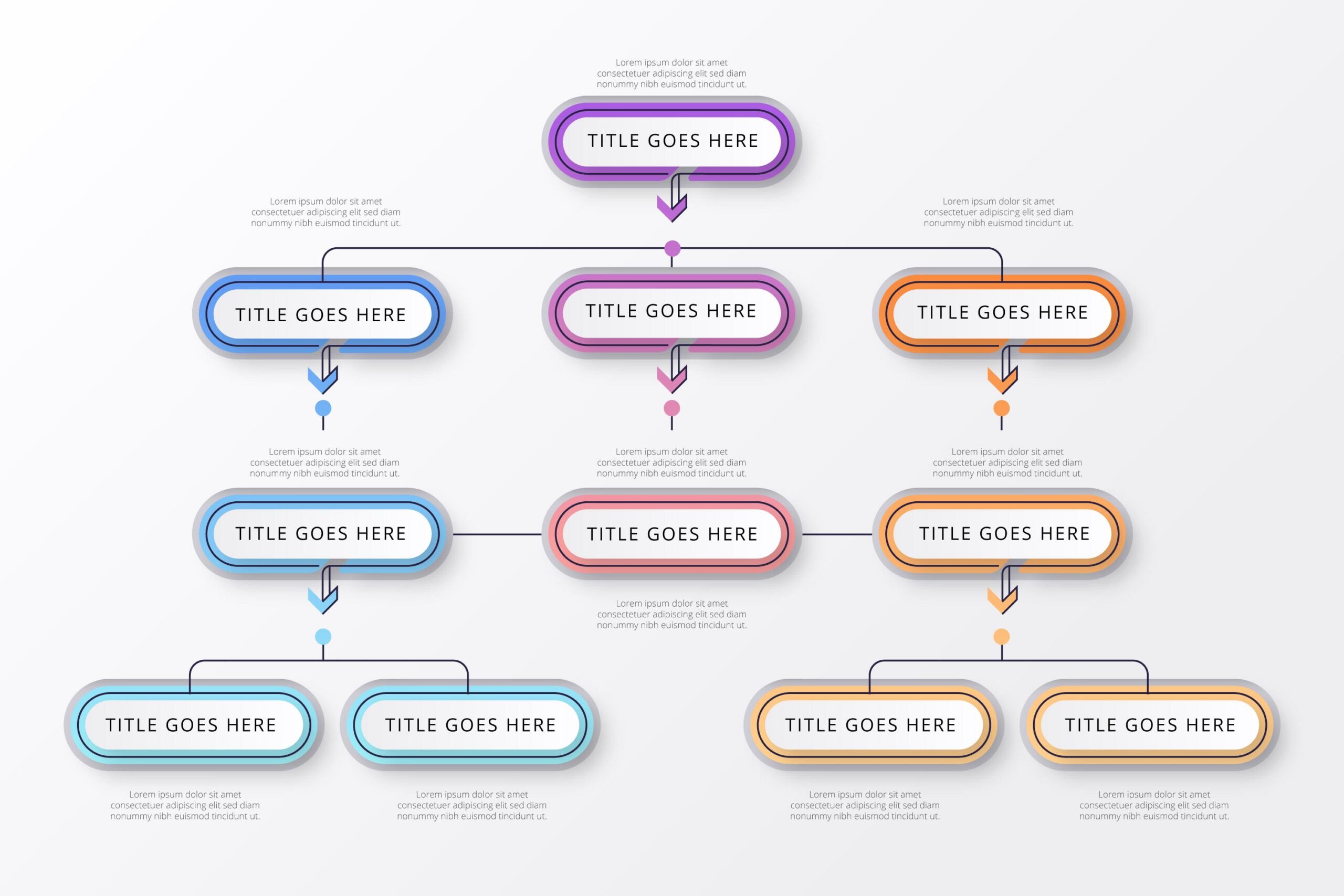
The tree mind map has the following important characteristics:
- Hierarchical Structure: This map follows a top-down hierarchical structure, similar to the structure of a tree.
- Main Topic at the Center: The main topic is usually placed at the center of the tree, serving as the starting point for other sub-topics.
- Branching from the Main Topic: Sub-topics branch out from the main topic, creating connections and organizing information.
- Detailed Information on Smaller Branches: Related information or detailed content is placed on smaller branches, helping to enhance understanding of the main topic.
- Use of Images and Colors: To make the map more visual and dynamic, images and colors are often used to highlight different parts of the tree and attract the reader’s attention.
Spider Mind Map (Spider Diagram)
A spider mind map, also known as a radar chart or multi-dimensional mind map, is a type of chart that describes data and is often used to represent different dimensions of a problem or situation.
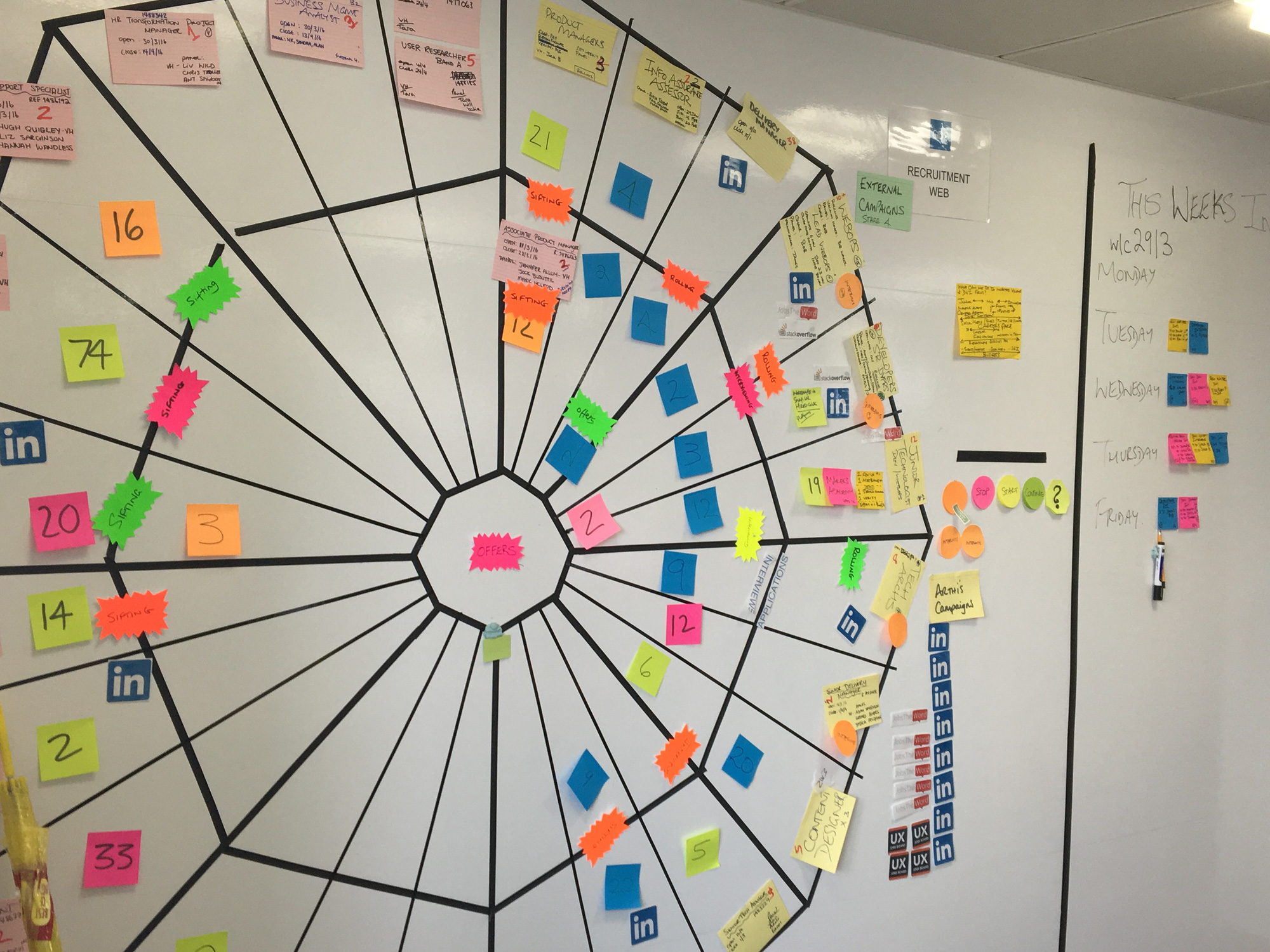
Spider diagrams are often used in various business processes, such as project management, evaluating individual or team performance, determining work priorities, or comparing performance across different factors.
Cloud Mind Map
A cloud mind map is similar to a bubble map, but uses cloud shapes to represent main ideas, with sub-ideas linked to the main idea by paths. This type of diagram is often used to organize information and stimulate creative thinking.

The process of creating a cloud mind map begins with the main idea placed at the center of the page. Next, sub-ideas are connected to the main idea through paths. Sub-ideas can also be connected to each other, forming a visual network of ideas.
5. Top 5 Best Online Mind Mapping Software in 2023
X-mind Software
Xmind is one of the most popular online mind mapping applications today. This software offers many different structures to help users create a variety of diagrams and flowcharts.
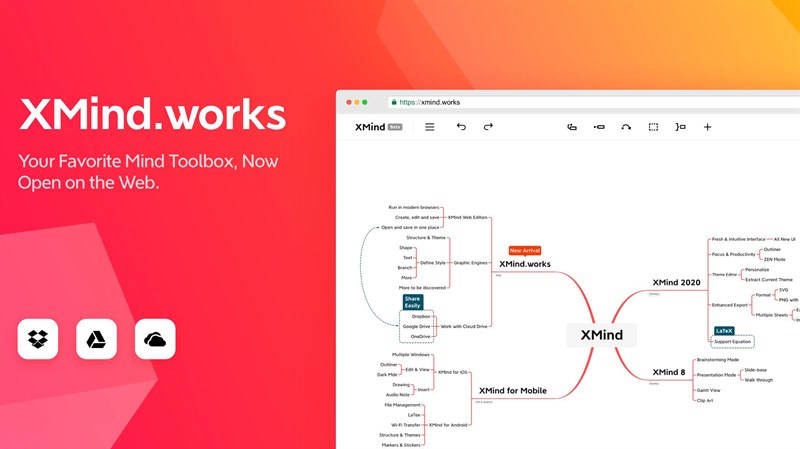
Xmind appeared quite early and has been operating strongly for several decades. Currently, it is trusted by millions of users and businesses.
Advantages:
-
<li style="font-weight:
- Supports use on multiple platforms, including phones and computers via a web browser.
- Free online mind mapping software.
- Easy-to-see, user-friendly interface, fast speed.
- Diverse template library with many attractive themes.
- Smart, easy-to-use editing toolkit.
- Integrates well with Microsoft Office applications.
- Edraw Mindmap can export data in many different formats.
- Lacks many options for sharing information.
- The software provides a wide and rich variety of images.
- Integrates many features and continuously updates with new features for users.
- Optimized team workspace.
- You can access Ayoa on almost all popular devices today.
- The edit history saving feature is not fully optimized.
- The price increases as the number of team members grows.
- The software does not have a time tracking function.
- Free to use on many different devices.
- Easy-to-use interface.
- Supports note-taking with special characters and images.
- Controls tasks, to-dos, and flexibly supports work reminders.
- Synchronizes data when logging in from different devices.
- The paid version has a rather high price.
- The free trial only lasts for 30 days.
Edraw Mind Map Software
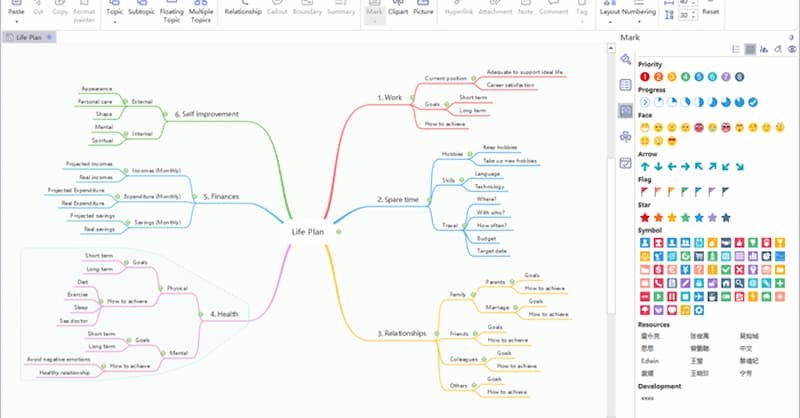
Edraw Mindmap is known as a free mind mapping software. Using this software is very easy thanks to all the built-in map templates. The diverse features of Edraw Mindmap help create creative and unique mind maps.
Pros:
Cons:
Ayoa Mind Mapping Software
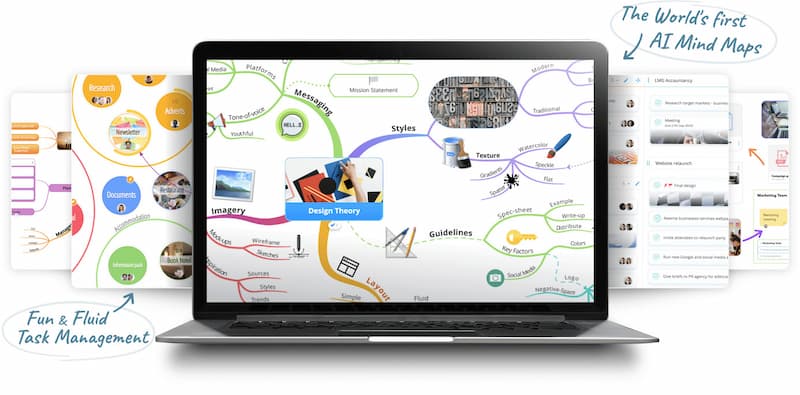
Ayoa software was launched in 2019 with powerful features and technology, significantly supporting learning and work processes. This is an AI-based mind mapping application that allows information sharing with many different users. You can easily access your maps through the Ayoa Online, Ayoa PC, and Ayoa Mobile versions.
Pros:
Cons:
TheBrain Software
TheBrain helps organize and synthesize information into an easy-to-remember and scientifically organized diagram. This mind mapping software provides important features to help you quickly set up branches in your chart.

Pros:
Cons:
——————————
We hope this overview of mind mapping from 1Office has answered your questions and helped you understand the concept, role, benefits, and types of mind maps for effective idea management. We wish you success!
















