


 13/05/2026
  492 views
Task organization apps are gradually becoming an indispensable tool in the work process. If you often miss deadlines or forget important tasks due to a large, overlapping workload, using task organization applications will help you manage your time more scientifically and effectively. In this article, we will introduce you to the best and most effective task organization apps.
Mục lục
I. What is a task organization app?
A task organization app is software that helps users manage tasks by automatically arranging to-do lists in a logical, scientific manner. This application helps you write down, organize, and plan everything you need to accomplish. It gets everything out of your head, freeing up mental resources for your work.
II. Benefits of a task organization and assignment app?
Using a task organization and assignment app brings many conveniences to users. The most outstanding benefits include:
1. Scientific task assignment
Task assignment software helps you arrange your work schedule scientifically. Using task management software will help you replace the hassle of using notebooks and papers for management.
2. Maximize time savings
The daily workload is increasing exponentially. External factors have intertwined impacts and influences. You can hardly rely on your memory or other manual solutions to manage your work. Not to mention, forgetting some tasks will lead to work piling up at the end of the day.
When using a task management app, you can proactively set execution times for tasks to best fit your schedule and prioritize important items, avoiding overlapping work that leads to delays. Mastering task management tools is also a way to develop effective time management skills.
3. Increase work efficiency
Managing time and work effectively is a key factor in self-discipline, while also increasing productivity and work efficiency.
4. Promptly and quickly handle arising issues
When you have a detailed schedule of time and work progress, you can promptly detect and handle issues that arise during implementation. For example, if a large project has an urgent task that arises, you can proactively postpone another task to prioritize the more important one. Or when you are behind schedule on a task, a work schedule management app is definitely what you need.
III. Top 12+ Effective and Professional Task Organization Apps
Below are the 12 task organization applications most trusted and used by individuals and businesses today:
1. 1Office
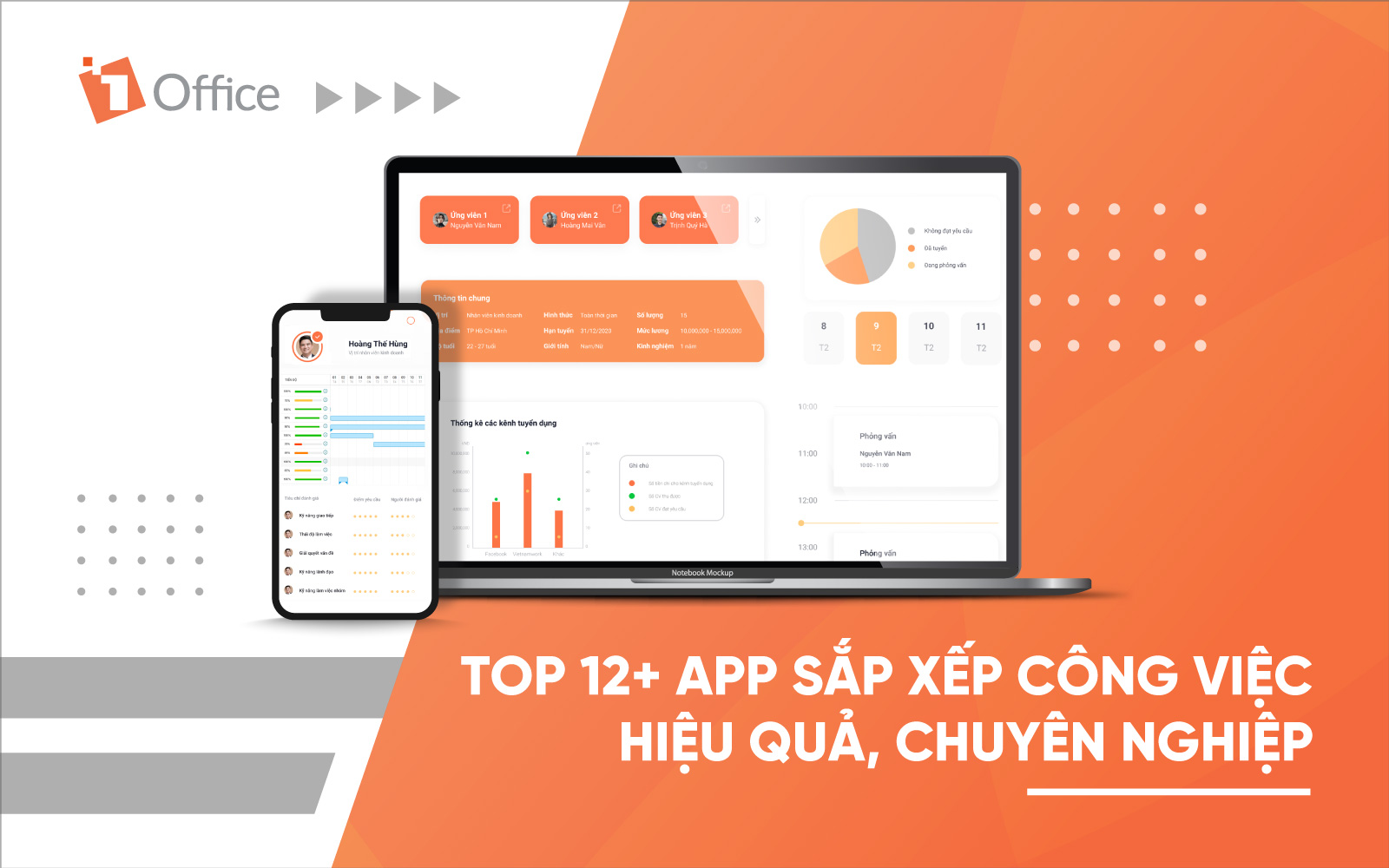
Business management software 1Office is an automated task management software solution favored and trusted by many businesses. The software was researched and developed with the goal of building a modernized working environment, and is trusted and used by over 5,000 businesses and 450,000 users.
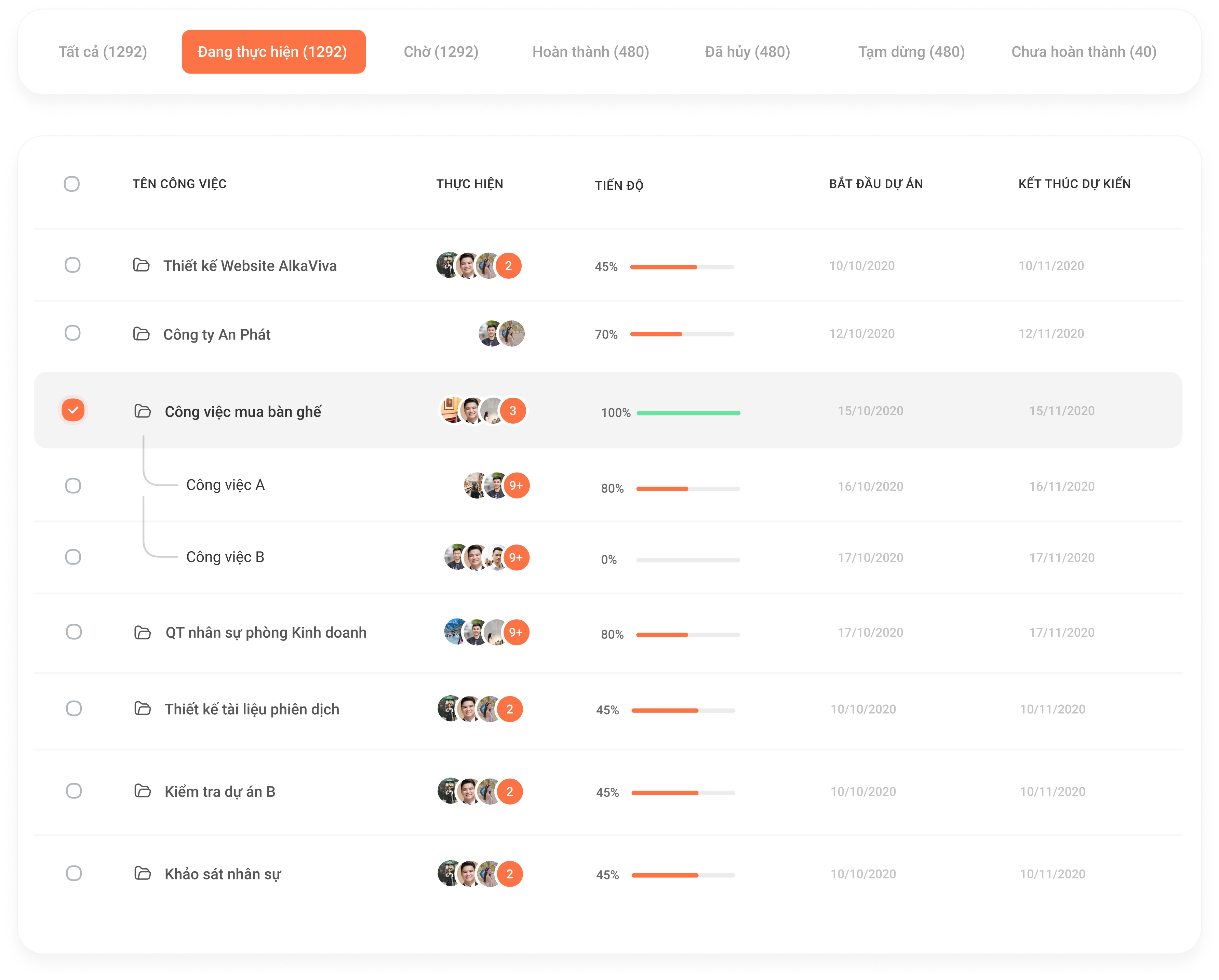
The software helps you manage tasks effectively and easily, is simple to use, and allows for flexible tracking and administration of work with many outstanding features such as:
- Plan work specifically and in detail. The system will automatically update the personal schedule so users can be proactive with their work.
- Track and manage work progress on screens like Gantt and Kanban.
- Drag and drop work statuses: In Progress, Completed… to closely and accurately track work progress.
- Automatic alerts and smart reminders help individuals proactively complete work by the deadline.
Get a free consultation & quote
2. Due
If you are forgetful and tend to procrastinate, then Due is the app for you. Simply list the tasks that need to be completed, and the app will continuously remind you of overdue tasks until you complete them. With a simple, easy-to-use interface, Due can meet the most basic work arrangement needs.
3. Google Calender
Google Calendar is a work scheduling application within the Google ecosystem. Users only need a Gmail account to use the free Google Calendar app to track their work schedules. Besides the feature for noting important milestones, the app also has a function to set up deadline reminder notifications for you.
4. Todoist
Todoist is a useful to-do list app that allows you to organize and prioritize tasks, create sub-tasks, and view your tasks in a Kanban board format.
5. Zoom Shift
ZoomShift is employee scheduling software that will truly make your life easier. Use ZoomShift to build online schedules for your employees. It considers employee time-off requests, availability, overtime, and shift conflicts when creating schedules. Publish your schedule and send email/text/push notifications to all your employees. Once shifts are published, it allows your employees to request shift trades and swaps.
6. Any.do – Effective team task management
Any.do is a completely free work arrangement app used by many people thanks to its outstanding features that deliver positive results. When using this software, users just need to add a list of to-do tasks and label each task (today, tomorrow, upcoming…), and the system will automatically organize them in a logical, scientific manner.
The software displays an intuitive calendar view, giving you a comprehensive overview of the tasks that need to be completed. Any.do also has a feature to filter tasks by due date or by category so you can proactively track them.
| Read more: Top 9 best free team task management software |
7. Microsoft To Do
Microsoft To-Do is a completely free task management software compatible with other supporting applications within the Windows operating system. Although it’s free, Microsoft To Do still meets all the most basic task management needs.
8. ColorNote
ColorNote is a scheduling app that features notepad and to-do list creation. Users can assign colors to easily distinguish tasks and move items up or down. Notably, ColorNote also has a feature to lock and protect sensitive notes that you don’t want others to read.
9. Microsoft Planner
Microsoft Planner is an easy-to-use software that still provides many features to support business task management, such as offering multiple backup copies, instant recovery capabilities, and top security standards like HIPAA, FISMA, and ISO27001.
The outstanding advantage of Microsoft Planner compared to other task management software is its ability to integrate with other Microsoft office software, for example, integrating with Office 365 Groups so that conversations in Planner will also be displayed in Outlook 2016.
10. Calendly
Calendly is a suitable tool for scheduling appointments without wasting time or creating extra tasks. With just one click, the system provides feedback on available or booked slots, allowing you to proactively prepare for your events. The software also automatically notifies you in advance of any changes or cancellations, ensuring you are fully informed about the event.
However, you can only set up this feature for users within your account; the basic version has limitations, no training guides or support website; and changing time zones can be difficult.
11. Doodle
Doodle is the most innovative and creative way to coordinate group events. With an easy online interface, it only takes a few minutes to find a date and time that fits everyone’s schedule. If you want to set up meetings with your individual clients, Doodle can help them and also provide feedback on what they need.
Most people like Doodle because it is simple to coordinate and easy to use. It offers a range of settings, characters, and utilities. Doodle also allows you to sync your Google Calendar with an optional availability view to compare your free/busy status with the selected times.
12. EverNote
Evernote is a schedule management application with many useful features. In addition to note-taking and task organization, this software also allows users to sync content across different devices. You will no longer have to worry about losing data whenever you change computers or phones.
IV. Criteria for Choosing a Task Management App
Currently, there are many effective task management solutions on the market that help managers save time and optimize employee workflows. However, choosing the most suitable software for your team or business is not a simple matter. Below are the most important criteria you need to consider when selecting task management software for your business:
1. Meets Practical Needs
First, you need to determine what features your business will need in a software and what needs it must meet. Research carefully, consider, and compare before choosing to ensure you find the most suitable software.
2. User-Friendliness and Ease of Use
You need to consider whether the task management application’s interface is easy to use and suitable for all users. Many highly-rated software programs have difficult-to-use interfaces with a lot of specialized terminology, making them suitable only for certain specific fields. Additionally, some software is only available in English without a Vietnamese version, which can affect the team’s efficiency.
3. Cost-Effective and Within Budget
Choosing software that fits the company’s budget is also an important factor to consider. Each business has a specific budget allocated for software implementation. Therefore, you need to select software with a price that aligns with your company’s actual budget.
4. Technical Support Policy
The support and maintenance policies of the software provider are also very important issues when deciding to use the software. Therefore, before deciding to subscribe, you should have a mutual agreement regarding the support policy and the necessary terms in case any issues arise.
Conclusion
Nowadays, work organization is a crucial skill in modern life. Everyone has the same 24 hours in a day. The factor that helps you break through and surpass others lies in whether you know how to create a logical and effective work schedule for yourself.
With 1Office’s insights on the best work organization apps available today, we hope you will find a suitable and effective software. If you want to learn more about business management support solutions, please leave your information for 1Office’s experts to contact and advise you.
For more details, please see:
Hotline: 083 483 8888
Fanpage: https://www.facebook.com/1officevn/
Youtube: https://www.youtube.com/channel/UCeTIRNqxaTwk0_kcTw6SxmA

















