


 13/05/2026
  238 views
Are you looking for a compact task reminder app or professional software? The article below will provide you with an objective comparison between a task reminder app and task reminder software, so you can make the most suitable choice.
Mục lục
1. The difference between a task reminder app and task reminder software
Task reminder software and task reminder apps are currently effective reminder toolkits used by many people. However, many people still confuse these two types of software. So, what is the difference between these two sets of task reminder applications? Let’s take a look at the comparison table below regarding the features, interface, benefits, etc., between these two types of software.
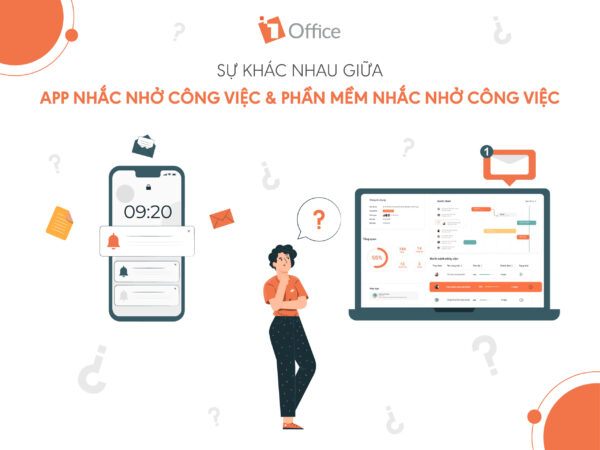
COMPARISON TABLE: TASK REMINDER APP VS. TASK REMINDER SOFTWARE
| Task Reminder App | Task Reminder Software | |
| Definition |
|
|
| User Interface |
|
|
| Software Features | Task management apps often aim for simplicity, so they have limited features.
Typically, task reminder apps can perform the following actions:
In some advanced applications, you can use additional features such as:
|
|
| Usage Cost |
|
|
It’s clear that task reminder apps and task reminder software have many differences. However, both provide managers and individuals with great benefits to help you remember your tasks in the best way. To help users manage work most effectively, the 1Office task reminder solution will help you manage work intelligently and professionally.
>> See more: Top 12+ effective work organization apps to increase work productivity
2. 1Office – The Smart Task Reminder Software
1Office is designed with a system of toolbars, sections, buttons, icons, etc. The work management application is even more diverse than a typical website. When you click on an item, the system takes you to a new interface. Each section in 1Office has its own content and serves different work purposes. Operations in 1Office are performed in a professional sequence, not just simple data entry and setup.
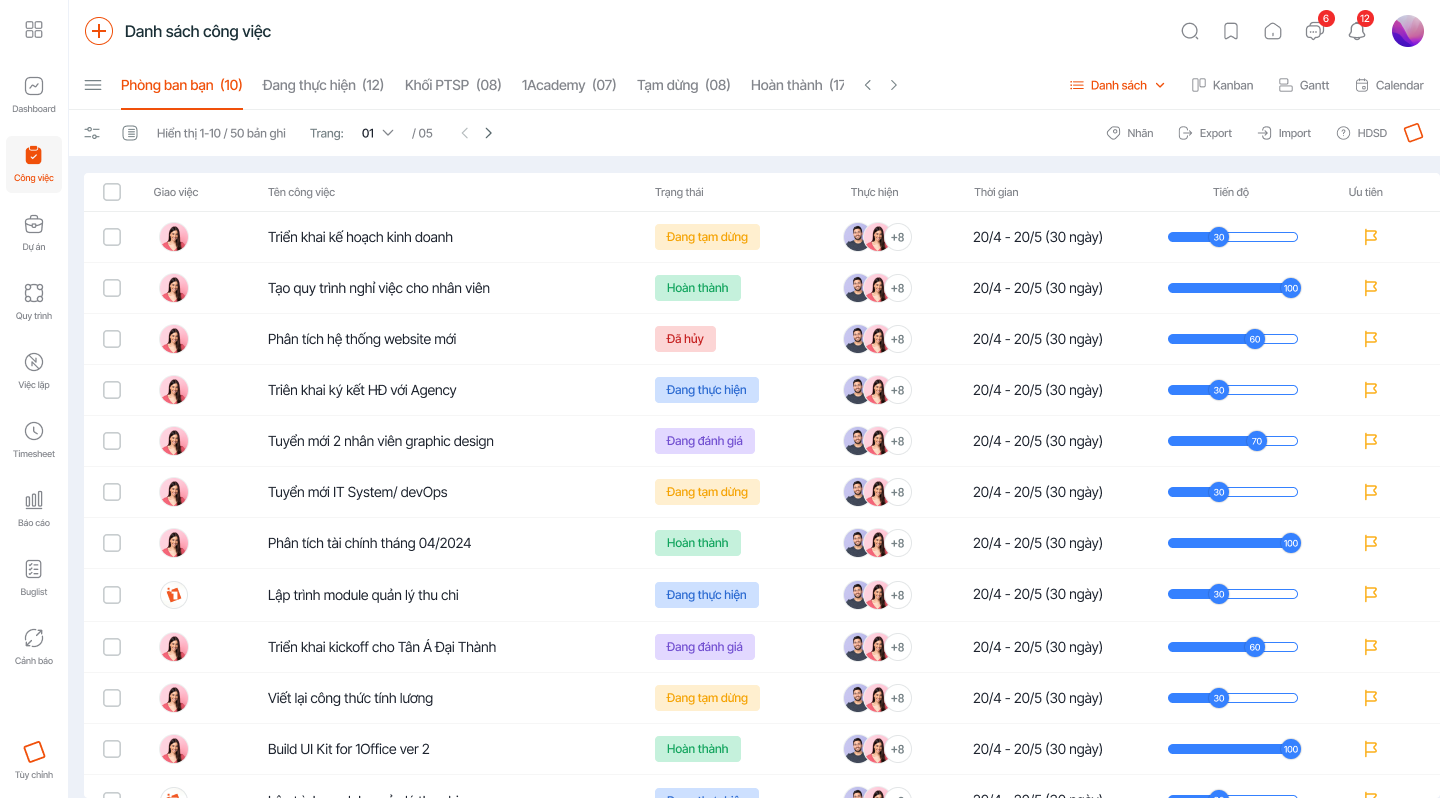
This is a quality work management software that operates conveniently online. This ensures good connectivity with third-party applications or other users when needed. As a result, work is completed quickly, proactively, and flexibly.
Here is a brief list of 1Office’s features:
- Project Planning: 1Office helps managers create tasks and set deadlines. The system automatically notifies the assigned person. This allows managers to systematically and scientifically organize all necessary tasks, and employees have a clear direction for their duties.
- Smart Reminders: 1Office’s task reminder feature is highly rated by customers. After a task or project is created, the system will automatically notify the responsible individuals and departments. Additionally, the system will send notifications as deadlines approach. This helps managers and employees complete their work in the best possible way.
- Data Storage: All of the company’s data is stored on the system. Work results in the form of text, links, files, etc., are saved, along with the history of all projects/tasks. Searching for information becomes easier than ever.
- Task Status Updates: When there are changes in a task, the system will send notifications to the responsible people. Work reports are displayed in a Gantt chart interface, helping managers control tasks more easily.
If you want an “alarm clock” that simply remembers and reminds you of tasks, consider a free reminder app. But if you want to enhance work productivity and optimize management costs for your business, the best solution is a work management software.
For more details, please visit:
Fanpage: https://www.facebook.com/1officevn/
Youtube: https://www.youtube.com/channel/UCeTIRNqxaTwk0_kcTw6SxmA
















