


 13/05/2026
  411 views
Do you often plan for hundreds of tasks but end up completing only a few scattered ones? Do you feel tired when you can’t manage and organize your planned tasks because you can’t track and evaluate them accurately? Don’t worry, planning software will help you solve every problem you encounter quickly and easily. Let’s explore the Top 13+ most effective and trusted planning software available today.
I- Understanding Planning Software
1. What is planning software?
Work planning software is a tool that helps users gather activities and tasks, schedule work time, and closely monitor the progress of individuals or groups. Therefore, using the software helps you track daily tasks, update and mark items as complete or incomplete, and send reminders to users at pre-set times.
2. When should you use planning software?
Using work planning software is a useful solution that helps you manage tasks quickly and easily. However, depending on the specific plan, you may need the support of software. Here are some cases where you should use a planning tool:
- When you need enough information and data to consider and make decisions.
- To build a lean, consistent workflow in operations while still ensuring all set requirements are met.
- When you need to get an overview of the workload and detailed items to assign tasks to each person.
- To build different processes suitable for various types of work.
See more: TOP 10 Best Business Management Software, ERP Solutions in 2022
3. Benefits of planning software for businesses
In the digital age, using a planning tool helps businesses operate smoothly, efficiently, and save time and human effort. Using the software will bring great benefits to businesses, such as:
Usable on any device
While manual task management is limited by time and workspace, using a planning tool compatible with all devices helps you manage tasks quickly, anytime, anywhere. Currently, you can use it on various platforms such as mobile devices, tablets, and computers. Therefore, no matter where you are or what time it is, you can easily update information directly on the system.
Easy planning
The main benefit of work management solutions is the automation of project planning and scheduling. This not only helps project professionals establish a solid foundation for their projects. It helps you define goals, milestones, key tasks, and roles before execution. In particular, the software helps you quickly track the work progress of each team and department. You can use work evaluation methods to become more accurate and efficient.
Software increases work productivity
Another key advantage of project management software is that it optimizes your decision-making process and improves work productivity. Since all important details can be found in a single place, you can always make informed decisions in the shortest amount of time.
Effective time management
Planning software helps you arrange and adjust your work time effectively and reasonably, such as:
- Tracking each task that needs to be done for every project and ensuring no work is missed
- Knowing how to prioritize tasks
- Increasing connection and interaction with colleagues to help each other complete projects
| Read now: Work management tips to maximize your time savings |
II- Top 13+ Best Work Planning Software of 2022
As mentioned above, using planning software is an effective solution that helps businesses organize tasks and track work progress. To plan work effectively, you can refer to the 13 planning tools below.
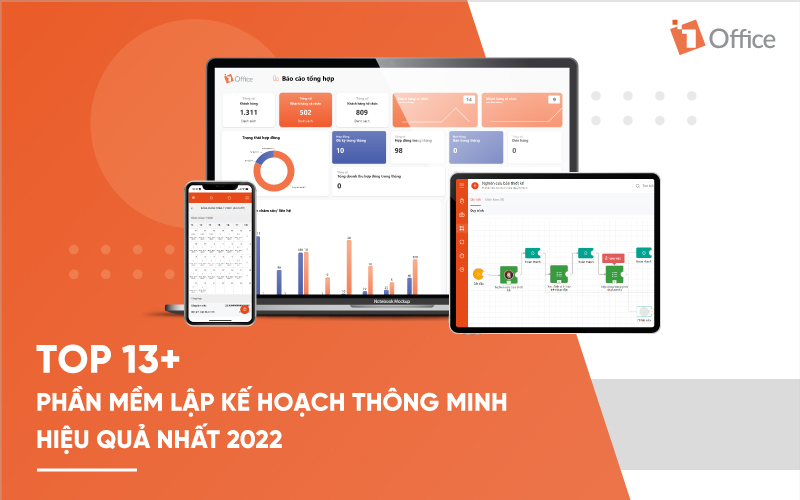
1. 1Office
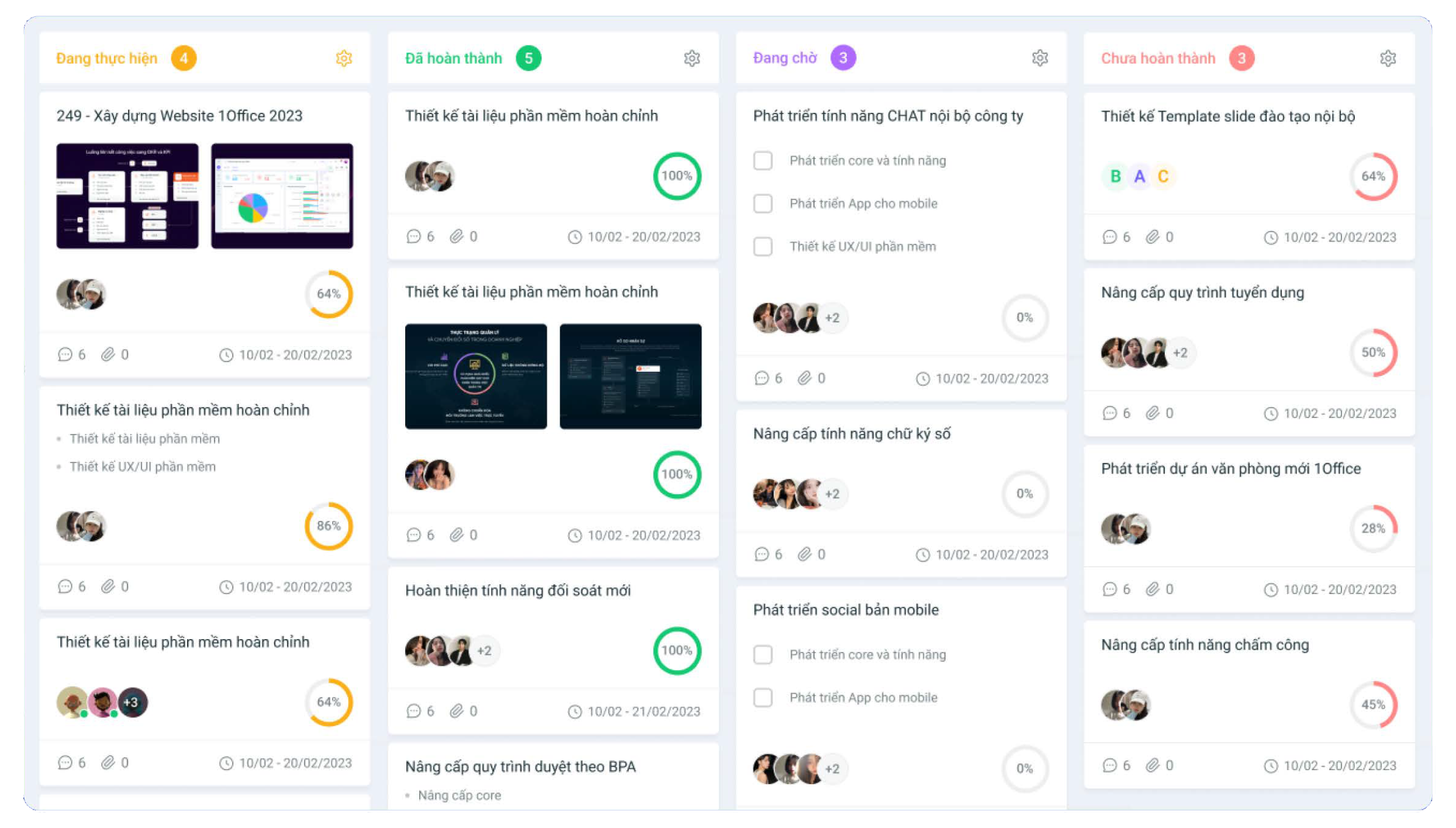
Work planning software is a module within the 1Office all-in-one business management platform, trusted by over 500,000 users from more than 6,000 Vietnamese businesses. With many smart features, the software helps you manage and organize multiple tasks simultaneously, effectively, and easily. Some of the main features of the work management software include:
- Create detailed work plans: The software automatically updates personal schedules, helping users proactively carry out assigned tasks.
- Track status and manage work progress on Gantt and Kanban views
- Easily drag and drop work statuses such as: in progress, completed… helping you grasp the details of each different work item.
- Automatic alerts and reminders help individuals proactively perform their work.
2. Trello
Trello is a great tool for small teams or individuals who want to use planning software. Designed based on Kanban boards, you can color-code, attach photos or files to cards, and invite team members to collaborate on boards with you for a more interactive experience. With Trello, you can organize work into different stages and track it easily.
Cost: The software is completely free for users with basic functions. For the premium version, users must pay $9.99.
3. Todo list
Todoist is a free work planning software that allows users to organize their work and life scientifically and reasonably. It is a smart tool that allows users to list, organize, and prioritize different tasks. These groups help you preview and customize, receive notifications and reminders, work with different applications through integrations, and get visual reports using a centralized platform for various functions and use cases.
Cost: The free plan for individuals includes up to five active projects, five collaborators per project, three filters, and file uploads up to 5MB.
Pro: $3 per month annually or $4 monthly
4. Evernote
Evernote is a web-based project work management tool that provides collaboration, scheduling, and project task management functions in one software suite. The software is designed to serve small and medium-sized businesses. The tool allows users to create project task lists and assign people to them, so members can collaborate and provide status updates when required.
Evernote has document-sharing capabilities, allowing users to save files, photos, videos, and voice recordings to the cloud and share them. Evernote integrates with third-party software such as Google Drive, Outlook, Slack, etc.
5. Asana
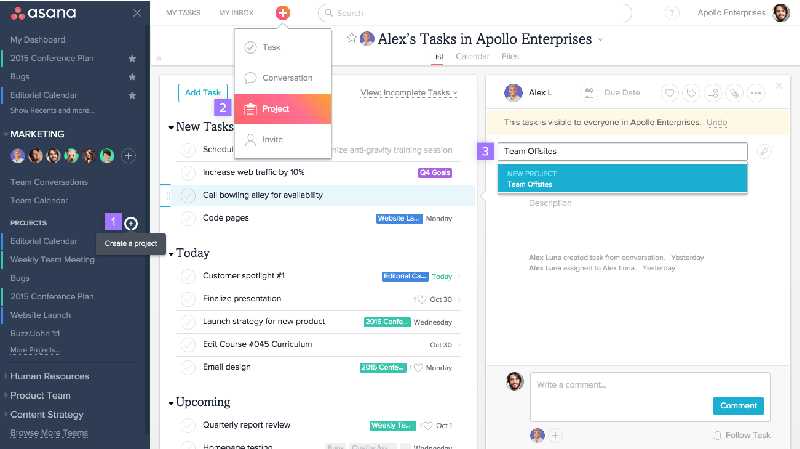
Asana is an effective project plan management software that helps you easily manage projects of all sizes. With a friendly and simple interface, you can arrange tasks by priority and assign them to an individual or specific groups. Asana helps you connect all your work in one place and bring teams together, wherever they are, in your own way.
Cost:
- For the basic plan: Free
- For the Pro plan: $13.49 per user/month
6. Monday
Monday.com is a fast project management, planning, and work management software. With monday, users can manage multiple projects, including resource and project management, and track time easily. Monday is the perfect tool to help you manage all of your team’s projects in one place. From simple tasks to complex portfolios, this all-in-one software solution allows you to build the perfect collaboration tools for your team.
Cost: Monday offers a 14-day free trial for up to 2 users. For the Pro version, users must pay from $8 / user / month
7. Jira Software
JIRA is a popular and effective project management software used by many software development teams. The tool allows you to create customizable scrum boards, kanban boards, and use agile reports (in real-time). Through this, users can track bugs, view outstanding issues, and monitor the time for each task. Jira Software comes with a powerful set of APIs that help users connect it with various third-party software.
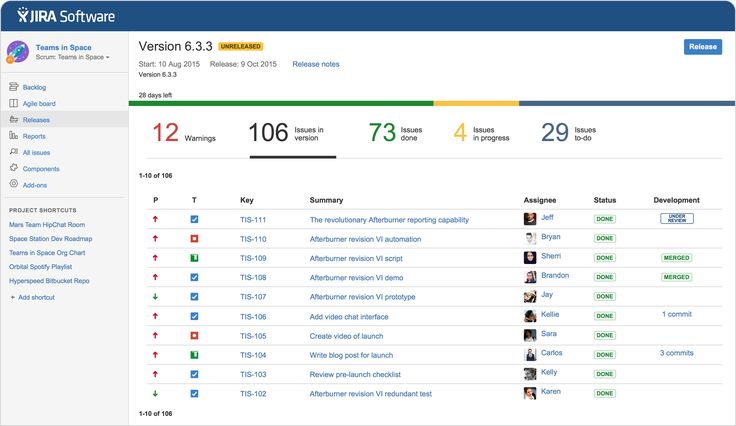
Some of Jira’s features include customizable scrum boards, roadmaps to outline plans and actions for individual teams, and flexible Kanban boards that help manage issues visually.
Cost: To use the software, users must pay $10 per user per month
8. LiquidPlanner
LiquidPlanner is an effective project management software suitable for any of your businesses. The software is capable of providing cross-project visibility, insights, and progress on risks and budgets for multiple projects at the same time. This helps managers track project performance, view costs and profits, as well as monitor resource utilization, customer portfolios, and underlying trends. Additionally, LiquidPlanner indicates how many hours an employee works per week for useful budgeting.
Cost: $39 per user/month, billed annually.
9. ClickUp
ClickUp is a business project planning software that allows users to view in various modes such as: list view, kanban, box view, and calendar view. With ClickUp, users can customize their workflows, assign tasks, and add different types of dependencies for tasks. In addition, this tool helps you manage resources, check your team’s workload, and collaborate with other teams easily.
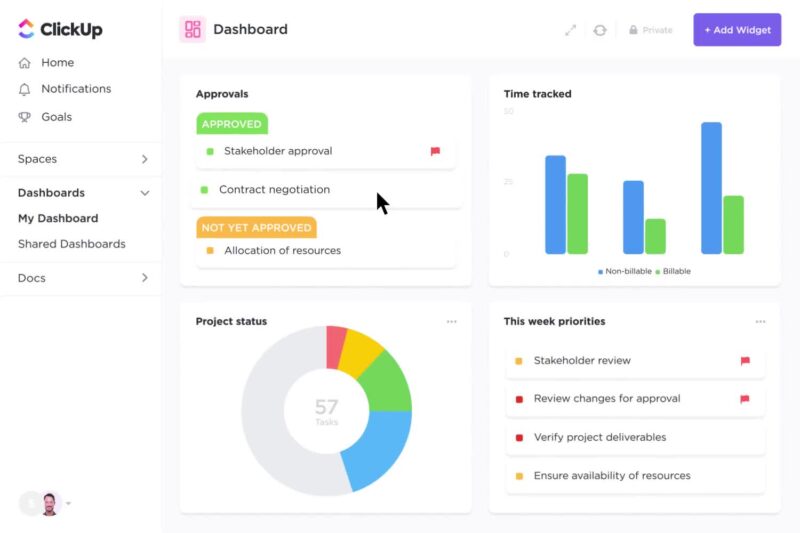
Cost: ClickUp offers a free plan and paid plans: Unlimited ($4.55 user/month) or Business ($8.18 user/month).
10. Planview
Planview is a project planning and management software with several different branches, including: Planview Enterprise One, Planview LeanKit, and Planview Projectplace. Possessing a variety of features, you can quickly create strategies and plans for your business to manage work and programs swiftly.
11. Google Tasks
Google is no longer an unfamiliar tool to anyone, as it is a smart and effective tool that helps you organize all your work and tasks easily. This application allows you to create and organize tasks, add and edit tasks, manage work, quickly create tasks from emails, and more. The software is perfectly suited for those who need simple project management and already use the Google suite.
Cost: Google Tasks is currently free.
12. Wrike
Wrike is a powerful project management tool that helps create team workflows easily. The tool helps you set schedules and create interactive charts with views like Gantt to help you easily visualize the tasks in the next steps. Wrike also allows you to analyze performance accurately with their real-time report building feature.
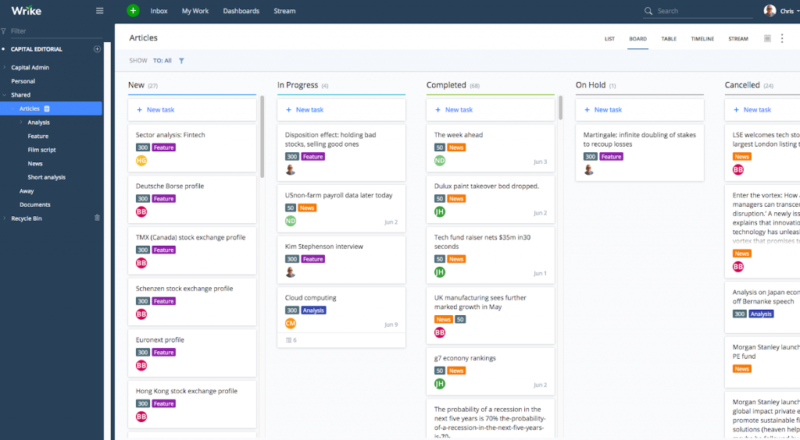
Cost:
- For the basic plan, Wrike offers a free pricing plan for users
- For the Pro plan: $9.80 user/month
13. Project manager
Project manager is known as a real-time project planning software that helps you accurately measure and track schedules and deadlines for work. With many smart features, the software helps you manage projects in board and Gantt formats, and plan projects quickly.
Currently, the software only offers paid versions, so users must invest a significant amount to experience the software. For instance, using the lowest-tier plan for project management will cost from $15 USD/person/month.
Thus, the article above has introduced users to effective business and work planning software. Depending on the scale and field of your business, you can choose the appropriate planning tool. Hopefully, the content of this article will provide users with useful knowledge to manage work more intelligently and effectively.
For more detailed information, please see:
Hotline: 083 483 8888
Fanpage: https://www.facebook.com/1officevn/
Youtube: https://www.youtube.com/channel/UCeTIRNqxaTwk0_kcTw6SxmA

















